Applied Instructions
《16 bits convert mode》
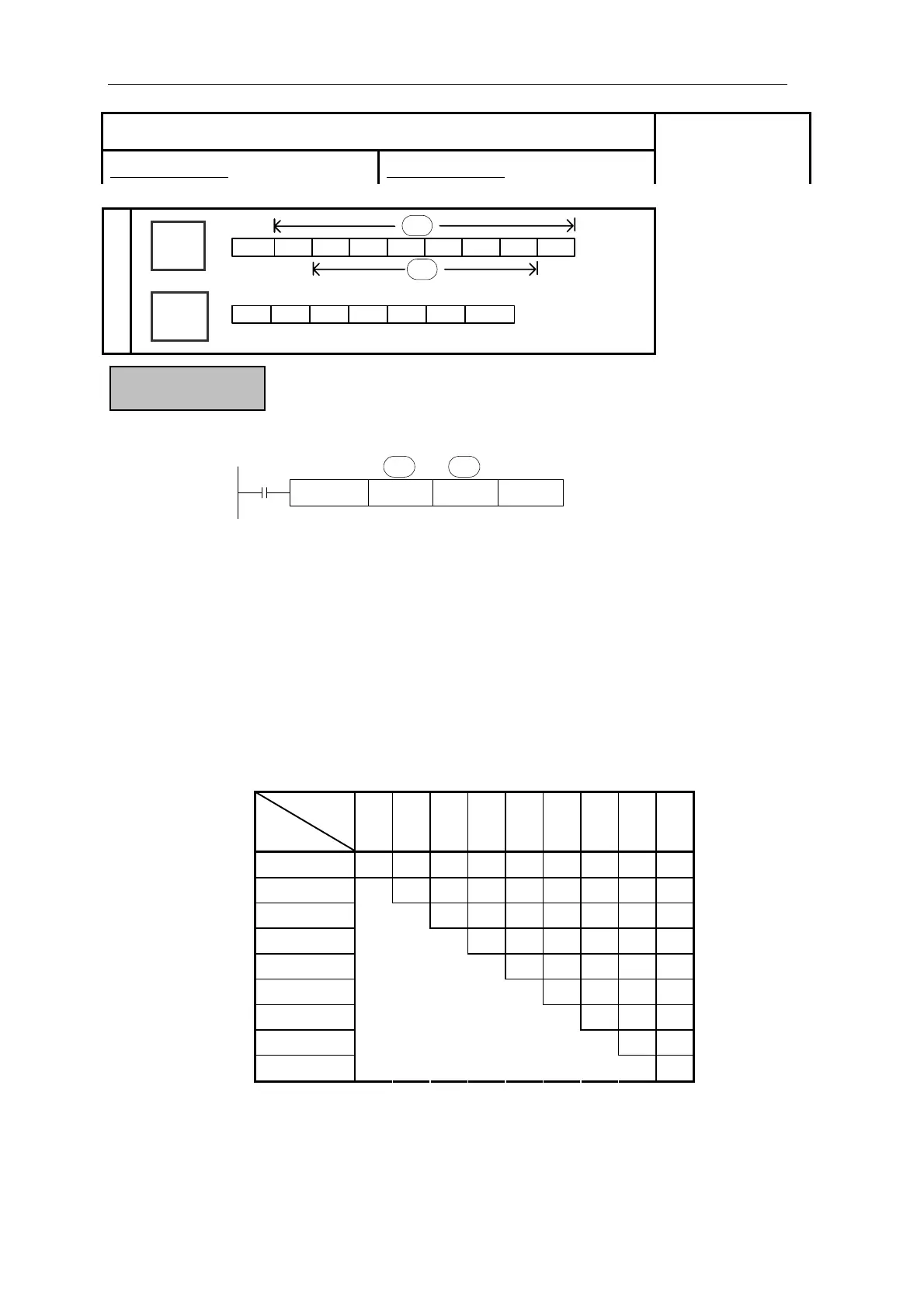
ASCI D100 D200 K4
S· D·
n
X0
Convert each bit of source’s (S) Hex. format data to be ASCII code, move separately to the high 8
bits and low 8 bits of destination (D). The convert alphanumeric number is assigned with n.
(D) is low 8 bits, high 8 bits, store ASCII data.
The convert result is the
following:
n
D
K1 K2 K3 K4 K5 K6 K7 K8 K9
D200 down [C] [B] [A] [0] [4] [3] [2] [1] [8]
D200 up [C] [B] [A] [0] [4] [3] [2] [1]
D201 down [C] [B] [A] [0] [4] [3] [2]
D201 up [C] [B] [A] [0] [4] [3]
D202 down [C] [B] [A] [0] [4]
D202 up [C] [B] [A] [0]
D203 down [C] [B] [A]
D203 up [C] [B]
D204 down
[C]
Function & Action
Assign start device:
(D 0
(D101)=1234H
(D102)=5678H
100)= ABCH
[0]=30H [1]=31H [5]=35H
]=41H [2]=32H [6]=36H
[B]=42H [3]=33H [7]=37H
[C]=43H [4]=34H [8]=38H
[ASCI]
16 bits instruction:ASCI 32 bits instruction:-
Suitable Models:
XC3、XC5
Word
Device
Bit
Device
X
Y
M
S
T
C
Dn.m
D
FD
DM
DX
DY
DS
TD
CD
K/H
D·
S·
[A
183



 To Next Page