Reading the Hz Scale
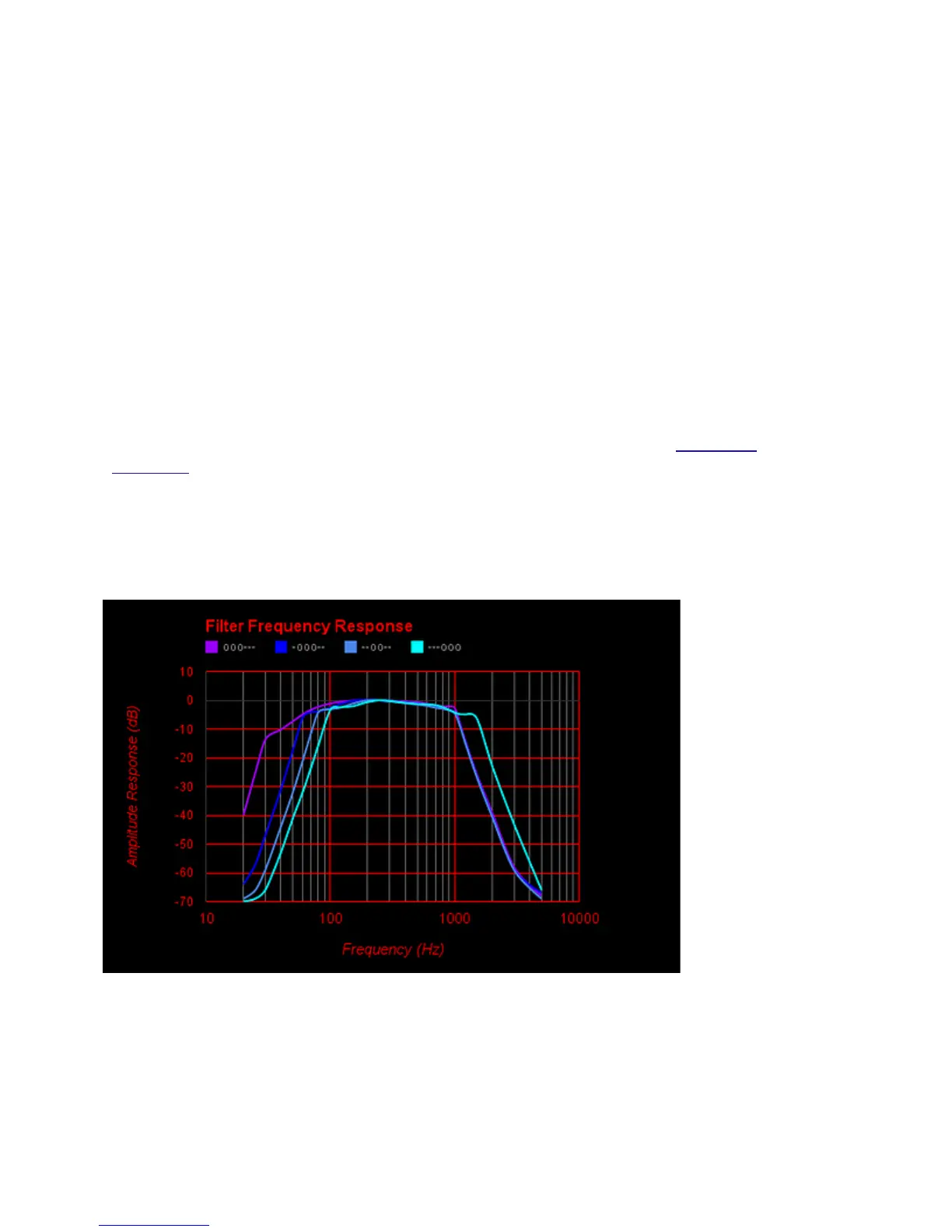
The Hz (pronounced Hertz) scale provides a general indication of the frequency
range, or pitch, to which your selected filter has been set. This provides a
superior foundation for understanding what you are listening to and provides a
more informed view of auscultation.
If the LEDs towards the left are on, the filter you have selected will pass low
frequencies. If the LEDs to the right are on, higher frequencies will be passed.
The broader the number of LEDs, the broader the frequency range being
reproduced.
How do you choose filters for particular listening? Use lower pitched filters for
heart sounds and higher pitched for lung sounds. A range of filters is provided, so
that you can fine tune your own preferences. See details of the complete
selection, and do some listening tests to determine your preference.
Alternatively, turn on your One and simply enjoy it.
13


 To Next Page