EasyManua.ls Logo

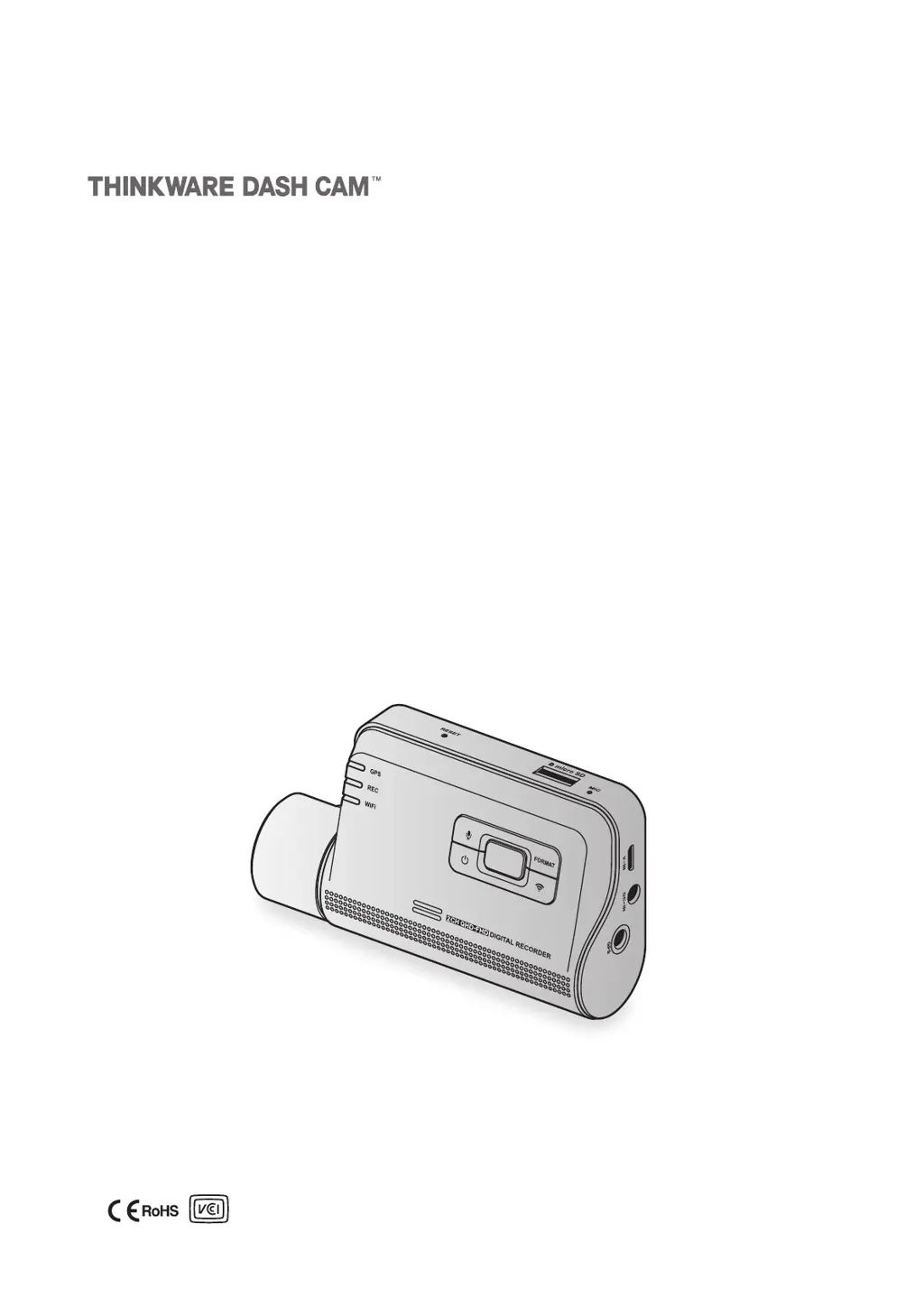
Thinkware Q800 PRO - User Manual

Thinkware Q800 PRO
57 pages
Print Icon
To Next Page IconTo Next Page
Loading...
This product records videos while the vehicle is operating.
Read and follow the instructions in this guide to properly use and maintain the product.
User Guide
Q800 PRO

Table of Contents

Other manuals for Thinkware Q800 PRO

Questions and Answers

Summary

Before Using the Product

About the Product

Details the product's recording capabilities, limitations, and potential issues.

About the User Guide

Information regarding the guide's content, potential errors, and updates.

Copyrights

States the rights reserved for the guide's content and maps.

Registered Trademarks

Identifies THINKWARE Q800 PRO as a registered trademark.

Industry Canada Radiation Exposure Statement

Compliance information for Industry Canada's radiation exposure limits.

FCC Statement

FCC Compliance

Device compliance with FCC rules, including interference guidelines.

Information to User: RSS-247

User information regarding compliance with Canadian RSS standards.

Safety Information

Safety Symbols

Explanation of warning, caution, and note symbols used in the guide.

Proper Use Guidelines

Instructions for safe operation, including driving distractions and installation.

Power Supply and Safety

Power Supply Precautions

Warnings and guidelines for using the power cable and connecting the device.

Child and Pet Safety

Ensures the product is kept out of reach of children and pets.

Other Product Information

Product Management and Operation

Guidelines for product care, environmental conditions, and usage notes.

Product Overview

Included Items

Lists standard and optional accessories included with the product.

Part Names

Identification of components for the front and rear cameras.

Memory Card Management

Instructions for removing and inserting the memory card.

Installing the Product

Installing the Front Camera (Main Unit)

Step-by-step guide for installing the main front camera unit.

Installing the Rear Camera (Optional)

Instructions for installing the optional rear camera module.

Using Recording Features

Turning the Product On or Off

Procedure for powering the dashcam on and off.

File Storage Locations

Details on folders where different recording modes are saved.

Continuous Recording

How to use the feature for continuous video recording.

Manual Recording

Steps to manually start and record a video segment.

Parking Mode

Information on activating and using the parking surveillance mode.

Using the Mobile Viewer

Connecting to a Smartphone

Guide to connecting the dashcam to iOS and Android devices.

Mobile Viewer Screen Layout

Overview of the interface and features of the mobile application.

Playing Recorded Videos

Instructions for viewing recorded video files via the mobile app.

Video Control Menu Overview

Explanation of playback controls and options within the mobile viewer.

Cloud Service

Using cloud features like vehicle location and impact notifications.

Using the PC Viewer

System Requirements

Hardware and software specifications needed to run the PC viewer.

PC Viewer for Windows

Instructions for installing and using the viewer software on Windows.

PC Viewer for Mac

Instructions for installing and using the viewer software on macOS.

Settings

Managing the Memory Card

Options for partitioning, formatting, and overwriting memory card data.

Setting the Camera

Adjusting front/rear camera brightness and flipping the rear view.

Setting Recording Features

Configuring impact sensitivity, night vision, and parking mode settings.

Setting Road Safety Features

Enabling and configuring driver assistance systems like LDWS and FCWS.

Configuring System Settings

Adjusting display language, volume, LEDs, time zone, and speed units.

Configuring Network Function Settings

Settings for network function, impact notification, and video upload.

Accessing Product Information

Viewing Product Information

How to access basic product details like model and firmware versions.

Accessing and Configuring GPS

Viewing GPS status, signal, and configuring GPS features.

Upgrading the Firmware

Resetting the Product

Troubleshooting

Specifications

Before Contacting a Service Center

Thinkware Q800 PRO Specifications

General IconGeneral
Wi-FiYes
GPSYes
Parking ModeYes
G-SensorYes
Storage MediumMicroSD card (up to 128GB)
Audio RecordingYes
Super Night VisionYes
Emergency RecordingYes
Field of View140° (Rear)
Operating Temperature-10°C to 60°C (14°F to 140°F)
Image SensorSony STARVIS
Recording ModesContinuous, Event
Voltage12V / 24V
Power SupplyCigarette lighter adapter
Resolution1440p (Front), 1080p (Rear)

Related product manuals