Using the PC viewer
39
5.3.3 Playing recorded videos on the PC viewer (for Mac)
Follow the instructions to play recorded videos.
1
Turn off the product and remove the memory card.
2
Insert the memory card into your Mac using a SD card reader or SD card adapter provided.
3
Open the PC viewer.
4
Click and locate the memory card.
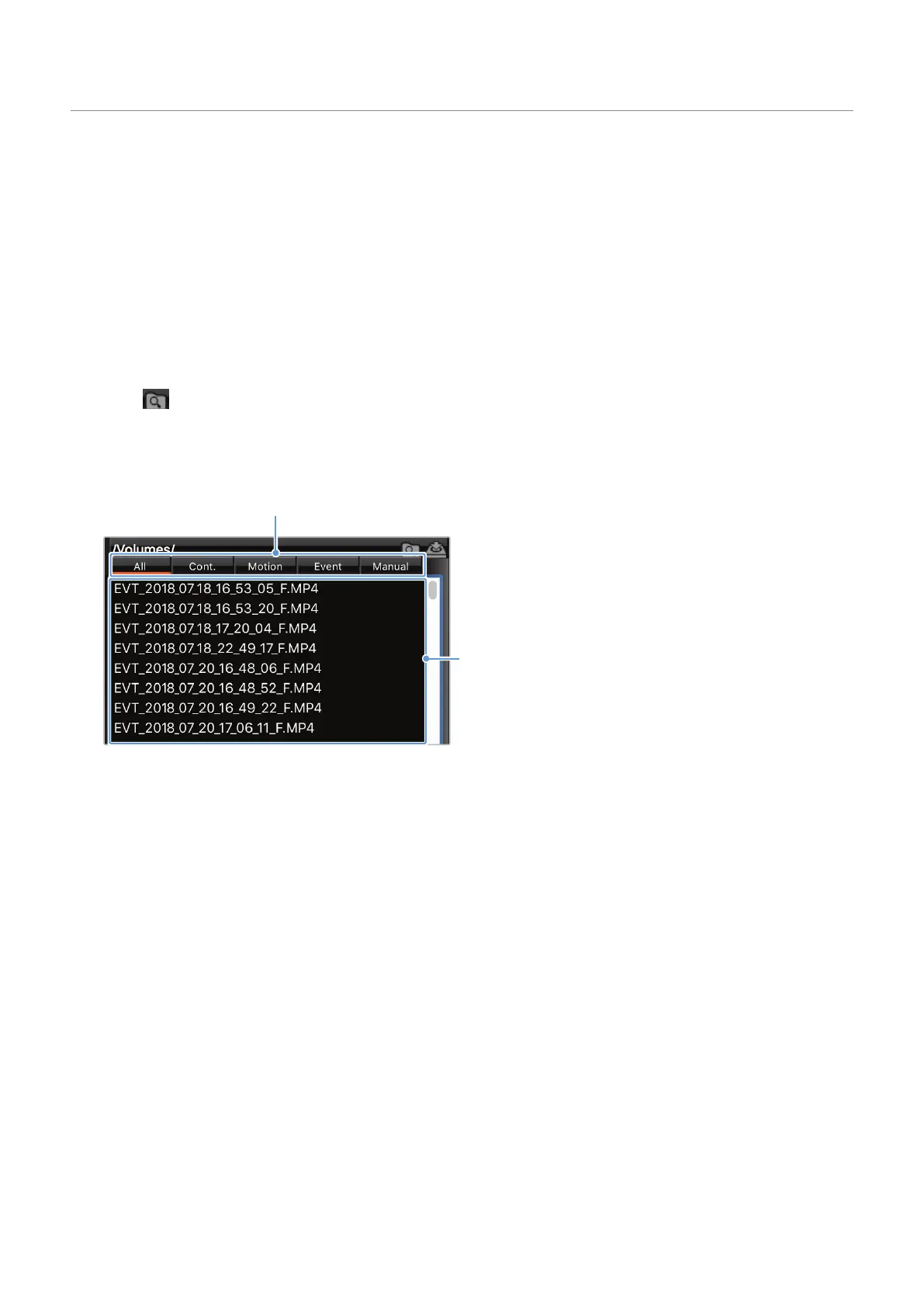
The video files in the memory card will be automatically added to the playlist in the bottom-right
corner of the PC viewer screen. The playlist section layout is as follows.
Q800 PRO
Select a folder.
Displays a list of videos
in the selected folder.
5
Double-clickavideofileafterselectingavideofolder,orclickthePlaybutton(▶)afterselectinga
video file. The selected video file will be played.



 To Next Page