EasyManua.ls Logo

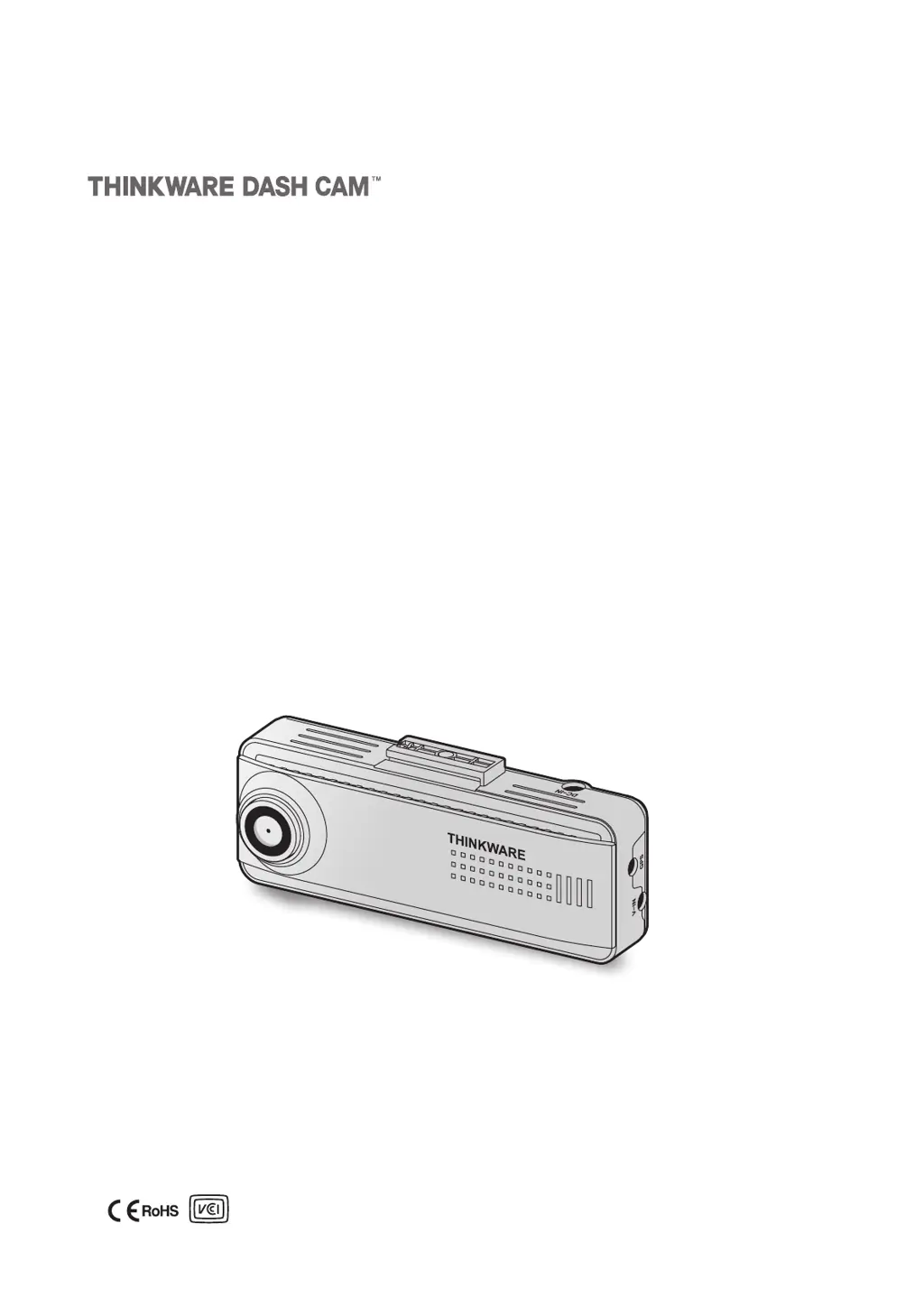
Thinkware DASH CAM F200 PRO - User Manual

Thinkware DASH CAM F200 PRO
33 pages
Print Icon
To Next Page IconTo Next Page
Loading...
This product records videos while the vehicle is operating.
Read and follow the instructions in this guide to properly use and maintain the product.
User Guide
F200 PRO

Table of Contents

Questions and Answers

Summary

Before Using the Product

Product Information and Guide Overview

Provides context on the dash cam, guide scope, copyright, and regulatory statements.

Regulatory Statements

FCC and Industry Canada Compliance

Details FCC compliance rules and Industry Canada RSS information for user safety.

Safety Information

Safety Symbols and Proper Use Guidelines

Explains warning symbols and provides essential safety guidelines for operating the product while driving.

Power and Environmental Safety

Power Supply and Handling Precautions

Details safe handling of power cables and keeping the product away from children/pets.

Product Management and Operation

Operation and Maintenance Guidelines

Provides guidelines for product use, maintenance, and environmental considerations.

1. Product Overview

1.1 Included Items

Lists all standard items included in the product package.

1.2 Part Names

Identifies and labels the components of the front and rear cameras.

1.3 Removing and Inserting the Memory Card

Memory Card Handling Instructions

Provides step-by-step instructions for safely handling the memory card.

2. Installing the Product

2.1 Installing the Front Camera (Main Unit)

Guides on selecting location, securing, and powering the front camera.

2.2 Installing the Rear Camera (Optional)

Guides on selecting location, securing, and connecting the optional rear camera.

3. Using Recording Features

3.1 Turning the Product On or Off

Explains how the dash cam powers on/off automatically with the vehicle.

3.2 Learning About File Storage Locations

Details how videos are organized and named in different recording modes.

3.3 Using the Continuous Recording Feature

Describes how continuous recording operates and stores video segments.

3.5 Using Parking Mode

Outlines the setup and operation of parking mode for recording when parked.

3.7 Using the Road Safety Features

Details the lane departure and collision warning systems.

4. Using the Mobile Viewer

4.1 Connect the Product to a Smartphone

Provides steps to connect the dash cam to a smartphone via Wi-Fi.

4.2 Viewing the Mobile Viewer Screen Layout

Describes the interface and functions of the mobile app's viewer.

5. Using the PC Viewer

5.1 System Requirements

Lists the minimum hardware and software requirements for the PC viewer.

5.2 PC Viewer for Windows

Covers installation, screen layout, and video playback for Windows users.

5.2.4 PC Viewer for Mac

Explains the screen layout and video playback for Mac users.

6. Settings

6.1 Managing the Memory Card

Explains how to manage memory card settings via the app.

6.2 Setting the Camera

Details how to adjust camera settings like brightness.

6.3 Setting Recording Features

Covers sensitivity, Super Night Vision, and parking modes.

6.4 Setting Road Safety Features

Guides on configuring safety features like LDWS, FCWS, and FVDW.

6.5 Configuring System Settings

System Settings Configuration

Details how to adjust language, volume, time zone, and speed unit settings.

7. Accessing Product Information

7.1 Viewing Product Information

Shows how to access model name, firmware version, and memory size.

7.2 Accessing and Configuring GPS

Explains how to view GPS status, signal strength, and initialize the GPS module.

8. Upgrading the Firmware

Firmware Upgrade Procedure

Provides step-by-step instructions for updating the dash cam's firmware.

9. Troubleshooting

Common Problems and Solutions

Lists common issues and their corresponding solutions for the dash cam.

Before Contacting a Service Center

Advises on data backup before repair and clarifies data loss responsibility.

10. Specifications

Product Specifications

Provides detailed technical specifications for the dash cam model.

Thinkware DASH CAM F200 PRO Specifications

General IconGeneral
ResolutionFull HD 1080p
Wi-FiYes
Parking ModeYes
G-SensorYes
Frame Rate30 fps
Impact DetectionYes
Motion DetectionYes
Night VisionYes
Super Night VisionYes
Loop RecordingYes
Memory CardMicroSD (up to 128GB)
GPSOptional

Related product manuals