EasyManua.ls Logo

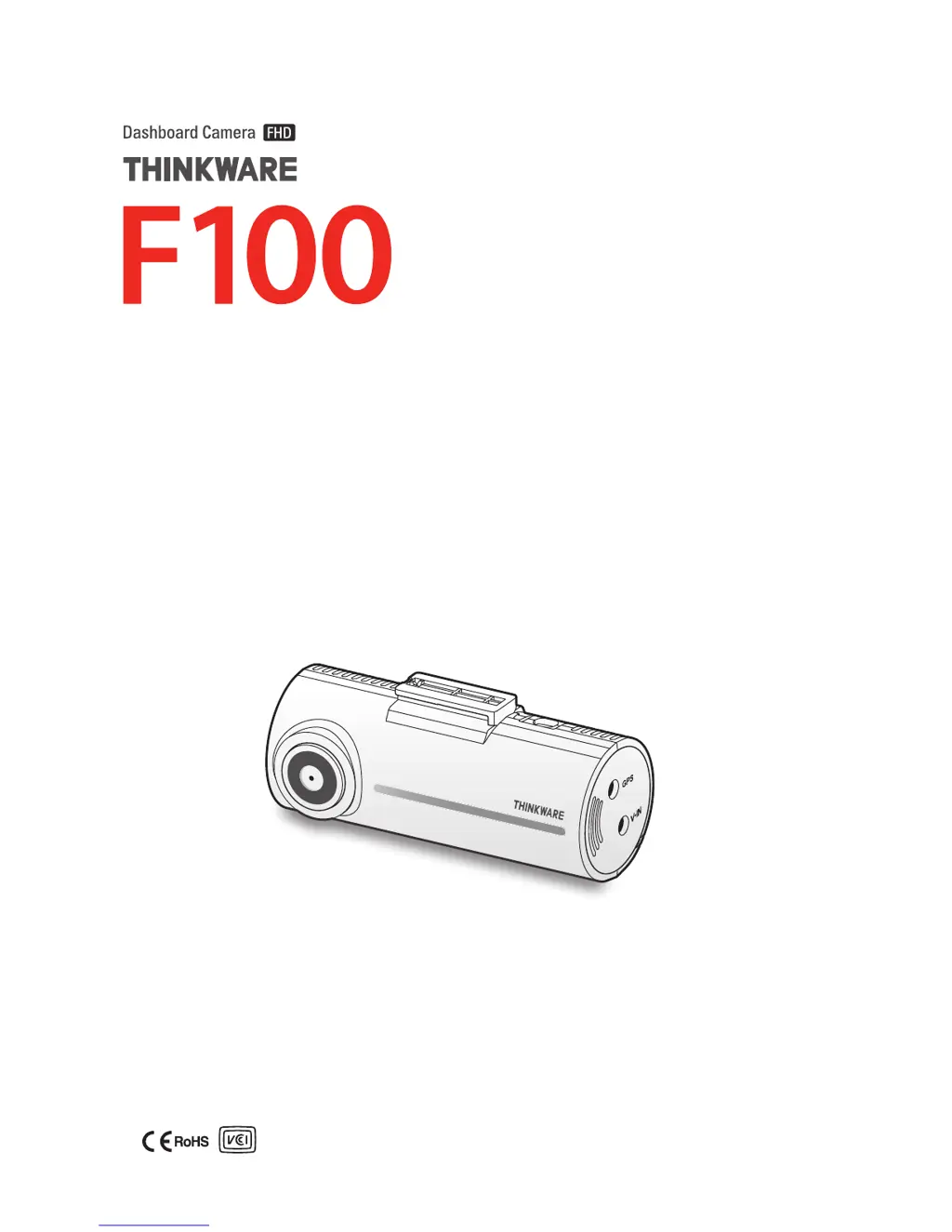
Thinkware F100 - User Manual

Thinkware F100
37 pages
Print Icon
To Next Page IconTo Next Page
Loading...
This product records videos while the vehicle is operating.
Read and follow the instructions in this guide to properly use and maintain the product.
User Guide

Table of Contents

Questions and Answers

Summary

Safety Information

Driving and Product Operation Safety

Provides crucial safety instructions for operating the product while driving and its installation.

Power Supply and Device Safety

Power Supply Precautions

Details safety measures for handling power cables and connections to prevent hazards.

1. Product Overview

1.3 Removing and Inserting the Memory Card

Provides step-by-step instructions for safely managing the memory card.

2. Installing the Product

2.1 Installing the Front Camera (Main Unit)

Guides on the process of installing the main front camera unit.

2.2 Installing the Rear Camera (Optional)

Guides on the process of installing the optional rear camera.

3. Using Recording Features

3.3 Using the Continuous Recording Feature

Details how the product records video continuously while driving.

3.4 Recording Manually

How to manually initiate video recording for specific events.

3.5 Using Parking Mode

Instructions and configuration for recording when the vehicle is parked.

4. Using the PC Viewer

5. Settings

5.2 Setting Recording Features

Adjusts various settings related to video recording, such as sensitivity and brightness.

6. Upgrading the Firmware

7. Troubleshooting

8. Specifications

Thinkware F100 Specifications

General IconGeneral
StorageMicroSD card (up to 128GB)
Loop RecordingYes
G-SensorYes
Wi-FiNo
Video Resolution1920x1080
Viewing Angle140 degrees
Parking ModeYes
Operating Temperature-10 to 60 degrees Celsius
Storage Temperature-20 to 70 degrees Celsius
Night VisionYes
Power Source12V vehicle power

Related product manuals