EasyManua.ls Logo

Thinkware F70 PRO - User Manual

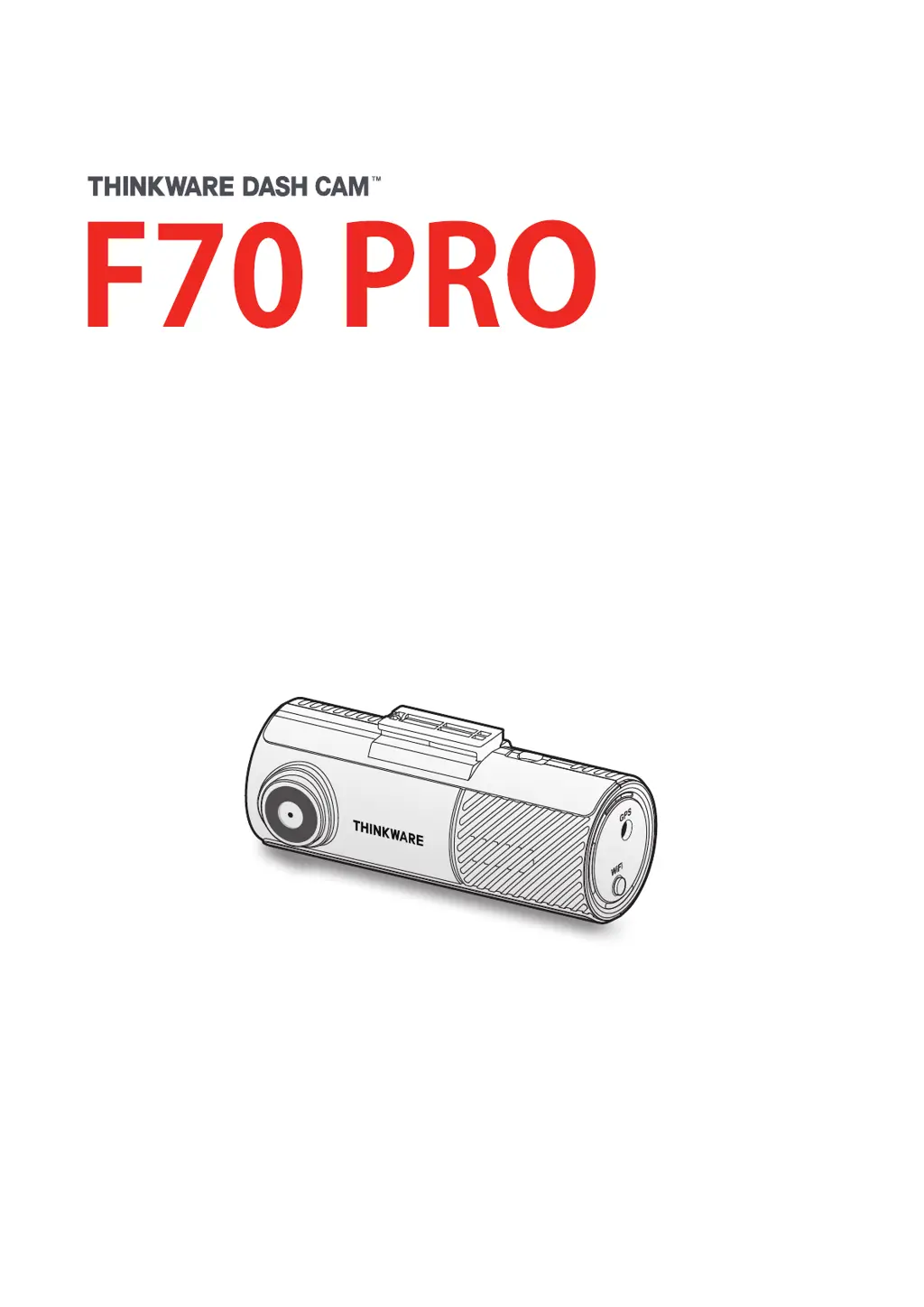
Thinkware F70 PRO
28 pages
Print Icon
To Next Page IconTo Next Page
Loading...
This product records videos while the vehicle is operating.
Read and follow the instructions in this guide to properly use and maintain the product.
User Guide

Questions and Answers

Summary

Product Overview

Included Items

Lists standard and optional accessories included with the product.

Part Names

Details the components of the front camera unit, front and rear views.

Memory Card Handling

Provides instructions for removing and inserting the memory card safely.

Installing the Product

Front Camera Installation Location

Select a location that doesn't obstruct the driver's view, ideally the center of the windshield.

Securing the Front Camera (Part 1)

Initial steps to attach the mount to the product and windshield.

Securing the Front Camera (Part 2)

Completes the steps for securing the product to the windshield and adjusting the angle.

Connecting the Power Cable

Guide on connecting the power cable to the product and vehicle's power socket.

External GPS Receiver Installation

Instructions for installing the optional external GPS receiver and connecting it.

Using Recording Features

Recording Modes and File Storage

Explains continuous, incident, and manual recording modes, file storage, and naming.

Manual Recording

How to manually record a video clip and its storage location.

Parking Mode Operation

Details parking mode activation, detection options, and settings.

Parking Mode Options

Details Time Lapse and Energy Saving modes within parking mode.

Super Night Vision Feature

How to enable and use the Super Night Vision feature for brighter videos.

Using the Mobile Viewer

Smartphone Connection

Steps to download and connect the THINKWARE DASH CAM LINK app to the smartphone.

Mobile Viewer Interface

Overview of the user interface and controls within the mobile viewer application.

Using the PC Viewer

System Requirements and Download

Lists system requirements and how to download the PC viewer software.

PC Viewer Screen Layout

Explains the different elements and controls within the PC viewer interface.

Playing Recorded Videos

Steps to play recorded videos using the PC viewer software.

Settings

Memory Card and Camera Settings

Options for memory management, partition types, formatting, and camera adjustments.

Recording Features Configuration

Settings for voice recording, privacy, sensitivity, parking mode, and battery protection.

Road Safety and System Settings

Configuration for road safety alerts and general system preferences like language and speed units.

Upgrading the Firmware

Firmware Update Process

Step-by-step instructions to download and install firmware updates for the product.

Troubleshooting

Common Problems and Solutions

Lists common issues like power, sound, video clarity, and memory card recognition with their fixes.

Specifications

Product Technical Specifications

Detailed technical specifications including dimensions, memory, camera, and operating conditions.

FCC Compliance Statement

FCC Regulatory Information

Compliance statements, limits, and cautions regarding FCC rules for digital devices.

Industry Canada Statement

Industry Canada Compliance

Compliance statements and radiation exposure limits for Industry Canada.

Thinkware F70 PRO Specifications

General IconGeneral
Frame Rate30fps
BatterySuper Capacitor
BluetoothNo
G-SensorYes
Loop RecordingYes
Video Resolution1080p Full HD
Field of View140° (Diagonal)
StorageMicroSD card (up to 128GB)
GPSYes
Parking ModeYes
Operating Temperature-10°C ~ 60°C (14°F ~ 140°F)
Night VisionYes

Related product manuals