EasyManua.ls Logo

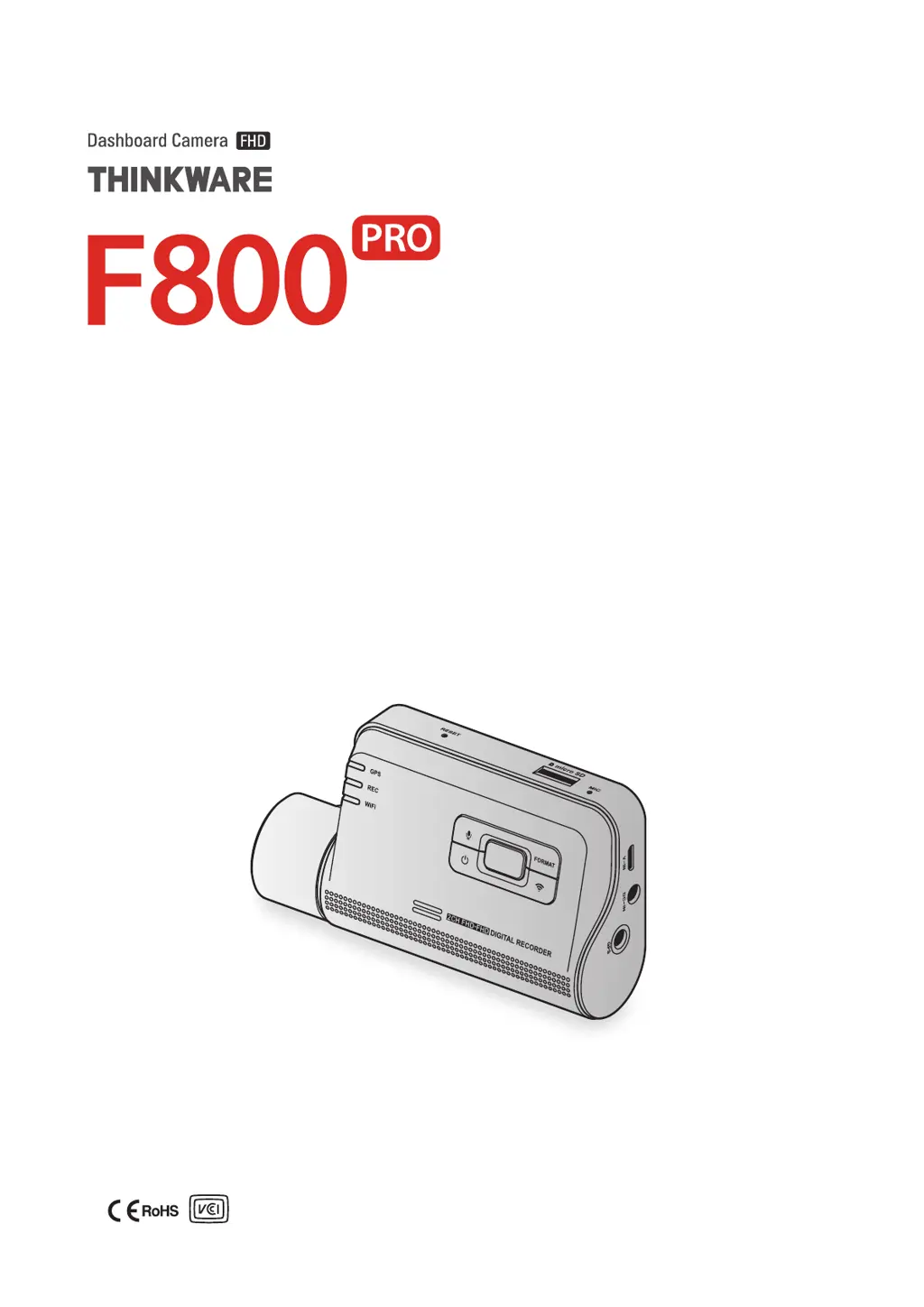
Thinkware F800pro - User Manual

Thinkware F800pro
43 pages
Print Icon
To Next Page IconTo Next Page
Loading...
This product records videos while the vehicle is operating.
Read and follow the instructions in this guide to properly use and maintain the product.
User Guide

Table of Contents

Questions and Answers

Summary

Before using the product

About the product

Details the product's function as a reference tool for incidents and its limitations in recording all events.

Safety information

Safety information for proper use

Provides safety guidelines for operating the product while driving and installing it to avoid obstructing the driver's view.

Power supply

Children and pets

Other information about the product

Product management and operation

Covers product operation, temperature limits, cleaning, handling, avoiding water, and potential impacts on vehicle battery.

1. Product overview

1.1 Included items

Ensures all items are included when opening the product box, listing standard and optional accessories.

1.3 Removing and inserting the memory card

2. Installing the product

2.1 Installing the front camera (main unit)

Guides on how to properly install the front camera, including selecting an optimal location and securing the product.

2.1.1 Selecting an installation location

Explains how to select an installation location for the front camera to ensure an unobstructed view and proper GPS reception.

2.1.2 Securing the product

Details the process of securing the front camera to the windshield using the mount and adhesive.

2.1.3 Connecting the power cable

2.2 Installing the rear camera (optional)

2.2.1 Selecting an installation location

Explains how to select a rear windshield location for the camera, avoiding defrost grid wires and sunshades.

2.2.2 Securing the rear camera

2.2.3 Connecting the rear camera cable

3. Using recording features

3.1 Turning the product on or off

Explains that the product turns on automatically with the vehicle and that video recording begins after booting up.

Continuous recording modes

3.4 Recording manually

3.5 Using parking mode

Parking Mode Options

4. Using the mobile viewer

4.1 Connect the product to a smartphone

Guides on how to download and install the THINKWARE CLOUD app and connect the dash cam to a smartphone.

4.3 Playing recorded videos on the mobile viewer

5. Using the PC viewer

5.4 Playing recorded videos on the PC viewer

6. Settings

6.1 Managing the memory card

Covers managing the memory card, including partitioning, formatting, and configuring the video overwriting function.

6.2 Setting the camera

6.3 Setting recording features

6.3.3 Setting parking mode

Explains how to set the operating mode for when the vehicle is parked, requiring a hardwiring cable.

6.3.4 Setting the impact sensitivity in parking mode

6.3.5 Setting the motion detection sensitivity

6.3.6 Setting the record timer feature

6.3.7 Setting the battery protection feature

6.3.8 Setting the battery cutoff voltage feature

6.3.9 Setting the battery protection feature for wintertime

6.4 Setting road safety features

6.4.5 Setting the lane departure warning sensitivity

6.4.6 Setting the lane departure detection speed

6.4.7 Setting the forward collision detection sensitivity

6.4.8 Setting the low speed forward collision detection sensitivity

6.4.9 Setting front vehicle departure warning

6.5 Configuring the system settings

8. Upgrading the firmware

9. Troubleshooting

10. Specifications

Operating temperature

Storage temperature

Thinkware F800pro Specifications

General IconGeneral
BrandThinkware
ModelF800pro
CategoryDash Cameras
LanguageEnglish

Related product manuals