EasyManua.ls Logo

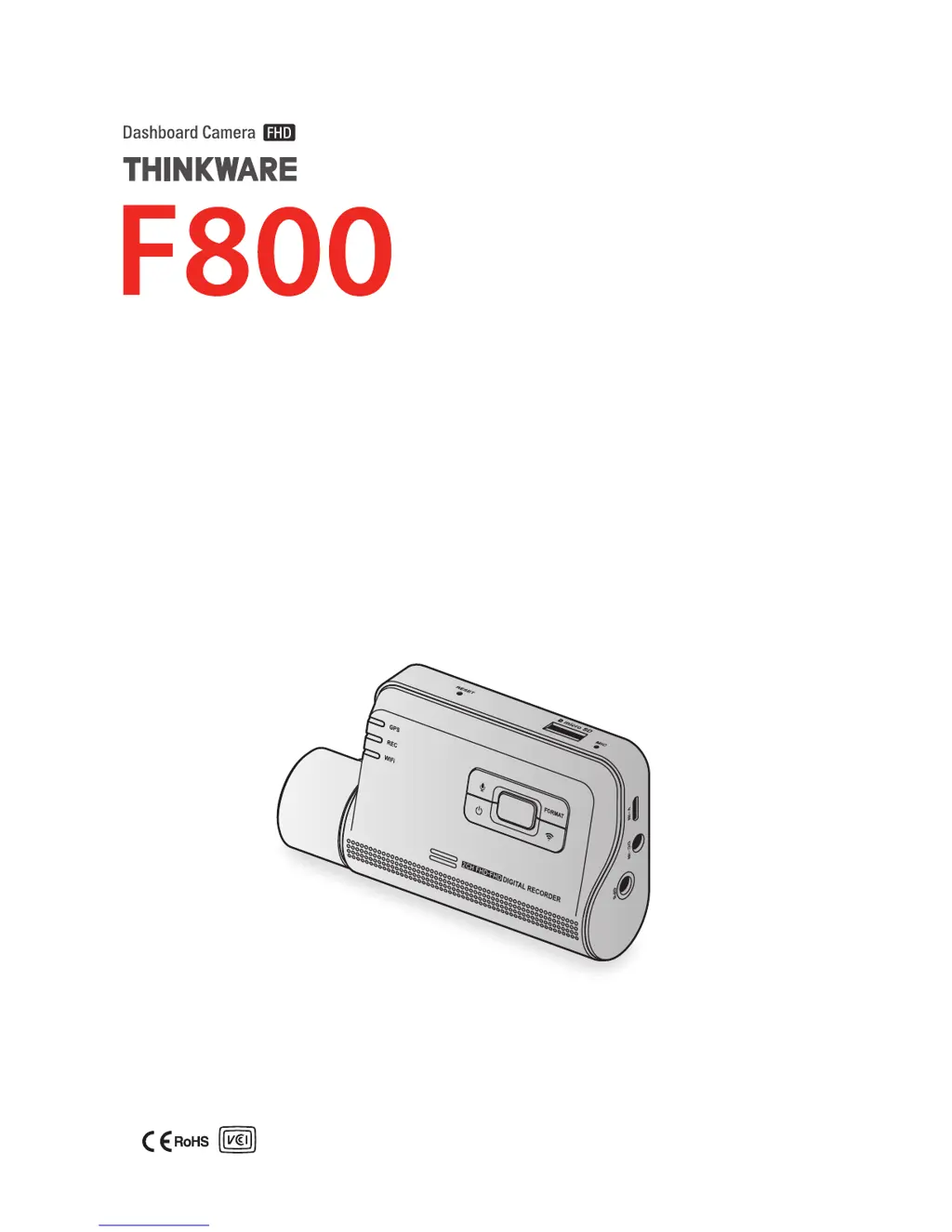
Thinkware F800 - User Manual

Thinkware F800
43 pages
Print Icon
To Next Page IconTo Next Page
Loading...
This product records videos while the vehicle is operating.
Read and follow the instructions in this guide to properly use and maintain the product.
User Guide

Table of Contents

Questions and Answers

Summary

Safety Information

Safety Symbols

Explains the meaning of warning, caution, and note symbols used in the guide.

Driving and Product Operation

Crucial safety advice for using the product while driving.

Power Supply Safety

Children and Pets Safety

Installing the Product

Installing the Front Camera

Steps to install the main front camera unit, including location and securing.

Connecting the Power Cable

Using Recording Features

Continuous Recording

Details on how to use the continuous recording mode.

Parking Mode

Using the Mobile Viewer

Playing Recorded Videos (Mobile)

Using the PC Viewer

Playing Recorded Videos (PC)

Settings

Managing the Memory Card

Options for partitioning, formatting, and overwriting the memory card.

Setting the Camera

Adjusting brightness for front/rear cameras and reversing rear view.

Setting Recording Features

Continuous Impact Detection Sensitivity

Adjusting sensitivity for impact detection during continuous recording.

Super Night Vision Feature

Enabling Super Night Vision for improved parking recording at night.

Parking Mode

Configuring the dash cam's operating mode when the vehicle is parked.

Impact Sensitivity in Parking Mode

Motion Detection Sensitivity

Record Timer Feature

Battery Protection Feature

Battery Cutoff Voltage Feature

Battery Protection for Wintertime

Setting Road Safety Features

Safety Cameras

Enabling or disabling safety camera alerts based on GPS data.

Lane Departure Warning Sensitivity

Lane Departure Detection Speed

Forward Collision Detection Sensitivity

Low Speed Forward Collision Detection Sensitivity

Front Vehicle Departure Warning

Configuring System Settings

Upgrading the Firmware

Troubleshooting

Thinkware F800 Specifications

General IconGeneral
ResolutionFull HD 1080p
Wi-FiYes
Parking ModeYes
Operating Temperature-10°C to 60°C (14°F to 140°F)
StorageMicroSD card up to 128GB
Frame Rate30 fps
Impact SensorYes
BatterySuper Capacitor
Front Camera SensorSony Exmor CMOS
GPSYes
Viewing Angle140°
Night VisionYes, Super Night Vision

Related product manuals