EasyManua.ls Logo

Thinkware DC-E1-FG - User Manual

Thinkware DC-E1-FG
35 pages
Print Icon
To Next Page IconTo Next Page
Loading...
This product records videos while the vehicle is operating.
Read and follow the instructions in this guide to properly use and maintain the product.
User Guide
DC-E1-FG

Table of Contents

Questions and Answers

Summary

Product Introduction and Disclaimers

Product and User Guide Overview

Provides an overview of the product and the contents of the user guide.

Legal Disclaimers and Trademarks

Covers copyrights, trademarks, and important operational disclaimers.

FCC Statement

Product Safety Information

Safety Symbols and Usage Guidelines

Explains safety symbols and provides guidelines for safe operation.

Power Supply and Child Safety Precautions

Product Components and Handling

Package Contents

Lists all items included in the product package.

Component Identification

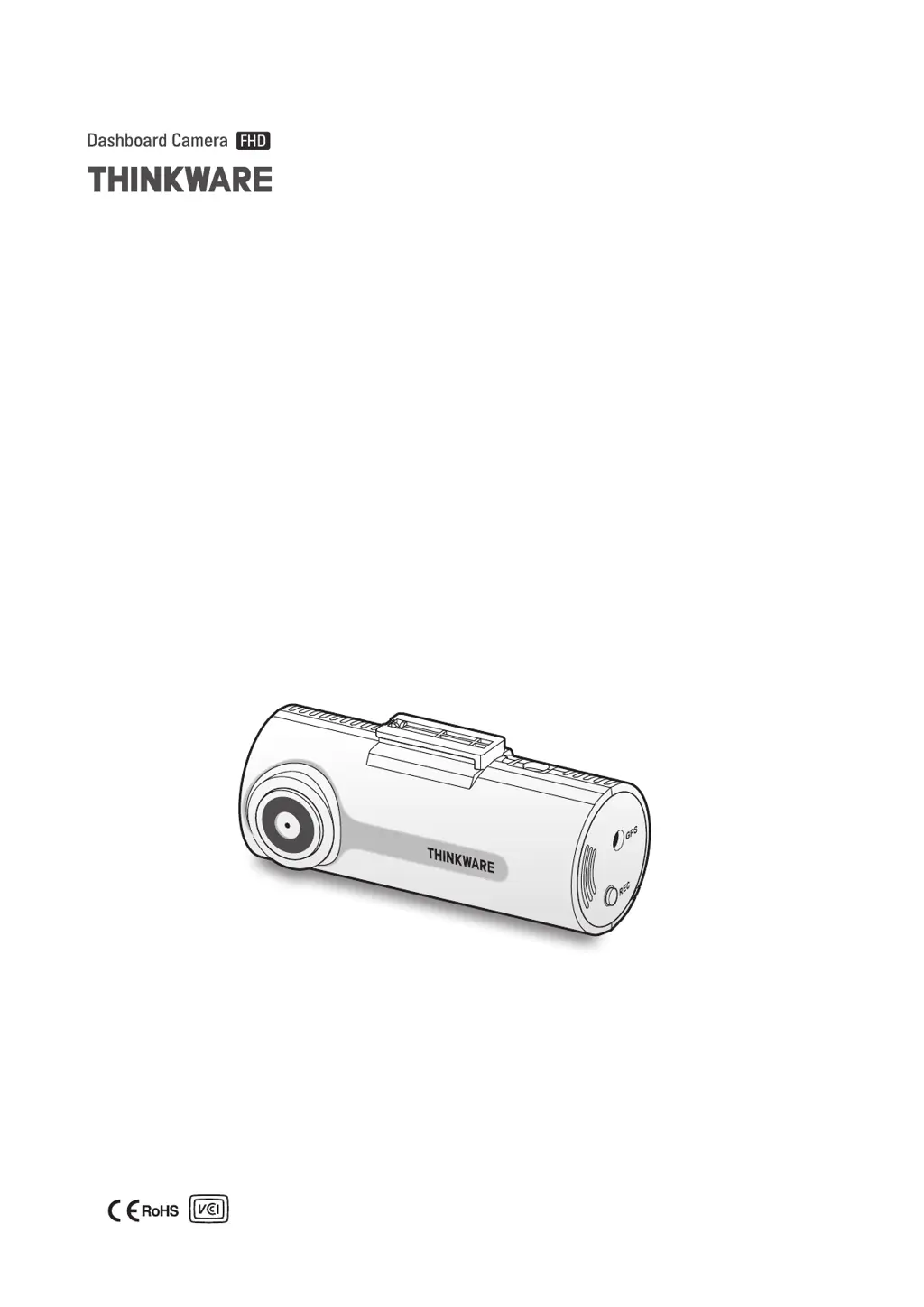
Identifies and labels the components of the front camera unit.

Memory Card Removal and Insertion

Instructions on how to remove and insert the memory card.

Product Installation Guide

Front Camera Mounting and Securing

Steps for selecting a location and securing the front camera unit.

Connecting the Power Cable

Guide to connecting the car charger or hardwiring cable.

External GPS Receiver Installation

Instructions for mounting and connecting the optional external GPS receiver.

Recording Features and Operations

Basic Operation and File Storage

Turning the product on/off and understanding video file storage locations.

Recording Modes Explained

Details on continuous, manual, and parking recording modes.

Checking Video File Locations

Instructions on how to check recorded video files on a PC.

PC Viewer Software Usage

PC Viewer System Requirements and Installation

Details PC viewer requirements and installation steps for Windows/Mac.

PC Viewer Layout and Video Playback

Overview of the PC viewer interface and how to play recorded videos.

PC Viewer Video Control Menu

Explanation of the video playback controls within the PC viewer.

Product Settings and Configuration

Memory Card Management Settings

Options for partitioning, formatting, and overwriting memory card data.

Camera and Recording Settings

Adjusting brightness, impact sensitivity, and various recording features.

Road Safety Features Setup

Enabling safety camera alerts and departure warnings.

System Settings and Initialization

Configuring language, volume, time zone, speed units, and resetting settings.

Firmware Upgrade Procedure

Troubleshooting Common Issues

Technical Product Specifications

Customer Service and Repair Information

Thinkware DC-E1-FG Specifications

General IconGeneral
Wi-FiYes
GPSYes
BluetoothNo
Video Resolution1920 x 1080p
Field of View140 degrees
Storage TypemicroSD Card
Viewing Angle140 degrees
Mounting TypeAdhesive
Parking ModeYes

Related product manuals