EasyManua.ls Logo

Thinkware D1K32D - User Manual

Thinkware D1K32D
34 pages
Print Icon
To Next Page IconTo Next Page
Loading...
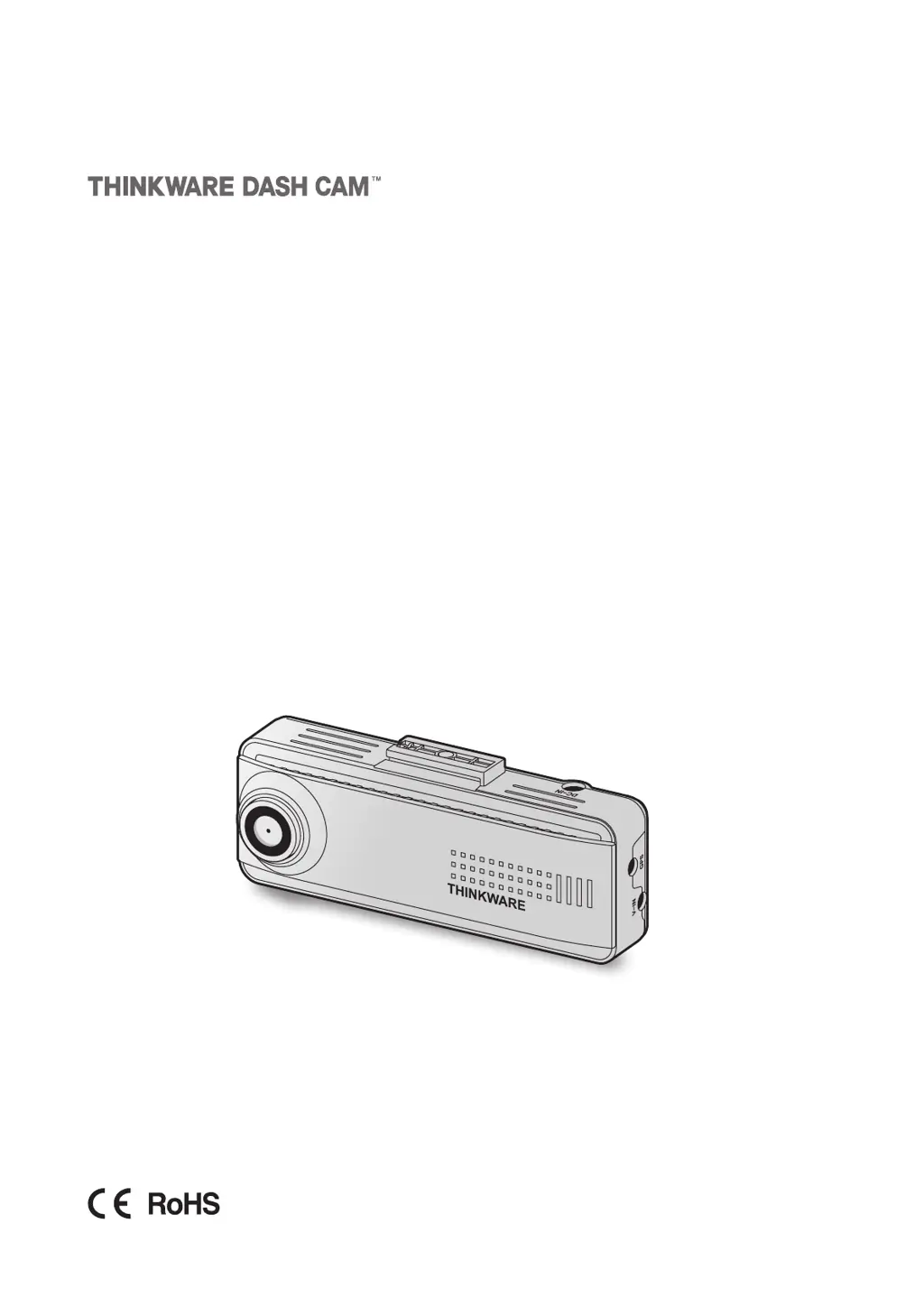
This product records videos while the vehicle is operating.
Read and follow the instructions in this guide to properly use and maintain the product.
User Guide
D1K32D

Questions and Answers

Summary

Installing the Product

Front Camera Installation

Step-by-step guide for mounting and connecting the main front camera.

Power Cable Connection

Guide for connecting the continuous power cable or cigar socket power cable.

Rear Camera Installation

Instructions for mounting and connecting the rear camera.

Using Recording Features

Recording Modes Explained

Covers continuous, incident, manual, and parking recording modes.

Using the PC Viewer

Settings

Upgrading the Firmware

Firmware Update Process

Step-by-step instructions for updating the product's firmware via a PC.

Troubleshooting

Common Issues and Solutions

Table of common problems like power, sound, video clarity, and GPS issues with resolutions.

Specifications

Thinkware D1K32D Specifications

General IconGeneral
Frame Rate30fps
G-SensorYes
GPSYes
Parking ModeYes
BatterySuper capacitor
Operating Temperature-10°C to 60°C

Related product manuals