EasyManua.ls Logo

Thinkware D2K64D - User Manual

Thinkware D2K64D
55 pages
Print Icon
To Next Page IconTo Next Page
Loading...
This product records videos while the vehicle is operating.
Read and follow the instructions in this guide to properly use and maintain the product.
User Guide
D2K64D

Table of Contents

Questions and Answers

Summary

Product Overview

Included Items and Part Names

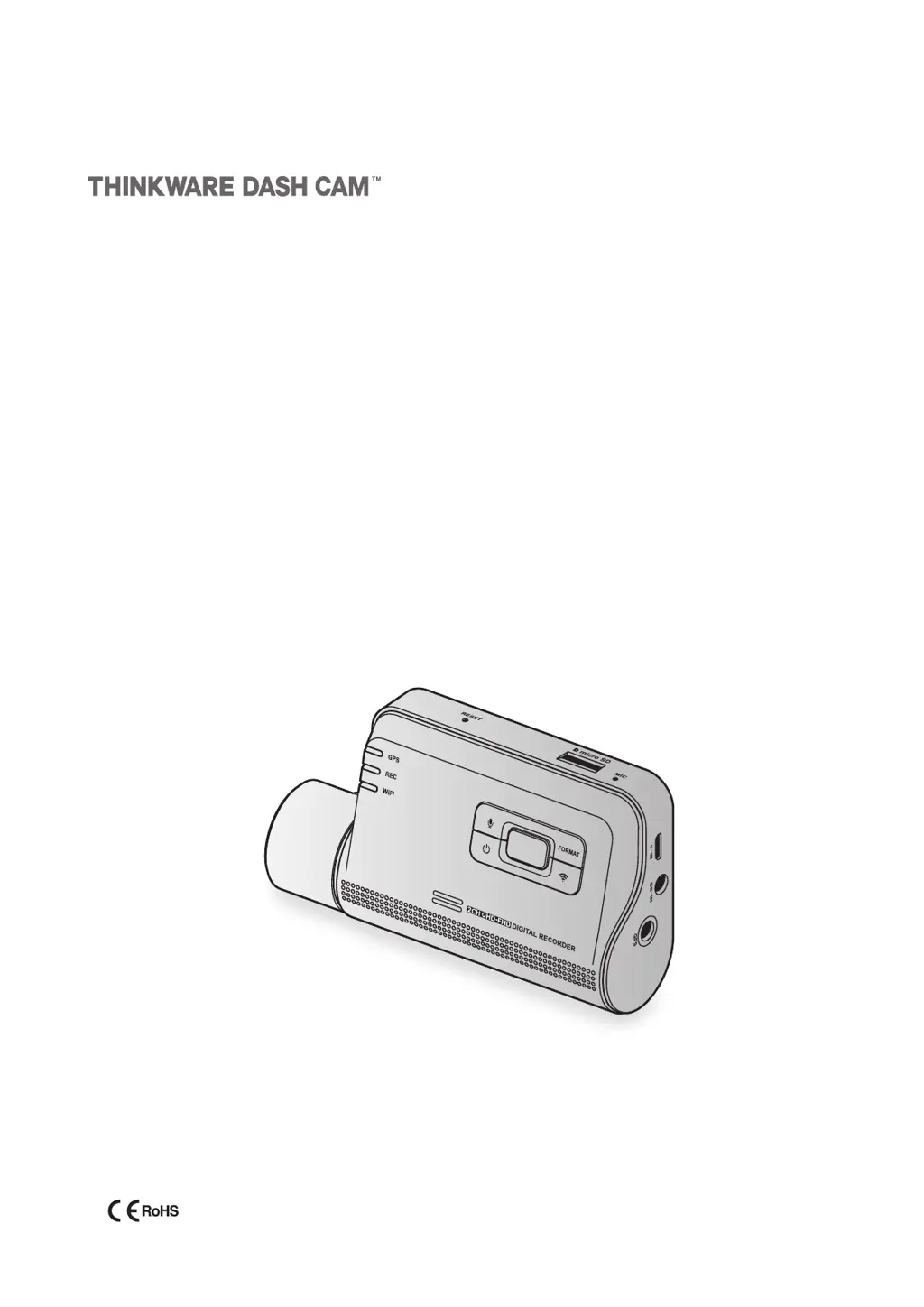
Lists included items and identifies front camera parts.

Memory Card Handling

Instructions for safely removing and inserting the memory card.

Product Installation

Front Camera Installation

Guides installation of the main front camera, including location and power.

Rear Camera Installation (Optional)

Provides steps for installing the optional rear camera and connecting its cable.

Recording Features

Basic Operation and File Storage

How to turn the device on/off and where recorded files are stored.

Recording Modes

Details continuous, manual, and parking recording modes.

Mobile Viewer Usage

Smartphone Connectivity

Steps to connect the dash cam to a smartphone via Wi-Fi or hotspot.

App Interface and Video Playback

Explains app layout and how to play recorded videos with control menus.

Cloud Service Functions

Details cloud features like vehicle location, geo-fencing, and impact notifications.

PC Viewer Usage

System Requirements and Installation

Lists system requirements and installation steps for Windows and Mac PC viewers.

Viewing and Controlling Videos

Covers PC viewer screen layouts and video playback controls for both platforms.

Device Settings

Memory and Camera Settings

Manages memory card functions and adjusts camera settings like brightness.

Recording and Road Safety Settings

Configures recording modes, impact sensitivity, and driver assistance features.

System and Network Settings

Adjusts system parameters like language, volume, and network functions.

Product Information and Maintenance

Product Info and GPS Access

Accesses basic product details and GPS information.

Firmware Upgrade and Reset

Instructions for updating firmware and resetting the product to default settings.

Troubleshooting and Specifications

Troubleshooting

Lists common problems and their solutions for the dash cam.

Product Specifications

Provides detailed technical specifications for the dash cam.

Thinkware D2K64D Specifications

General IconGeneral
Frame Rate30fps
GPSYes
Wi-FiYes
G-SensorYes
Voice NotificationsYes
Resolution2K (2560x1440)
Image SensorSony STARVIS
StorageMicroSD card
Parking ModeYes
Super Night VisionYes

Related product manuals