EasyManua.ls Logo

Thinkware T700 - User Manual

Thinkware T700
40 pages
Print Icon
To Next Page IconTo Next Page
Loading...
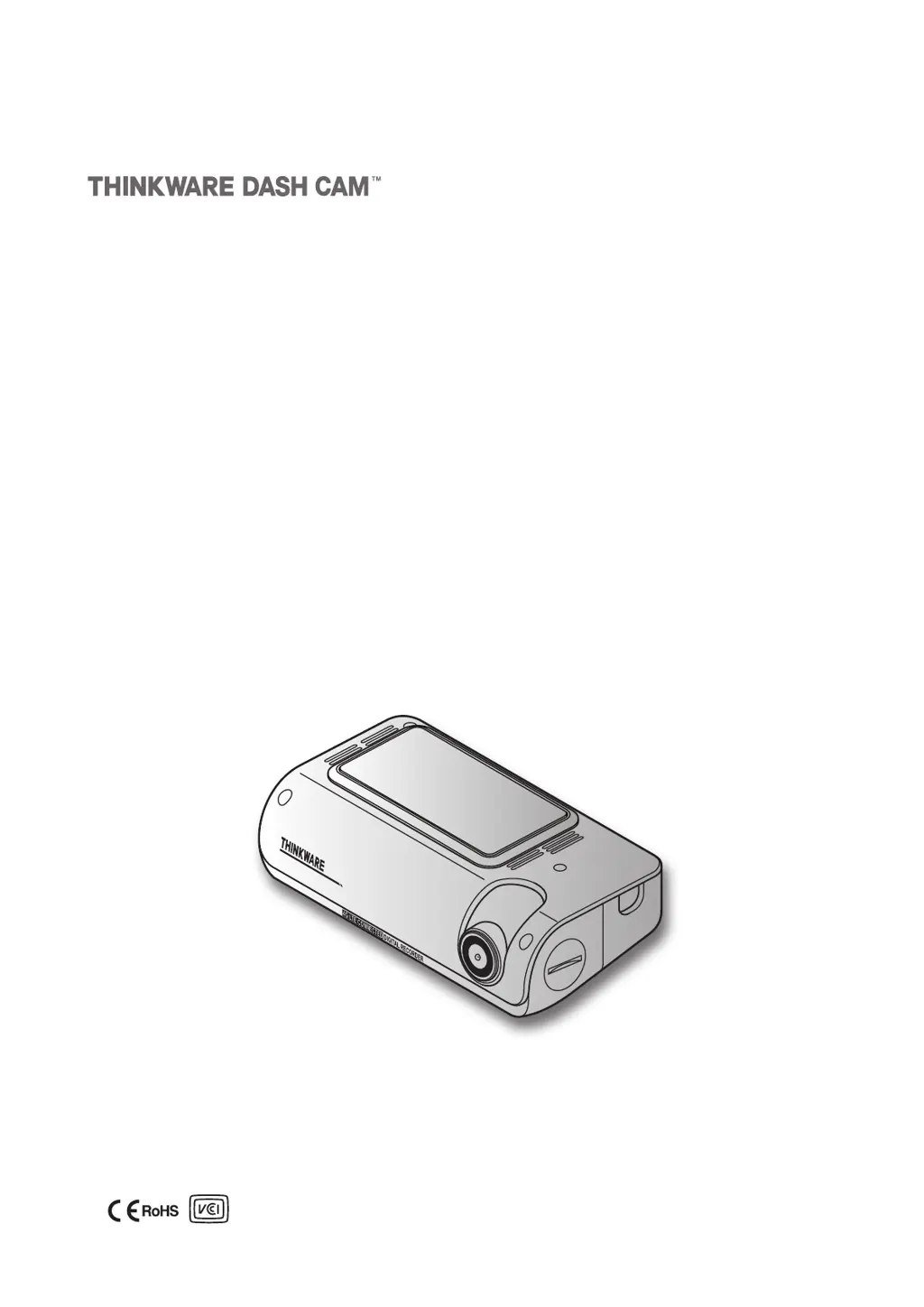
This product records videos while the vehicle is operating.
Read and follow the instructions in this guide to properly use and maintain the product.
User Guide
T700

Table of Contents

Questions and Answers

Summary

Safety Information

Proper Use and Installation

Provides essential safety guidelines for driving and product installation to prevent accidents.

Power Supply and Safety Precautions

Power Cable Safety

Details safe handling of power cables, avoiding electrocution and fire hazards.

Installing the Front Camera

Connecting the Power Cable

Continuous Power Cable Installation

Instructions for connecting the continuous power cable, including fuse box identification and connection.

Continuous Power Cable Wiring

Fuse Connections and Grounding

Details on connecting BATTERY and ACC wires to fuse legs, and connecting the ground wire.

Installing the Rear Camera

Using Recording Features

Recording Modes Overview

Continuous and Incident Recording

Details continuous recording in 1-minute segments and incident recording upon impact detection.

Parking Mode Operations

Parking Mode Activation and Setup

Explains how parking mode activates, its requirements, and available options like Motion Detection.

Parking Mode Options & SOS Recording

SOS Recording

Instructions on using the SOS button to record an incident and store it separately.

THINKWARE CONNECTED LTE App

Connecting and Using the LTE App

LTE App Connection Guide

Step-by-step guide to download, install, and register the product with the THINKWARE CONNECTED LTE app.

Using the Mobile Viewer

Mobile Viewer Connection

Instructions on downloading and connecting to the THINKWARE DASH CAM LINK app.

Using the PC Viewer

PC Viewer Installation

Guide on downloading and installing the PC viewer software from the THINKWARE website or memory card.

Playing Videos with PC Viewer - Windows

Windows Video Playback

Steps to play recorded videos using the PC viewer, including playlist management.

Playing Videos with PC Viewer - Mac

Mac Video Playback

Steps to play recorded videos using the PC viewer on a Mac, including file location.

Settings Management

Camera and Recording Settings

Adjusting camera brightness and configuring recording sensitivity, Super Night Vision, and parking mode.

Advanced Settings and Safety Features

Parking Mode and Battery Settings

Configuring parking mode sensitivity, timers, and battery protection features.

Road Safety Features Configuration

Activating and configuring safety alerts like LDWS, FCWS, and FVDW.

System and Network Configuration

Firmware Upgrade

Firmware Update Procedure

Steps to download, prepare, and install firmware updates from a PC for optimal product performance.

Troubleshooting Guide

Common Operational Issues

Solutions for problems like no power, no sound, or unclear video.

Card and GPS Connectivity Issues

Troubleshooting for memory card recognition, video playback, and GPS signal reception.

Product Specifications - General

Thinkware T700 Specifications

General IconGeneral
Cloud ConnectivityYes
GPSYes
G-SensorYes
Impact DetectionYes
Motion DetectionYes
StorageMicroSD card up to 128GB
Super Night VisionYes
Operating Temperature-10°C to 60°C (14°F to 140°F)
BluetoothNo
Rear CameraSony STARVIS 2.1MP
Wi-FiYes
Parking ModeYes
Viewing Angle140°

Related product manuals