EasyManua.ls Logo

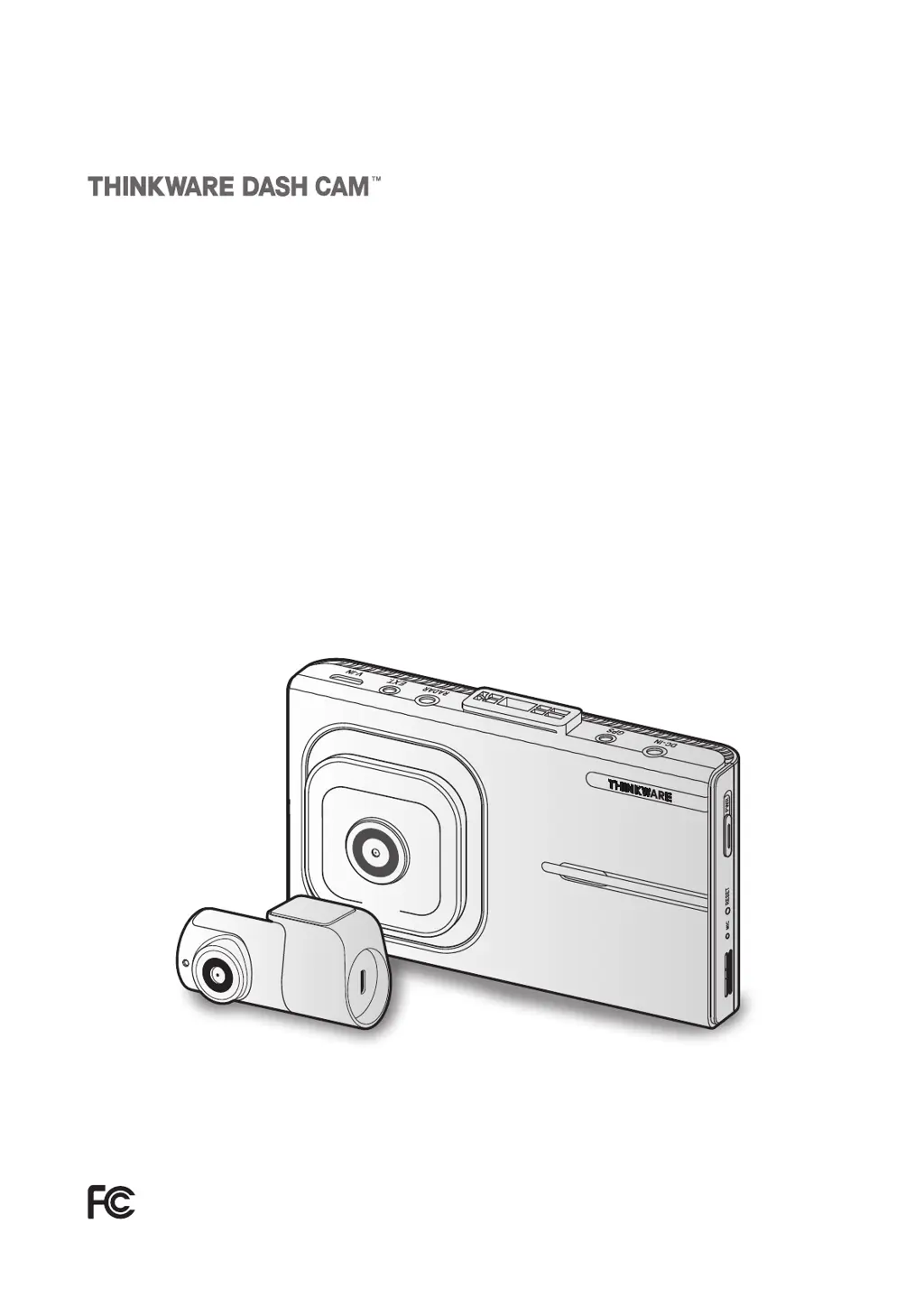
Thinkware X1000 - User Manual

Thinkware X1000
48 pages
Print Icon
To Next Page IconTo Next Page
Loading...
QHD
RECORDER
This product records videos while the vehicle is operating.
Read and follow the instructions in this guide to properly use and maintain the product.
User Guide
X1000

Table of Contents

Questions and Answers

Summary

Before Using Your Dash Cam

Product & User Guide Basics

Key information about the product and its user manual content.

Regulatory Compliance

FCC Statements and Cautions

Details on FCC compliance, statements, and operational cautions for the device.

Industry Canada Compliance

Canadian Representative and Compliance

Information on Industry Canada compliance and contact for the Canadian representative.

Product Overview

Included Items and Accessories

Lists standard and optional accessories included with the X1000 dash cam.

Component Identification

Identifies and describes the parts of the front and rear dash cam units.

Memory Card Handling

Instructions for safely removing and inserting the microSD memory card.

Installing the Dash Cam

Front Camera Installation

Steps for mounting the front camera, including location and securing.

Rear Camera Installation

Steps for mounting the rear camera, including location and securing.

Optional Module Installation

Guides for installing external GPS and RADAR modules for added features.

Using Recording Features

Basic Operation and Recording Modes

How to power the device on/off and an introduction to continuous, manual, and parking modes.

Display, Indicators, and File Storage

Managing the LCD, understanding LED status, and file storage locations.

Advanced Recording Functions

Using Ultra Night Vision and High Dynamic Range (HDR) for improved video quality.

Screen Layouts and Video Playback

Navigating live view/home screens and playing recorded videos on the device.

Advanced Driver Assistance Systems (ADAS)

ADAS Overview and Calibration

Introduction to ADAS features and the process for calibrating them for accuracy.

Specific ADAS Alerts

Explains alerts like Forward Vehicle Start Alert (FVSA) and Traffic Light Change Alert (TLCA).

Lane Departure and Collision Warnings

Details on Lane Departure Warning (LDWS) and Forward Collision Warning (FCWS) systems.

Product Settings and Configuration

Camera and Recording Settings

Adjusting camera parameters and configuring recording features like sensitivity and night vision.

ADAS and System Settings

Configuring ADAS features and system preferences like language, volume, and GPS.

Memory Card Management

Options for managing the microSD card, including partitioning and formatting.

Accessing Product Information

Product Features and Device Details

Viewing product capabilities, firmware, memory capacity, and GPS information.

Using the PC Viewer Software

PC Viewer System Requirements

Lists the necessary hardware and software for running the PC viewer application.

Installing and Using the PC Viewer

Guides on downloading, installing, and navigating the PC viewer for video playback and management.

Troubleshooting Common Issues

Resolving Dash Cam Operation Problems

Solutions for common issues like power, audio, video clarity, memory card, and GPS reception.

Detailed Product Specifications

Thinkware X1000 Specifications

General IconGeneral
Wi-FiYes
Operating Temperature-10°C to 60°C (14°F to 140°F)
Frame Rate30 fps
WDRYes
G-SensorYes
StorageMicroSD Card (Up to 128GB)
Super Night VisionYes
Emergency RecordingYes
Power SourceDC 12/24V
GPSYes
Parking ModeYes
Image SensorSony STARVIS
Display3.5-inch LCD Touchscreen

Related product manuals