Using Advanced Driver Assistance Systems (ADAS)
36
4.5 The urban forward collision warning system (uFCWS)
When the vehicle drives at 30 km/h or lower, the uFCWS will detect forward collision danger via the real-
time video image and warn the driver.
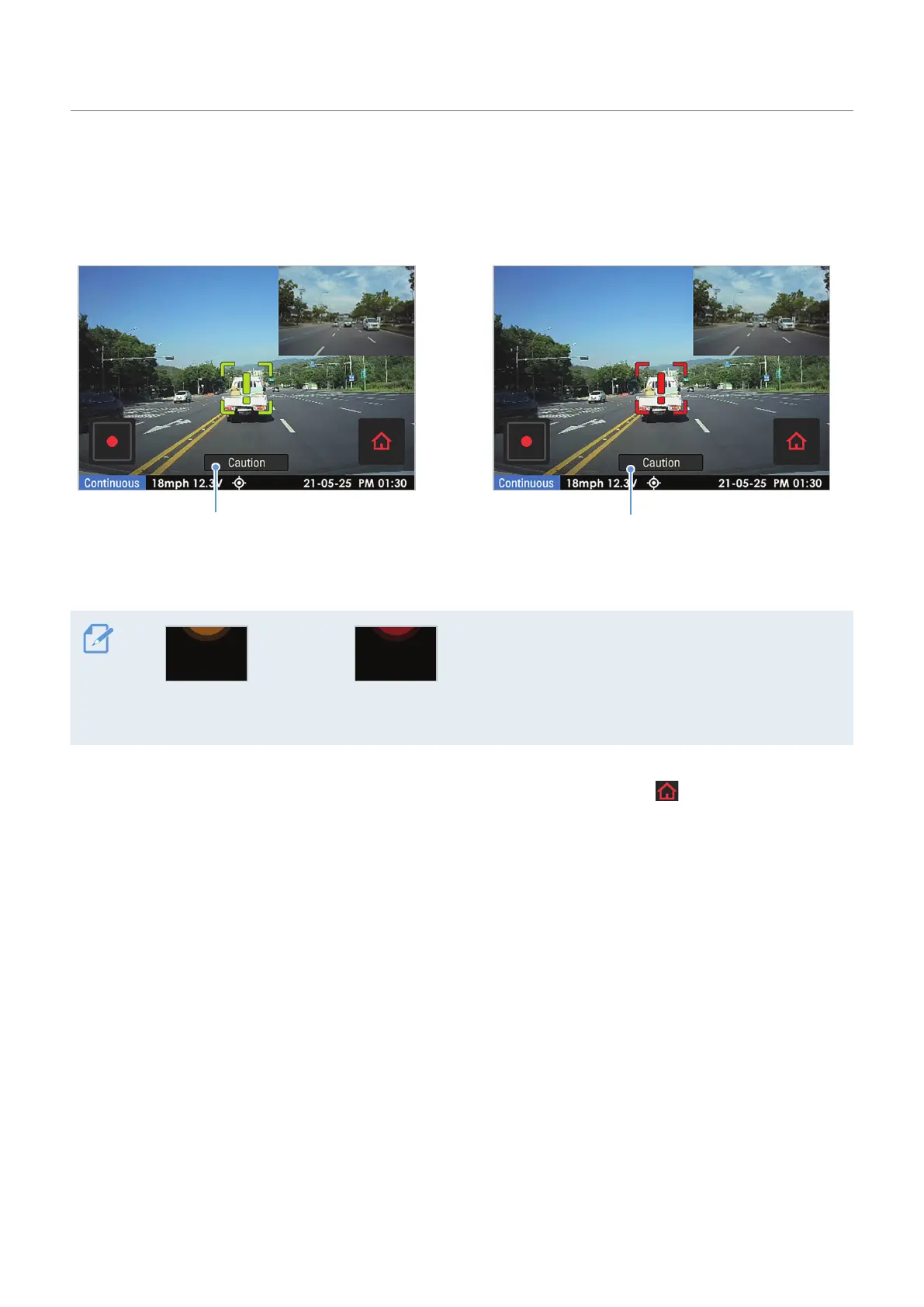
Preliminary low speed forward collision warning:
Displayed when a preliminary low speed collision
hazard is detected.
Secondary low speed forward collision warning:
Displayed when the distance to the vehicle ahead
decreases after a preliminary low speed collision
warning.
Preliminary low speed
forward collision warning
Secondary low speed
forward collision warning
For your safety, the low-speed forward collision
warning will be displayed on the LCD even when
the LCD is turned off.
To deactivate the uFCWS or change the warning sensitivity, tap the Home menu ( ) button on the Live
view screen
>
Settings
>
Road Safety Settings, and then tap the button next to Low Speed FCWS under
ADAS Features to switch the sensitivity option (Low/Mid/High) to set the detection sensitivity, or OFF to
deactivate the feature.



 To Next Page