Installing the product
15
2.1.3 Connecting the Hardwiring cable
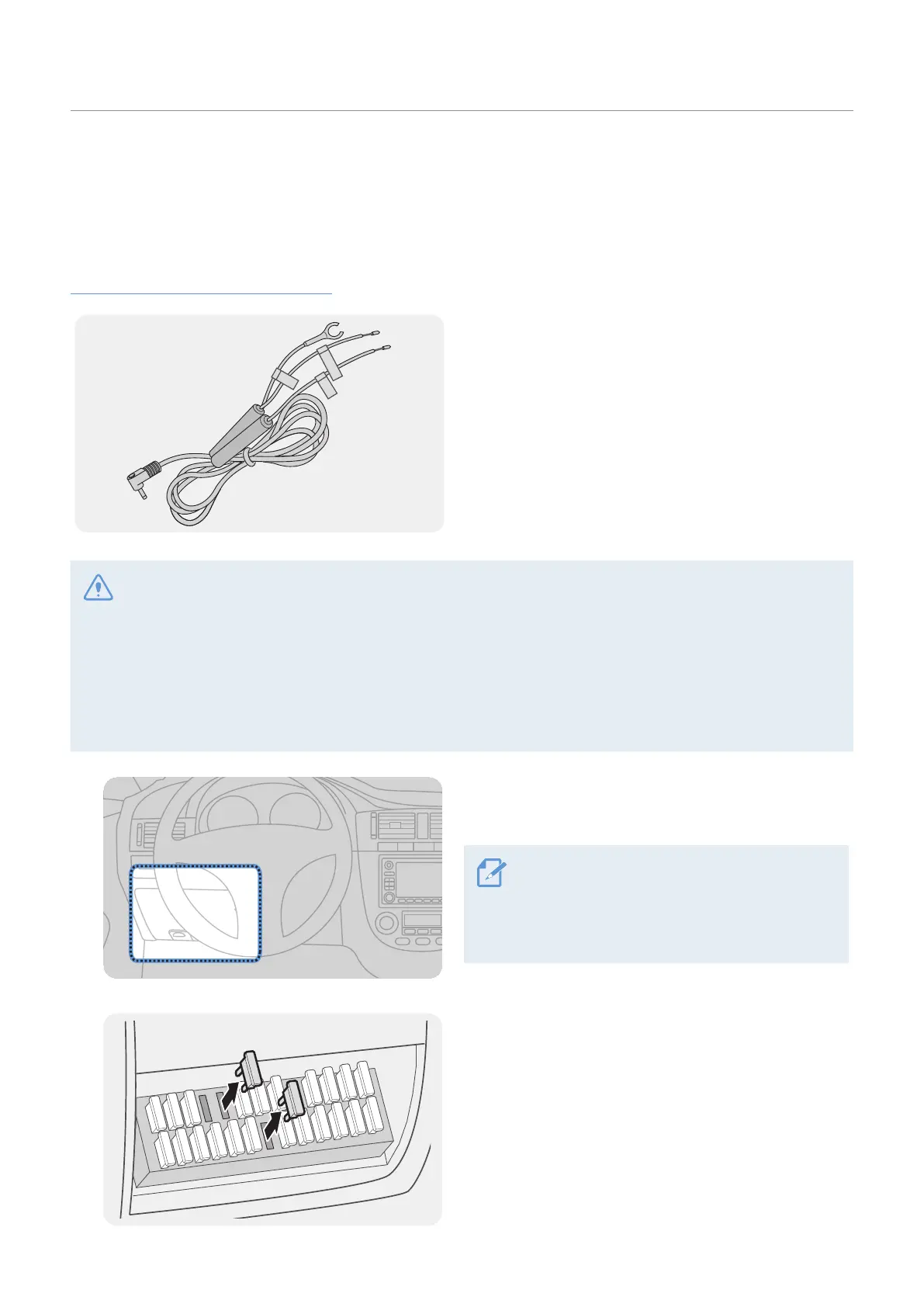
When the engine and electrical accessories are turned off, connect the Hardwiring cable or the cigar
socket power cable (optional) to the product.
Connecting the Hardwiring cable
ACC
BATTERY
GND
If you connect the product to the vehicle via the
Hardwiring cable, the camera continues operating
even when the vehicle is not operating
(parking mode). In parking mode, the camera detects
impacts to the vehicle and nearby motion and
records video.
For more information about parking mode, refer to
"3.6 Using parking mode" on page 25.
• The Hardwiring cable must be professionally installed in the vehicle by a trained mechanic. Contact an
authorized service center to connect the Hardwiring cable to the vehicle. If the product is not installed
properly, the product may be damaged or an electrical fire or electrocution may occur.
• Use the authentic THINKWARE Hardwiring cable only. Using other manufacturer’s cable may damage the
product or cause electrocution due to the voltage difference.
• When connecting the Hardwiring cable, pay special attention to wiring. If the wires are connected
incorrectly, the product or the vehicle may be damaged.
1
Find the vehicle’s fuse box. Usually the fuse box is
installed under the driver’s seat.
The location of the fuse box may differ
depending on the make and model of the
vehicle. For more information, refer to your
vehicle’s owner’s manual.
2
Open the fuse box, find the continuous power
terminal (which supplies power when the vehicle
is off) and the ACC terminal (which supplies power
when the ignition status is "ACC ON") by using an
electrical tester, and detach the fuses from the
terminals.



 To Next Page