EasyManua.ls Logo

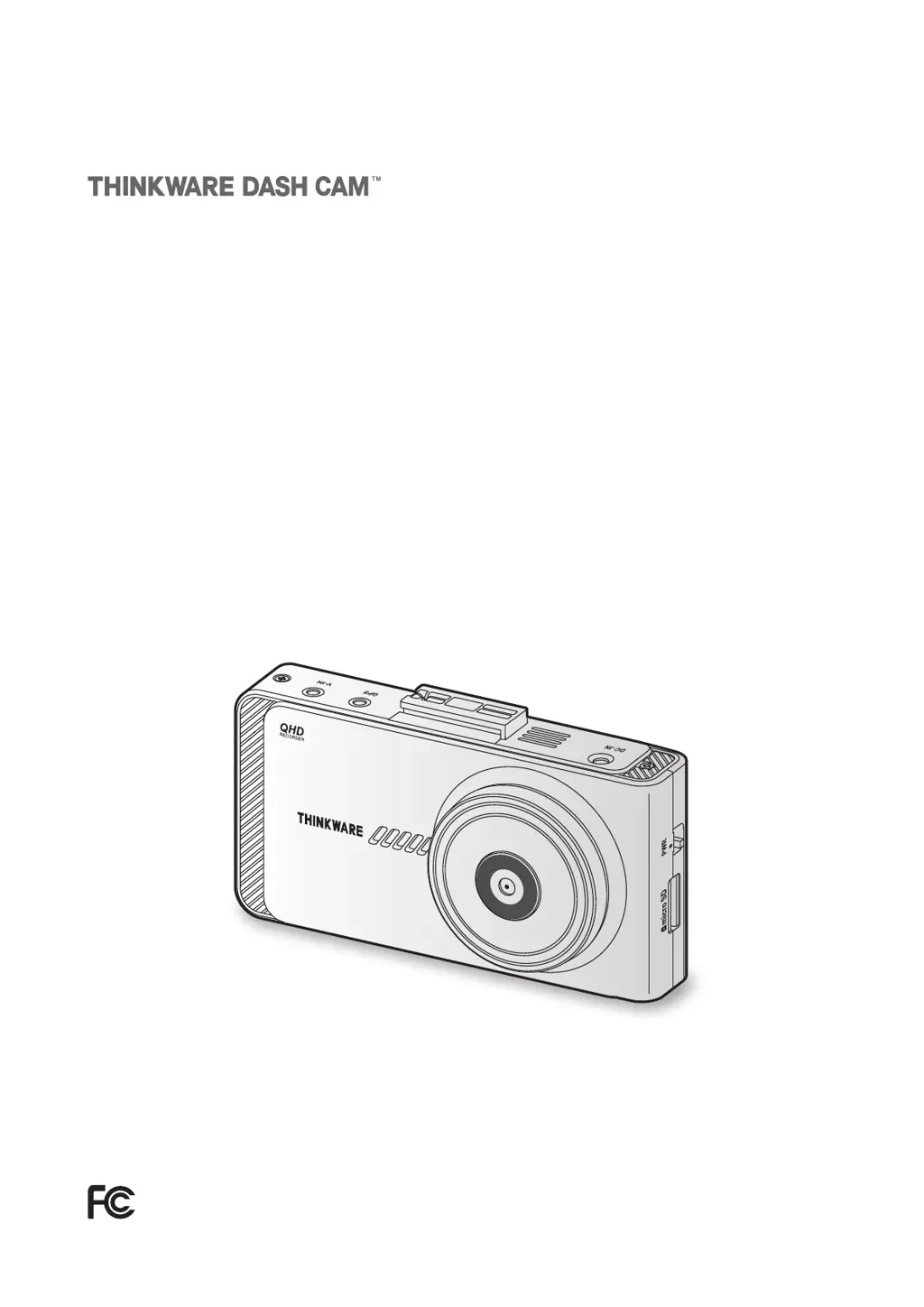
Thinkware X800 - User Manual

Thinkware X800
44 pages
Print Icon
To Next Page IconTo Next Page
Loading...
This product records videos while the vehicle is operating.
Read and follow the instructions in this guide to properly use and maintain the product.
User Guide
X800

Table of Contents

Questions and Answers

Summary

Safety information

Safety information for proper use

Essential safety guidelines for operating and installing the dashcam.

Power supply

Safety precautions concerning power cables and electrical connections.

Installing the product

Installing the front camera (main unit)

Step-by-step guide for mounting the primary dashcam unit.

Installing the rear camera (optional)

Instructions for properly mounting the optional rear camera.

Using recording features

Using the continuous recording feature

Details on how the primary video recording functions.

Using parking mode

Explains the features and settings for parking surveillance.

Using Advanced Driver Assistance Systems (ADAS) (optional)

Setting the ADAS settings (auto calibration)

Guide to calibrating ADAS features for optimal performance.

The lane departure warning system (LDWS)

Functionality and settings for the lane departure warning system.

The forward collision warning system (FCWS)

How the forward collision warning system detects and alerts.

The urban forward collision warning system (uFCWS)

Low-speed forward collision warning system details.

The front vehicle start alert (FVSA)

Explains the alert for vehicles starting in traffic.

Settings

Setting recording features

Configures recording sensitivity, parking mode, and other options.

Setting Advanced Driver Assistance Systems (ADAS)

Customizes ADAS features like LDWS and FCWS sensitivity.

Using the PC viewer

Installing the PC viewer

Step-by-step instructions for installing the PC software.

Troubleshooting

Cannot power on the product

Solutions for the dashcam failing to power on.

The product does not operate even when touching the display.

Troubleshooting steps for an unresponsive touchscreen.

The voice guide and;or buzzer do not sound.

Steps to resolve issues with audio feedback.

The video is unclear or hardly visible.

Tips to improve video clarity and visibility.

The memory card cannot be recognized.

Solutions for the product not recognizing the memory card.

The recorded video cannot be played on a PC.

How to fix issues playing videos on a computer.

GPS signal cannot be received.

Guidance on resolving GPS reception problems.

Thinkware X800 Specifications

General IconGeneral
GPSYes
Wi-FiYes
Parking ModeYes
Frame Rate30 fps
Impact DetectionYes
Motion DetectionYes
BluetoothNo
Super Night VisionYes
Screen Size2.7 inches
Memory Card SupportMicro SD card up to 128GB
BatteryBuilt-in Capacitor

Related product manuals