Using recording features
22
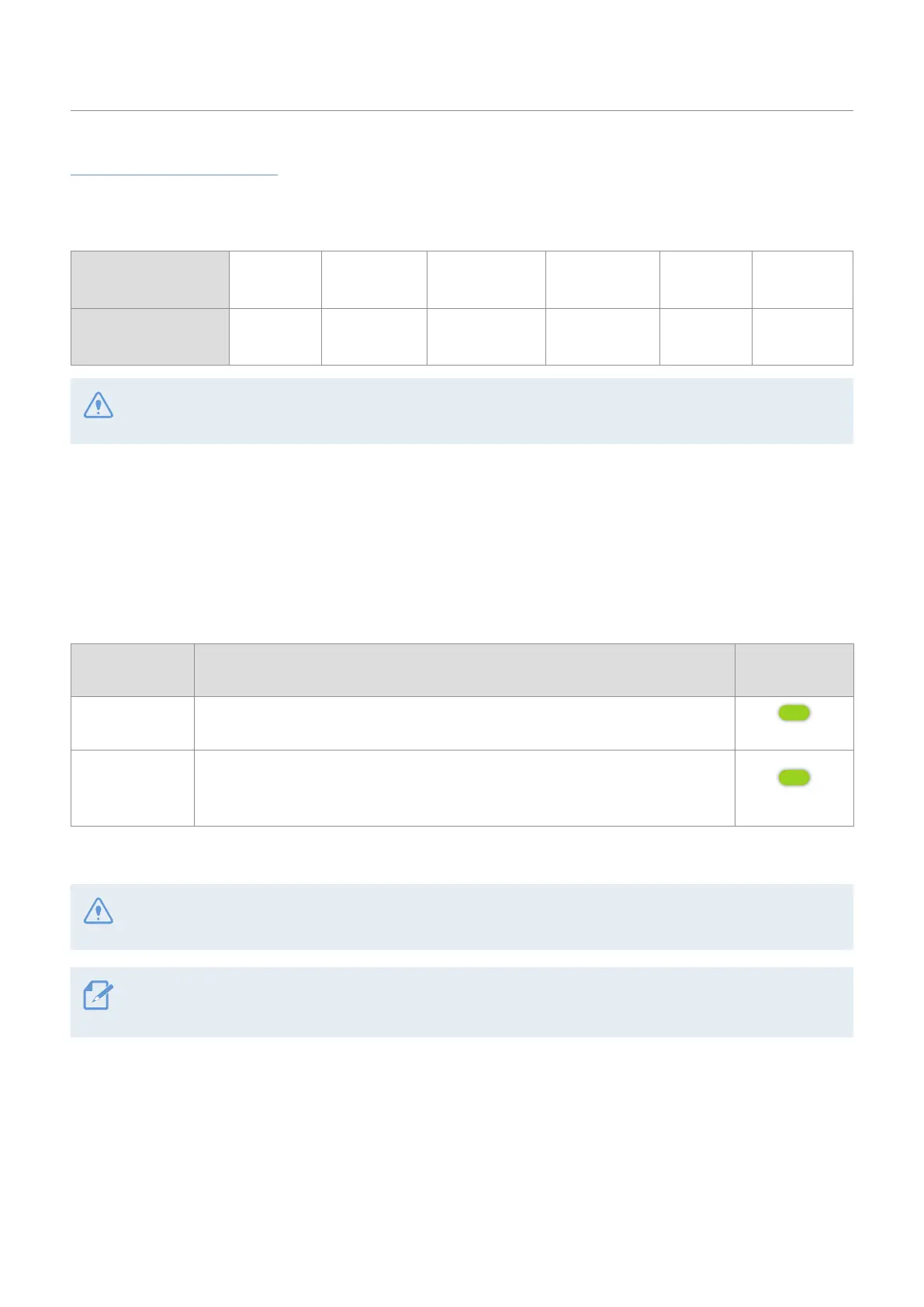
Video file storage location
Videos are stored in the following folders according to their recording mode. The folder names displayed on
the screen and created in the memory card are as follows.
On the product screen Continuous
Continuous
Impact
Parking
recording
Parking
Impact
Manual
Recording
Saved
Videos
PC monitor
(in the memory card)
Driving Driving_Shock Parking Parking_Shock Manual Safety_Box
Play videos on the product or a computer only. If you play videos by inserting the memory card in devices
such as a smartphone or a tablet PC, the video files may be lost.
3.4 Using the continuous recording feature
Connect the power cable to the product’s DC-IN power port and then turn on the vehicle’s electrical
accessories or start the engine. The LED indicators and the voice guide are turned on, and the continuous
recording starts.
When the Live view screen is displayed, the continuous recording will start automatically.
Mode Operation description
Status LED
(STATUS)
Continuous
recording
During driving, videos are recorded in 1 minute segments and stored in the
Continuous folder.
(light on)
Incident
continuous
recording*
When an impact to the vehicle is detected, a video is recorded for 20 seconds,
from 10 seconds before the detection to 10 seconds after the detection, and
stored in the Continuous Impact folder.
(flickers)
* When an impact to the vehicle is detected during continuous recording, incident continuous recording starts with a
buzzer sound.
Wait until the product is completely booted up after turning it on, and then begin operating the vehicle. The
video recording does not begin until the product is completely turned on (booted up).
• When incident continuous recording starts, the buzzer sounds as a notification.
• To use all recording modes, you must insert a memory card into the product.
3.5 Recording manually
You can record a scene you want to capture while driving and store it as a separate file. Manually recorded
videos are stored in the Manual Recording folder to prevent important data loss due to insufficient storage.



 To Next Page