Settings
35
5.4 Configuring the system settings
On the Live view screen, tap the Home menu ( ) button
>
Settings
>
System Settings to change the
system environment settings.
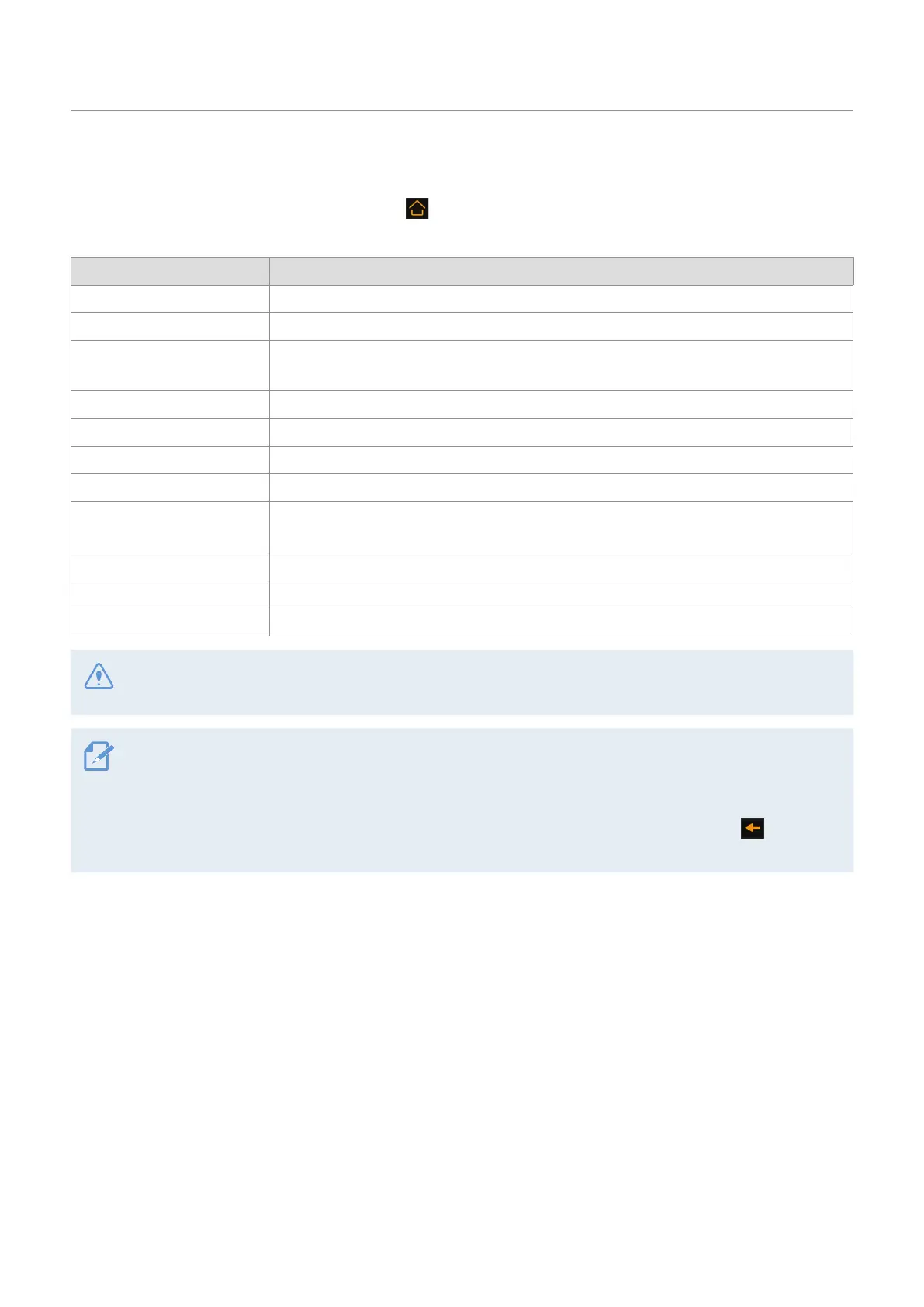
Setting option Description
Language Select between English/Français.
Volume Select a volume level.
Calibrate Touchscreen
Select the item and calibrate the touchscreen according to the guidance on the
display.
LCD Brightness Select a brightness level.
LCD Auto-off Select between 30 sec./10 min./Clock/OFF.
Security LED Select between Up-down/Blink/Random/OFF.
Set Date and Time Set year, month, and date manually.
Partition Settings
Select between Continuous Recording Priority (recommended)/Impact Recording
Priority/Parking Recording Priority/Driving Recording Only.
Use External Battery Select between ON/OFF.
Format Memory From the Format Memory menu, tap Format
>
Confirm.
Reset Settings From the Reset Settings menu, tap Reset Settings
>
Reset.
Do not disconnect power or remove the memory card from the product while formatting. Doing so may
cause serious damage to the data stored in the memory card.
• If you set LCD Auto-off to OFF, the screen will be kept on, and power consumption will increase.
• This product has a Format Free 2.0 function. You can save videos for a long time without needing to format
the memory card frequently.
• All the data stored in the memory card will be erased after formatting. Tap the Back button ( ) to cancel
memory formatting.



 To Next Page