EasyManua.ls Logo

Thinkware DC-U1-FG - User Manual

Thinkware DC-U1-FG
47 pages
Print Icon
To Next Page IconTo Next Page
Loading...
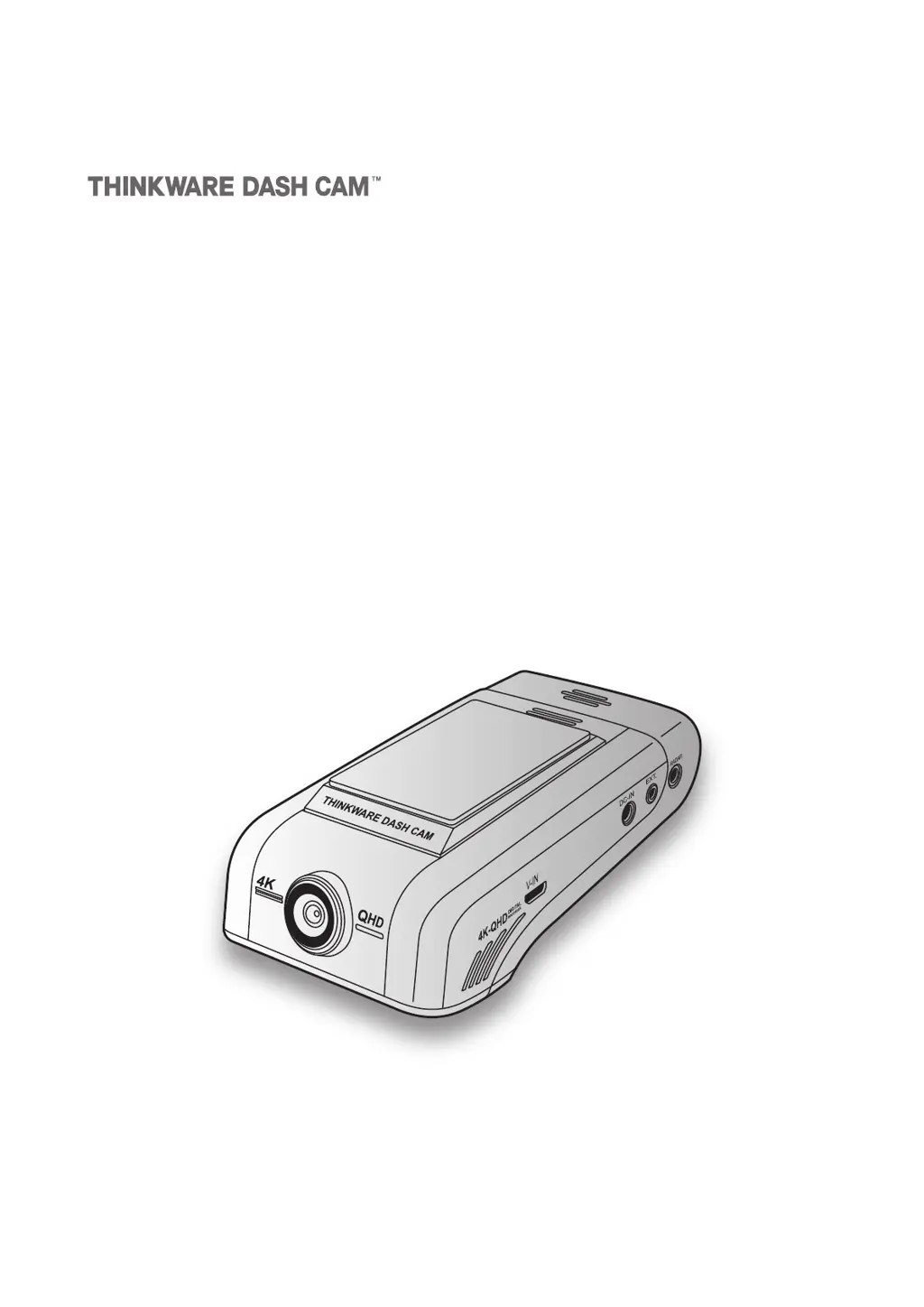
This product records videos while the vehicle is operating.
Read and follow the instructions in this guide to properly use and maintain the product.
User Guide
DC-U1-FG

Table of Contents

Questions and Answers

Summary

Product Overview

Included Items

Lists all components included in the product package.

Part Names

Identifies and labels the different parts of the front and rear cameras.

Memory Card Management

Provides instructions on how to manage the memory card.

Installing the Product

Front Camera Installation

Guides the user through selecting a location and securing the main camera unit.

Rear Camera Installation

Details the process of selecting a location and securing the optional rear camera.

Connecting the Rear Camera Cable

Explains how to connect the rear camera cable to the main unit.

Using Recording Features

Continuous Recording

Details how continuous recording works and its LED indicators.

Parking Mode Operation

Covers the operation and settings for parking mode.

Super Night Vision

Describes how to enhance video brightness in low-light conditions.

Using the Mobile Viewer

Smartphone Connection

Guides users on connecting the dashcam to their smartphone via Wi-Fi or hotspot.

Mobile Viewer Screen Layout

Provides an overview of the mobile app's interface and features.

Viewing Recorded Videos

Explains how to view recorded video files through the mobile app.

Cloud Service Features

Details how to use cloud features like vehicle location and notifications.

Using the PC Viewer

System Requirements

Lists the necessary hardware and software specifications for the PC viewer.

Windows PC Viewer Installation

Covers the installation process for the PC viewer software on Windows.

Playing Videos on PC Viewer (Windows)

Explains how to play back recorded videos using the PC viewer.

Mac PC Viewer Screen Layout

Describes the interface and elements of the PC viewer for Mac users.

Settings

Recording Features Settings

Covers settings for recording sensitivity, parking modes, and battery protection.

Road Safety Features

Describes how to configure ADAS features like LDWS and FCWS.

System Settings Configuration

Allows adjustment of language, volume, time zone, and Wi-Fi settings.

Troubleshooting

Power Issues

Provides solutions for issues related to the product not powering on.

Video Clarity Problems

Offers steps to resolve issues with unclear or poor video quality.

Memory Card Recognition

Lists steps to troubleshoot memory card recognition problems.

PC Playback Issues

Addresses issues with playing recorded videos on a personal computer.

Thinkware DC-U1-FG Specifications

General IconGeneral
GPSYes
Frame Rate30fps
Wi-Fi ConnectivityYes
Parking ModeYes
BatteryBuilt-in
Operating Temperature-10°C to 60°C

Related product manuals