Using recording features
21
3.6 Using the Super Night Vision
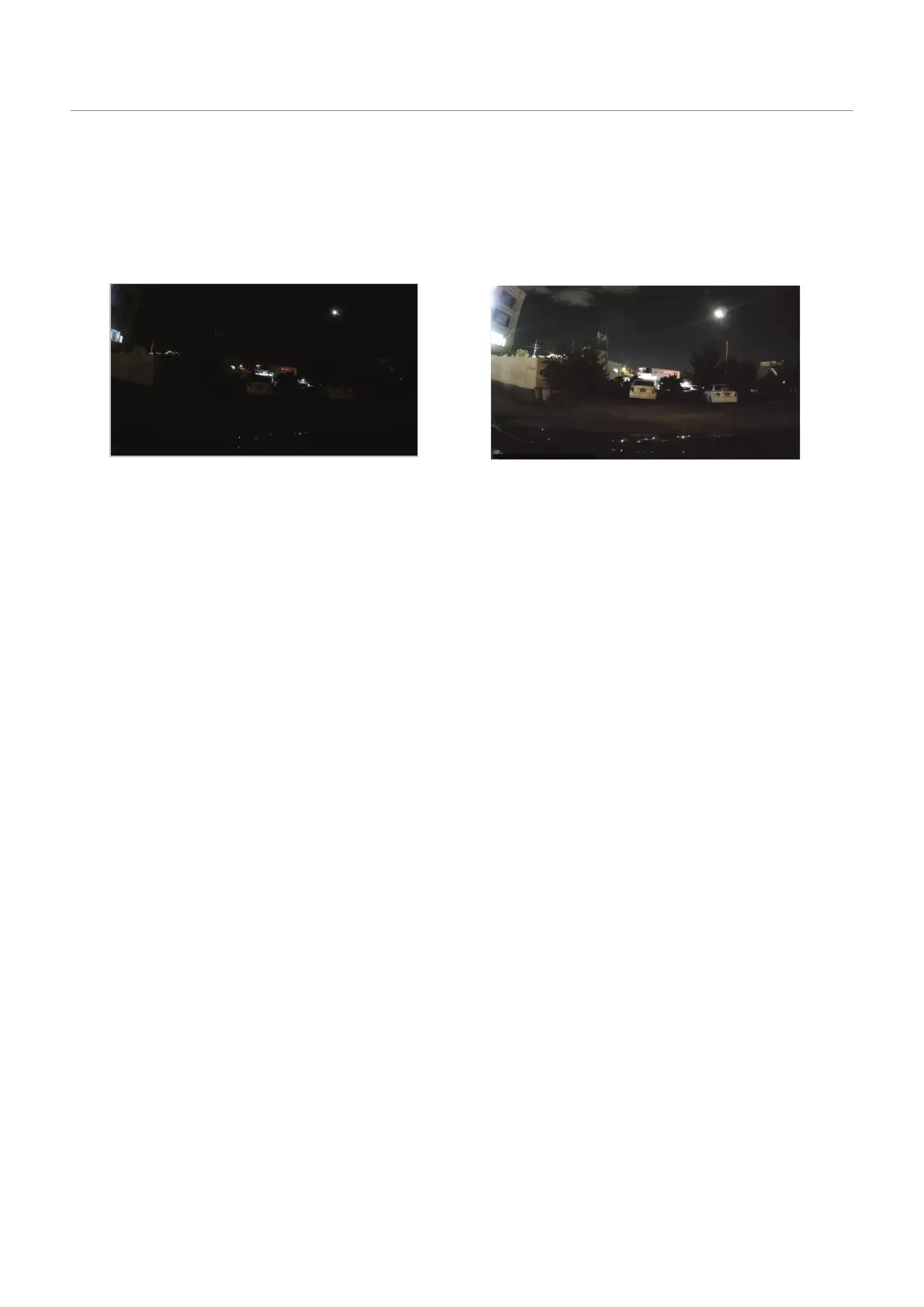
With the Super Night Vision feature, you can record videos that are much brighter than videos recorded
without this feature. This feature is enabled by real-time image signal processing (ISP) to improve the
brightness of videos recorded while driving or parked at night.
<When Super Night Vision is deactivated> <When Super Night Vision is activated>
1
From the mobile viewer, tap Dash Cam Settings
>
Record Settings.
2
From Super Night Vision, select the desired recording mode to use the Super Night Vision feature. The
new setting is applied automatically.













 To Next Page