Installing the product
14
6
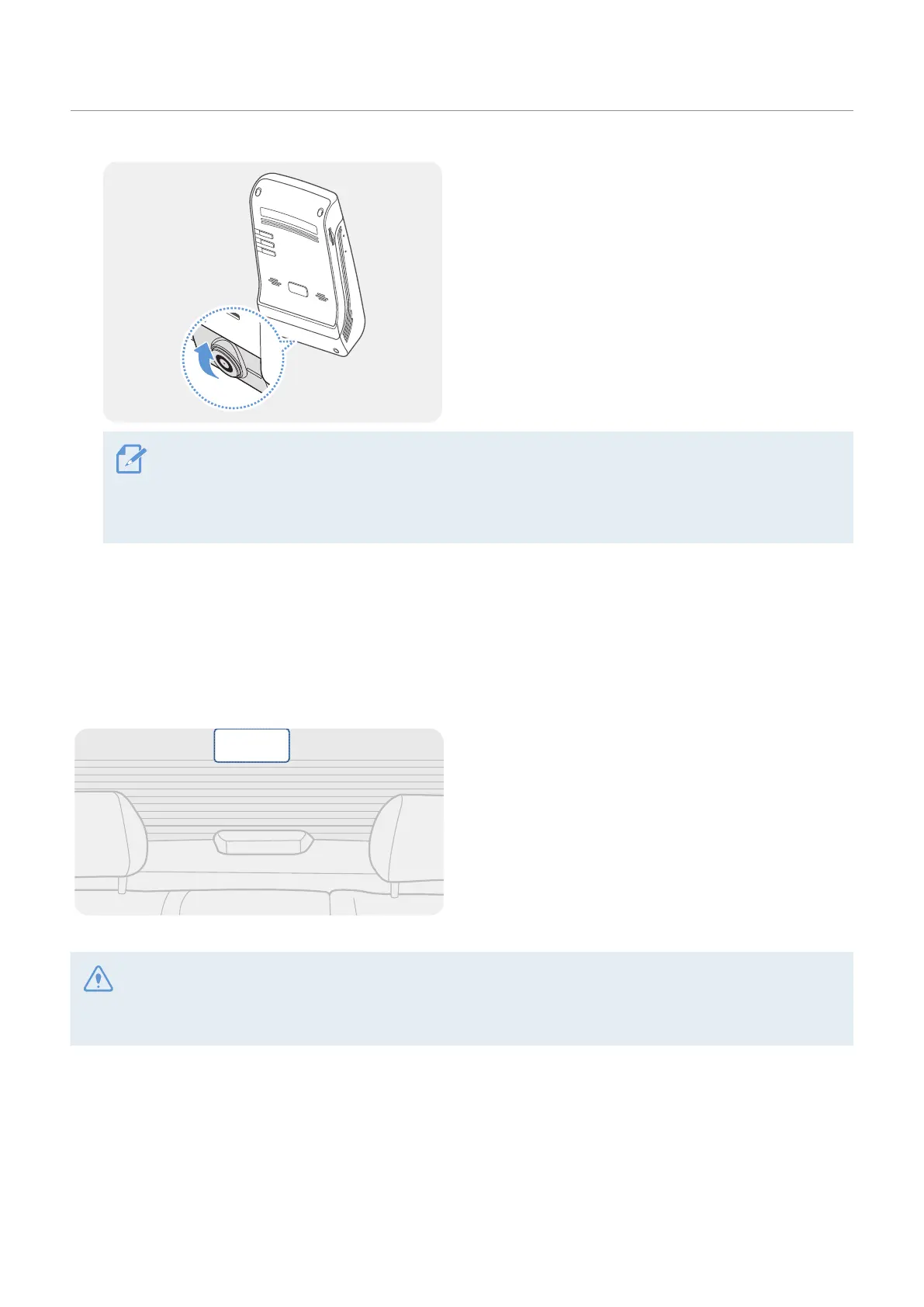
Set the vertical angle of the camera appropriately.
To confirm the camera angle, record a video after installation and check the video using the mobile
viewer or the PC viewer. If necessary, adjust the camera angle again.
For more information about the mobile viewer or the PC viewer, refer to "4. Using the mobile viewer" on
page 22 or "5. Using the PC viewer" on page 34.
2.2 Installing the rear camera
Refer to the following instructions to properly install the rear camera.
2.2.1 Selecting an installation location
Select a location on the rear windshield where there
is no defrost grid wire and the camera can record
the entire rear view.
• For vehicles with a sunshade attached to the rear windshield, you must select a location where using the
sunshade will not interfere with camera operation.
• The adhesive part of the rear camera should not touch the defrost grid.













 To Next Page