Using the PC viewer
21
4.4 Playing recorded videos on the PC viewer
Follow the instructions to play recorded videos.
1
Turn off the product and remove the memory card.
2
Insert the memory card into a memory card reader connected to your PC.
3
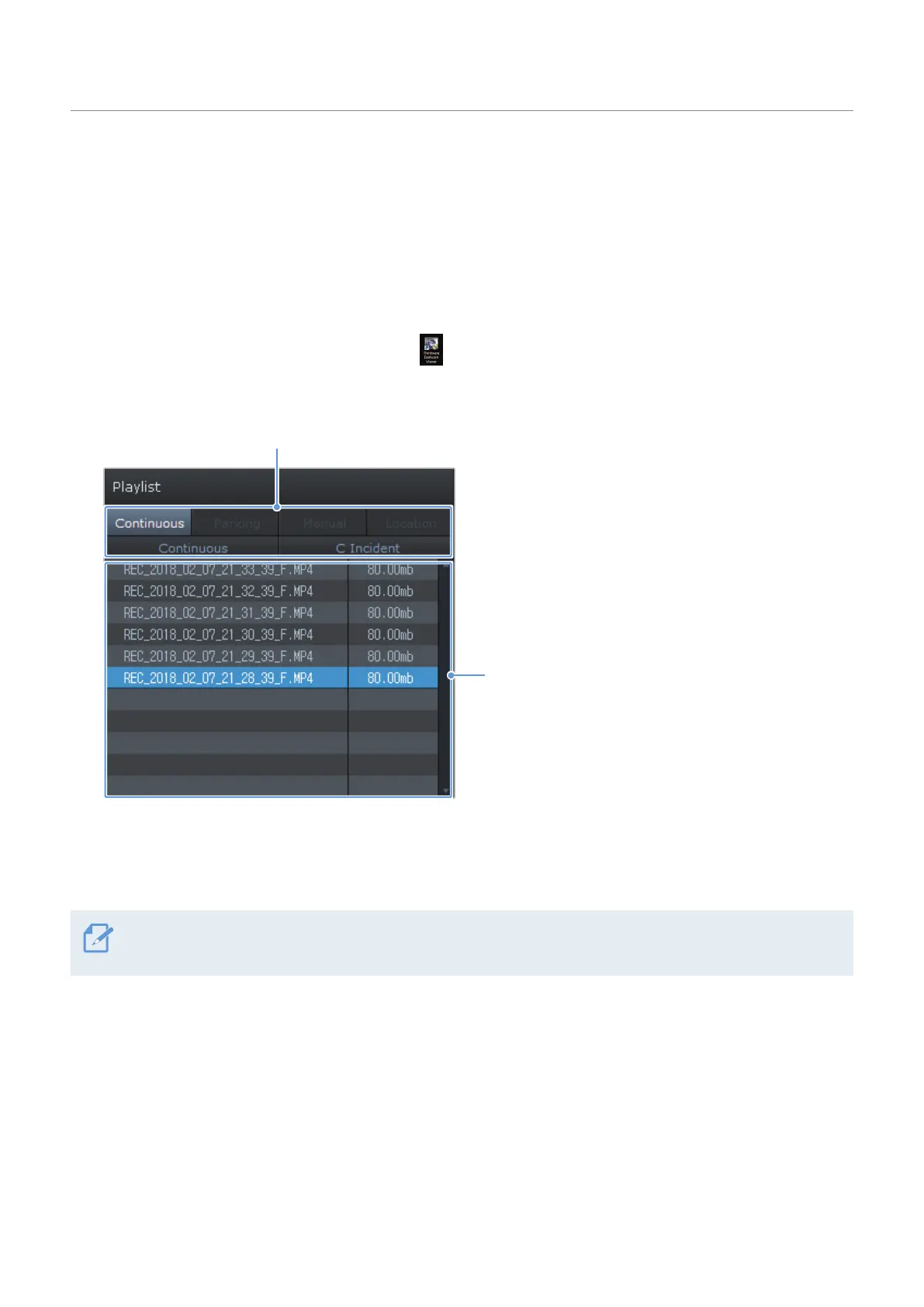
Double-click the shortcut to the PC viewer ( ) to open the program. The video files in the memory
card will be automatically added to the playlist in the bottom-right corner of the PC viewer screen. The
playlist section layout is as follows.
Select a folder.
Displays a list of videos
in the selected folder.
4
Double-clickavideofileafterselectingavideofolder,orclickthePlaybutton(▶)afterselectinga
video file. The selected video file will be played.
If the video files on the memory card are not automatically added to the playlist when you run the PC viewer,
click File▼ > Open, select the removable storage device for the memory card, and click Confirm.



 To Next Page