5.10.3 Trigger settings
You can connect external drum pads via the trigger inputs [TRIG 1/2] and [TRIG 3/4]
and make specic settings on them via the ‘TRIG’ menu.
1. Press [SETUP] to enter the settings menu.
ð
The display shows the respective submenus.
2.
Press or to select the menu item ‘TRIG’ .
3. Press [SELECT] repeatedly to switch between submenus.
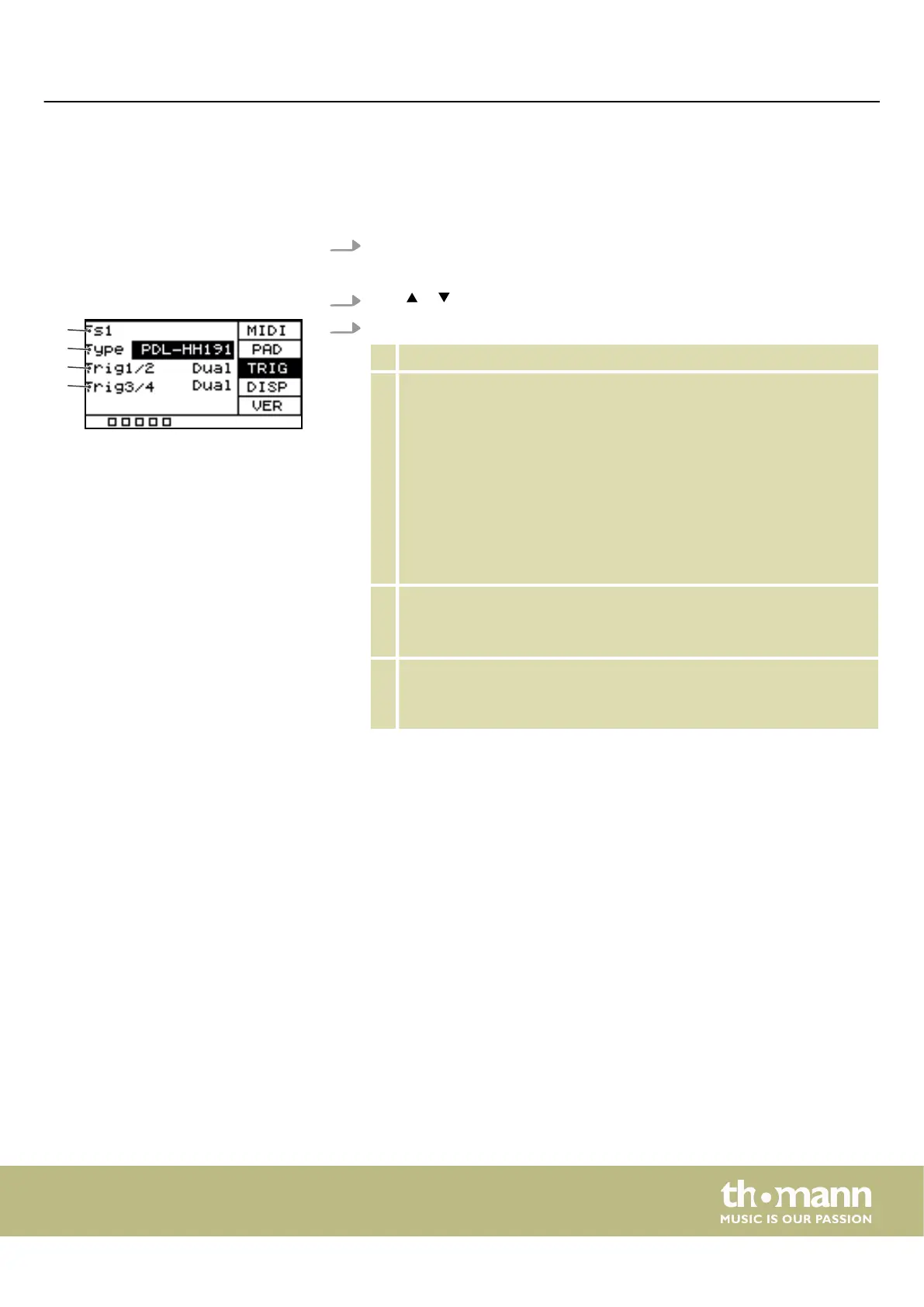
1 Shows the external pad.
2 Shows the external pad type.
Use the rotary control or press [–/+] to switch between types.
‘DRM16208’ : 8" pad. Conrm the selection with [OK].
‘DRM18107’ : 7.5" pad. Conrm the selection with [OK].
‘DRM19106’ : 7.5" mesh pad. Conrm the selection with [OK].
‘BAS18103’ : 2.5" bass drum pad. Conrm the selection with [OK].
‘BAS19107’ : 7.5" bass drum pad. Conrm the selection with [OK].
‘CBL17110ST’ : Cymbal pad. Conrm the selection with [OK].
3 Shows the [TRIG 1/2] input of the external pad.
Use the rotary control or press [–/+] to choose between single and
double trigger for the external pad. Conrm the selection with [OK].
4 Shows the [TRIG 3/4] input of the external pad.
Use the rotary control or press [–/+] to choose between single and
double trigger for the external pad. Conrm the selection with [OK].
ð
The display shows ‘Save successfully!’
.
Operating
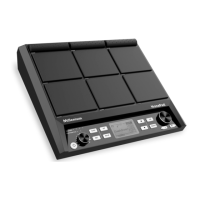
NonaPad
25


 To Next Page