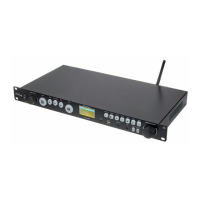
20 [BALANCED OUTPUT] Balanced XLR output. Here you can connect e.g. the line input of a mixer, amplier or similar
device using XLR cables.
21 IEC chassis plug for the power supply. Connect the device to a grounded power outlet using the supplied power cord.
22 Sliding switch to toggle the supply voltage
23 [13.2V] Screw terminal block for the alternative power supply with 13.2 DC.
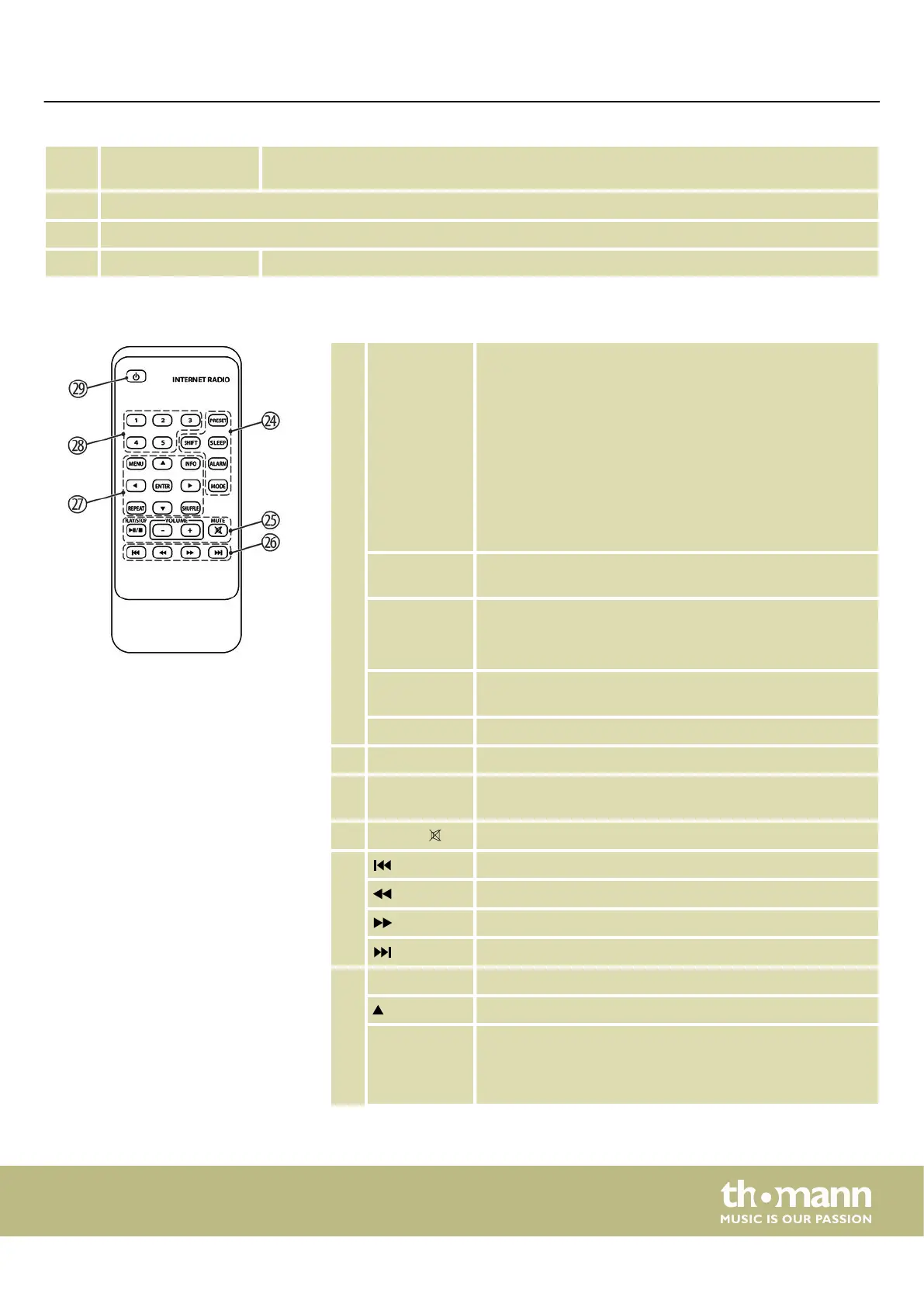
24 [PRESET] Calls up preset stations or stores stations in memory loca‐
tions.
Hold down [PRESET] until the display shows ‘Save preset’ .
Select one of the 10 memory locations to save the radio sta‐
tion currently being played.
Briey press [PRESET] and then select one of the listed radio
stations. If a stored radio station is played, the display below
shows the memory location (display shows ‘P1’ … ‘P10’ ).
There are 10 memory locations each for Internet radio, DAB
and FM.
[SHIFT] Selection of presets 6 to 10. Press [SHIFT] and then one of the
number buttons [1] to [5] to select locations 6 to 10.
[SLEEP] At playback: Switches to standby after the set duration.
When the alarm sounds: switches to snooze for an set dura‐
tion.
[ALARM] Activates the alarm, turns the alarm o when it sounds, and
toggles between the two alarms in standby.
[MODE] Button for mode selection
25 [PLAY / STOP] Start playback / pause / stop playback
[VOLUME] /
[–] / [+]
Volume control buttons
[MUTE] /
Mutes or unmutes
26 Skip back to the previous track / page
Scan / search backward
Scan / search forward
Skip to the next track
27 [MENU] Opens the menu of the currently set mode
Up in menu or list
[INFO] Displays additional information about the radio station or
the track being played. Press repeatedly [INFO] to see more
information on the display. Automatically switches back to
the ‘Now Playing’ display.
Remote control
Connections and operating elements
MP2
13


 To Next Page