You can also listen to radio stations that are not listed on the “Frontier Silicon
Internet” radio portal. You can add your own stations in the portal. Select ‘Station list
> My added stations > [Station]’ to select the added stations with the device.
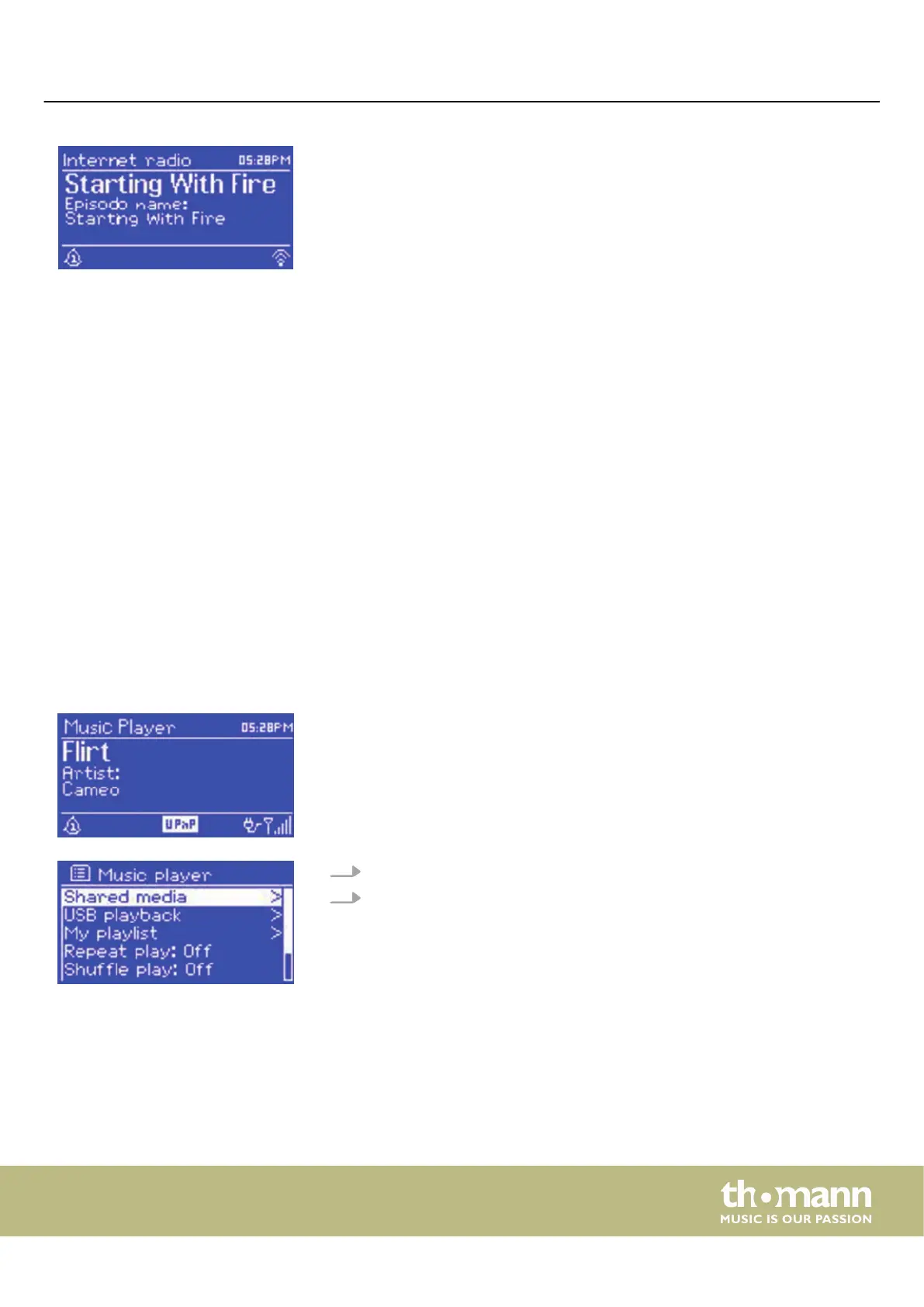
During playback, the name and description are shown on the display. Information
about the artist and title is also displayed, if available. Press [INFO] to display further
information.
Each time you press [INFO] , dierent information is displayed:
n Artist and title name (default selection, if available)
n Station name
n Genre and location of the station
n Signal strength
n Codec and sampling rate
n Playback buer
n Current date
7.2 Music player mode
The music player plays audio les in the formats MP3, AAC, WMA or FLAC from a
computer in the LAN or from a USB stick or an external hard drive.
1. Call up the music player mode with [MODE] or via the ‘Music player’ menu.
2. Select ‘Shared media’ or ‘USB playback’ depending on the audio source you
want.
Adding stations
Information about the current
programme
Operating
MP2
23


 To Next Page