Select ‘DRC’ and then ‘DRC high’ , ‘DRC low’ or ‘DRC o’ to change the DRC of
the device.
The DRC can only be set if DRC data is transmitted from the radio station.
The station list can be sorted in dierent ways, alphanumerically, by ensemble or by
validity. Station groups that broadcast together are listed under an ensemble. In the
list sorted by validity, rst the valid and then the deactivated stations are listed.
Select ‘Station order’ and then ‘Alphanumeric’ , ‘Ensemble’ or ‘Valid’ to change
the sorting of the stations.
7.4 FM radio mode
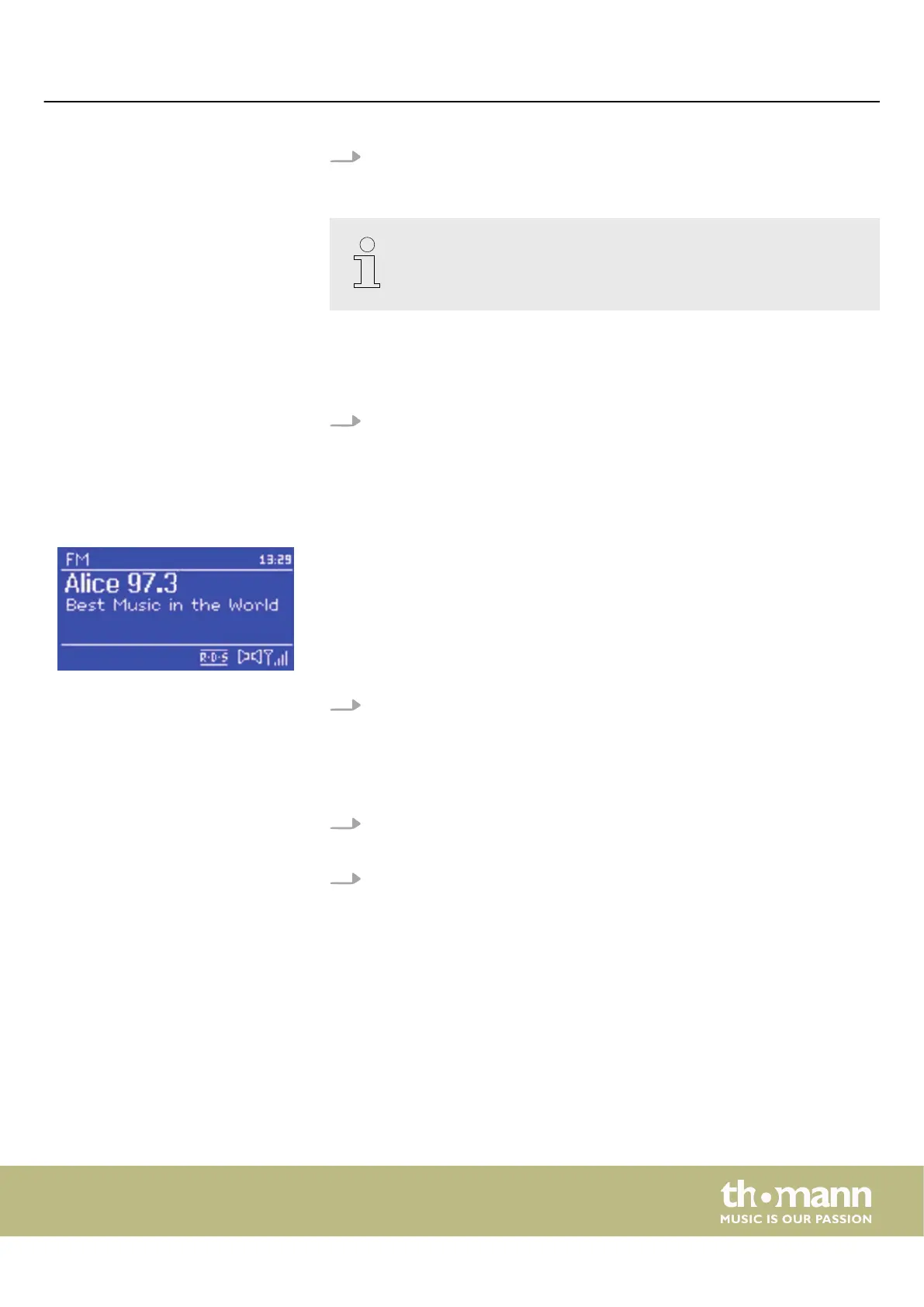
The FM radio receives analogue radio and shows RDS (Radio Data System) informa‐
tion about the station and the programme.
Call up the FM radio mode with [MODE] or via the ‘FM’ menu.
7.4.1 Station scan
1. Press [CONTROL SELECT] to start the station scan.
ð
The frequency display scrolls as the unit scans the FM band.
2. You can also start a station search by turning or holding down
[CONTROL SELECT] .
7.4.2 Information about the current playback
During playback, one of two sets of information is shown on the display:
n With RDS: The service name (e.g. station name) is displayed by default. Press
[INFO] to display further information. Each time you press [INFO] , dierent infor‐
mation is displayed: RDS radio text, RDS programme type, frequency, current
date.
n Without RDS: The currently set frequency is displayed.
Station order
Operating
MP2
27


 To Next Page