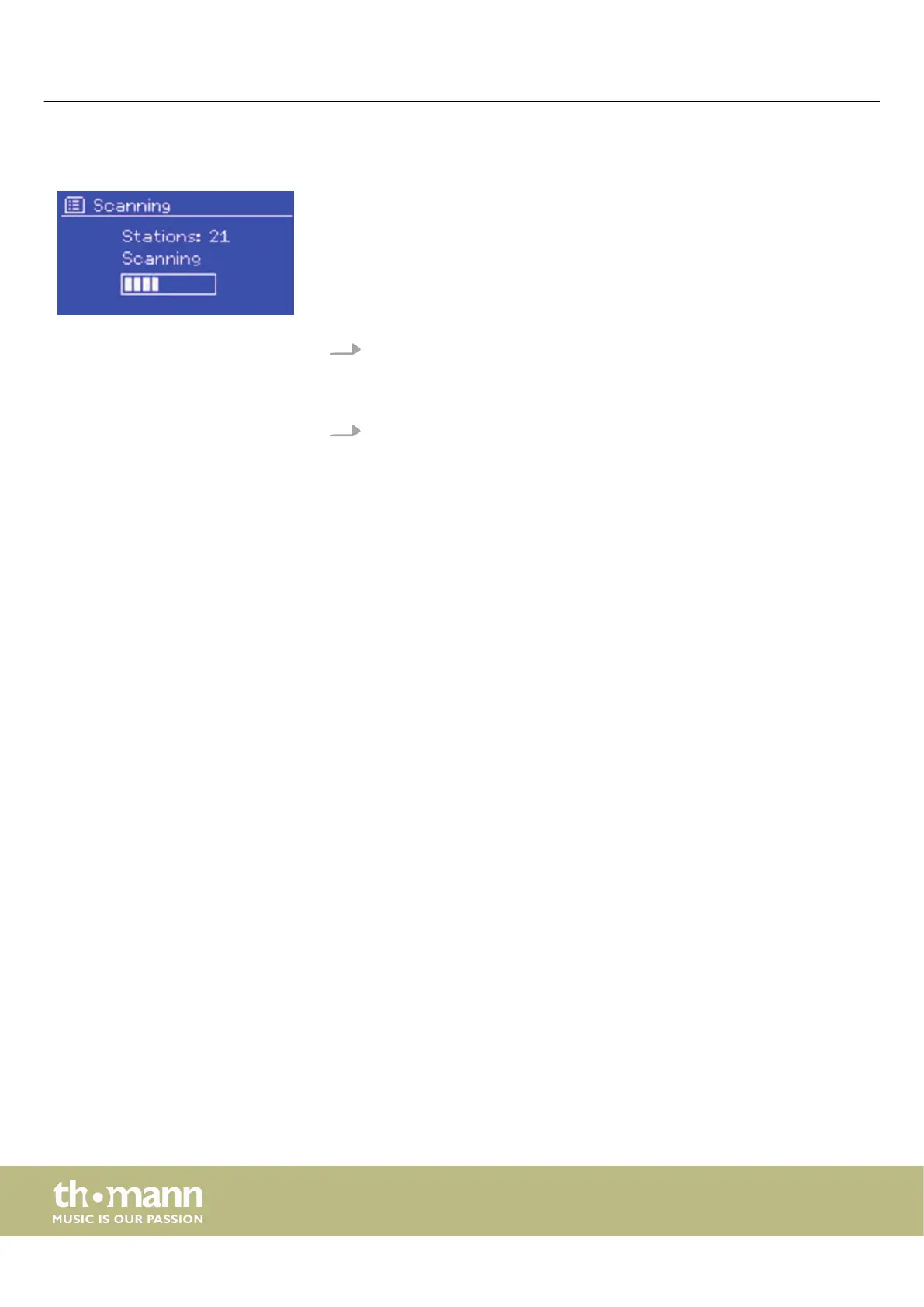
7.3.1 Station scan
If the station list in DAB radio mode is empty, the device will automatically search for
available radio stations.
You can also start the station scan manually:
1. Select ‘Scan’ to start the station scan manually.
ð
The existing stations are updated or reloaded.
After the station scan, the available radio stations are displayed.
2. Select ‘Prune invalid’ to delete stations that cannot be reached.
7.3.2 Selecting stations
Turn [CONTROL SELECT] to scroll through the channel list and press [CONTROL SELECT]
to select and play. The display shows information about the station, title or pro‐
gramme.
7.3.3 Information about the current playback
During playback, the name of the stream and the DLS (Dynamic Label Segment)
information of the station, e.g. programme name, title, contact information, are dis‐
played in real time. Programmes in stereo are marked with an icon at the top of the
display. Press [INFO] to display further information.
Each time you press [INFO] , dierent information is displayed:
n DLS text
n Programme type
n Ensemble name / frequency
n Signal strength / error rate
n Bit rate / codec / channels
n Current date
7.3.4 Settings
Some DAB programmes also oer Dynamic Range Compression (DRC). This feature
allows radios to compress the dynamic range of the audio stream output so that the
volume of soft sounds is increased and the volume of loud sounds is decreased. This
can be useful when listening to music with a wide dynamic range in a noisy environ‐
ment.
Dynamic Range Compression (DRC)
Operating
media player
26


 To Next Page