4. Press and hold [CONTROL SELECT] to delete a track from the playlist and press
‘YES’ to conrm.
If you play a track outside of the playlist, the playlist remains saved. The playlist
remains also saved in standby.
7.2.4 Repeat / Shue play
To repeat a track and play tracks in random order, select ‘Repeat play’ or ‘Shue
play’ .
7.2.5 Information about the current playback
During playback, title and artist (UPnP) or the le name (USB) are shown on the dis‐
play. There is a status bar to display the elapsed playback time or the total running
time. Symbols for UPnP or USB appear at the bottom of the display. Press [INFO] to
display further information.
Each time you press [INFO] , dierent information is displayed:
n UPnP: Bars for playback time (default setting), album, codec / sampling rate, bars
for playback buer, current date
n USB: Bars for playback time (standard setting), artist, album, folder, complete le
directory, bit rate / codec / sampling rate, bars for playback buer, current date
7.3 DAB radio mode
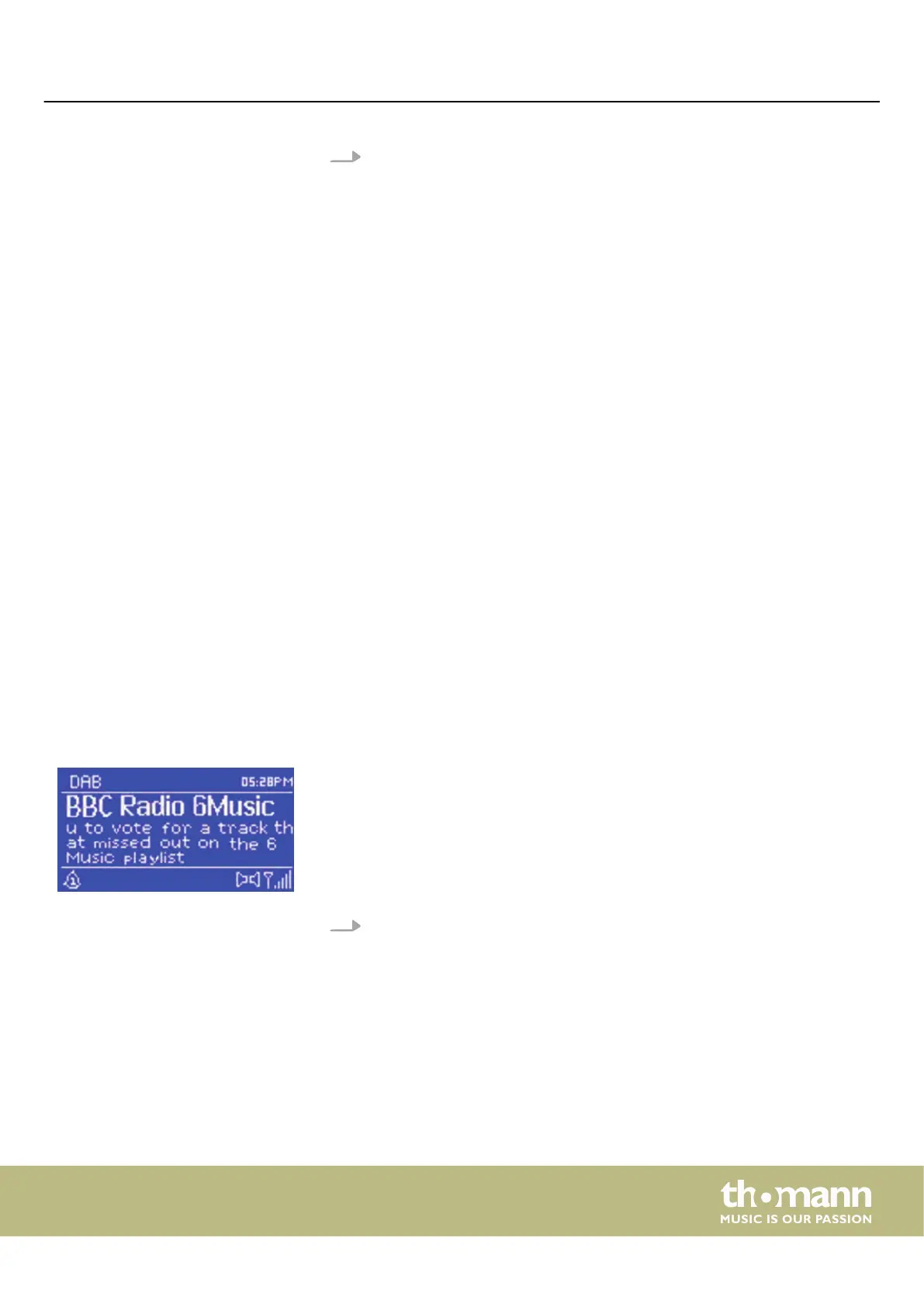
The DAB radio receives digital DAB / DAB + radio and displays information about the
station, the stream and the track being played.
Call up the DAB radio mode with [MODE] or via the ‘DAB’ menu.
Operating
MP2
25


 To Next Page