WIRELESS COLOUR VIDEO INTERCOM WITH OP-
TIONAL VIDEO SURVEILLANCE
15
EN
D - CONFIGURATION
9 - MOVEMENT DETECTION ALARM
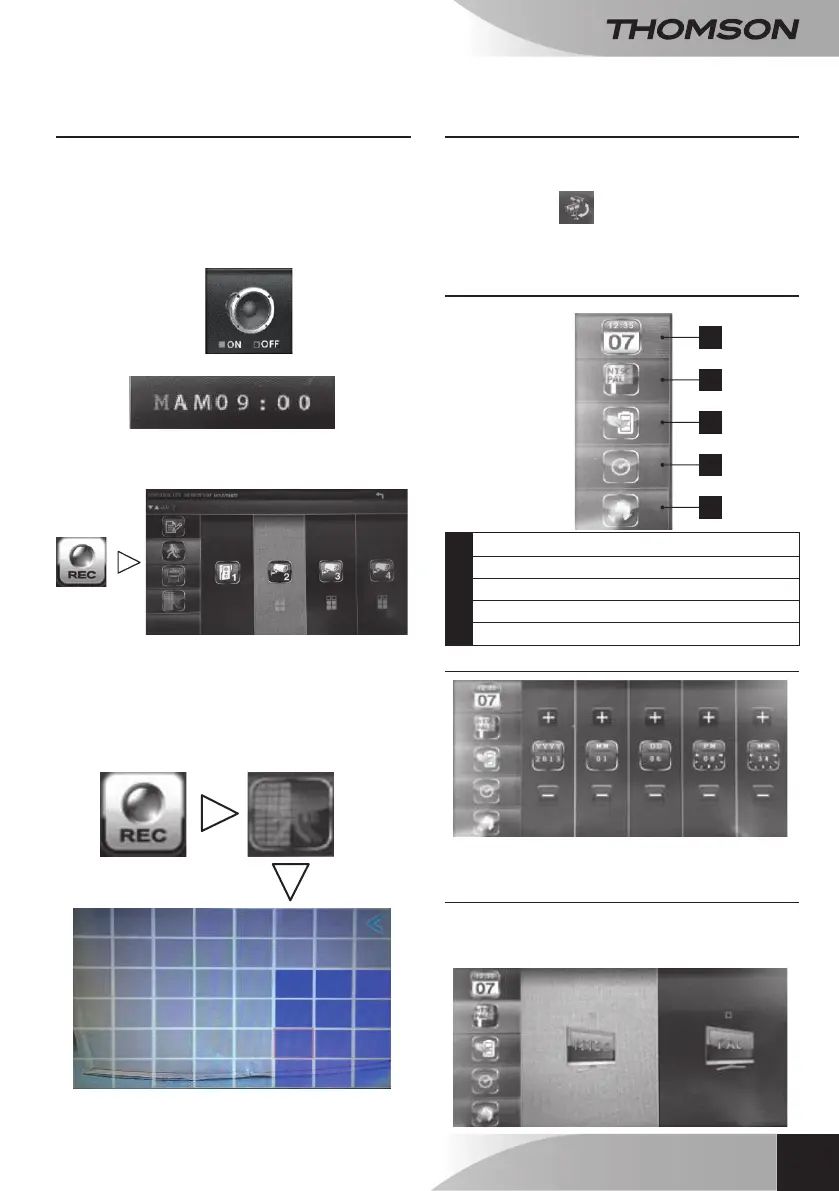
The menus below are useful only if
you have an external camera. (ref. 512167)
Your monitor will emit short beeps when
movement is detected if:
• The icon on the lower left of the main menu is
set to ON.
• The time slot is set to M:
The level of sensitivity for detection of
movement can be adjusted using the icons
below:
LV3=High sensitivity
LV2=Medium sensitivity
LV1=Low sensitivity
If you want to turn off movement detection
for a portion of the image recorded by the camera, it
is possible to mask zones:
All boxes in bright blue will not detect
movement.
10 - CHANNEL SCAN
The mode for scanning the different active channels
can be accessed directly from the main menu
with this button:
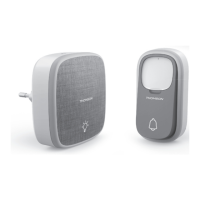
11 - ‘SYSTEM SETTINGS’ MENU
1
2
3
4
5
1 Time and date settings
2 Video format
3 Energy saver
4 Period of inactivity
5 Languages
11.1 - Time and date settings
With the + and - buttons, change the date or time.
11.2 - Video format
You can choose between PAL or NTSC video
format. In Europe, it is recommended that you use
the PAL video format.


 To Next Page