WIRELESS COLOUR VIDEO INTERCOM WITH OP-
TIONAL VIDEO SURVEILLANCE
EN
18
E - OPERATION
3 - BUTTONS AND FUNCTIONS
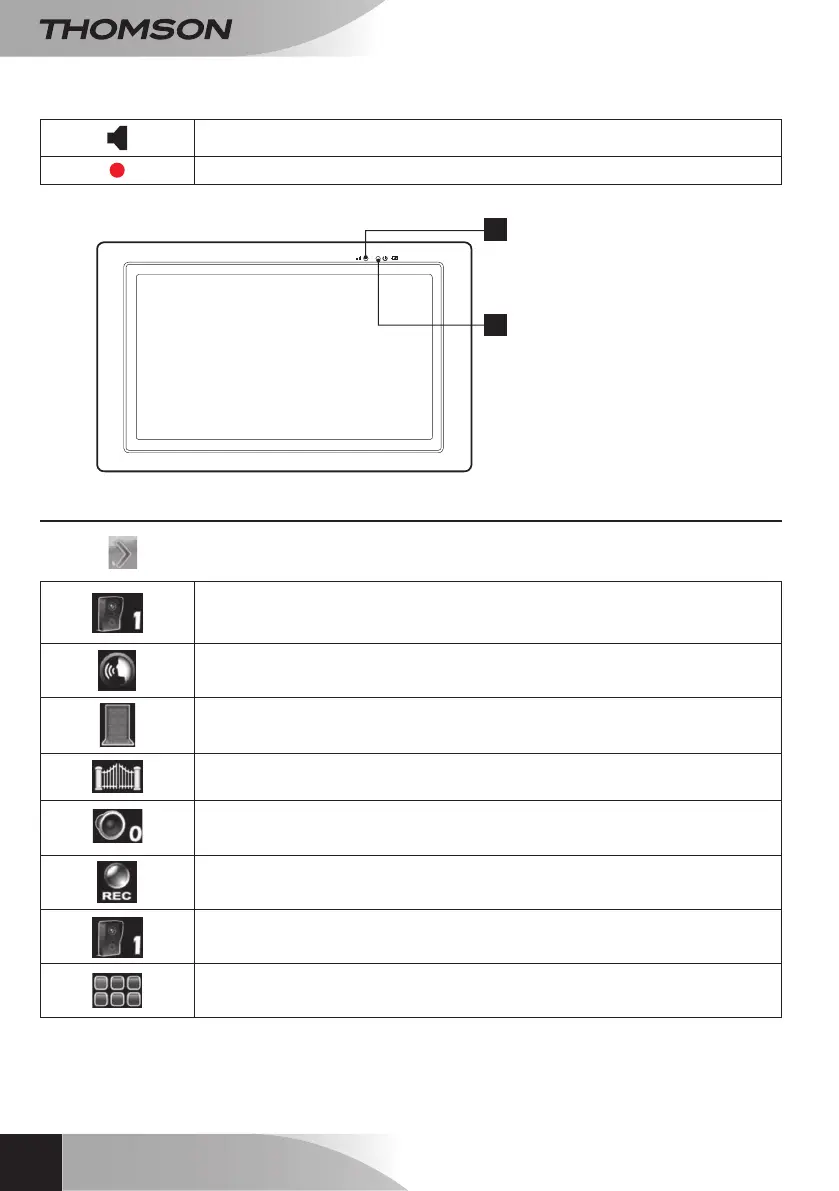
Press the
button to display the icons below:
Tap to change channels. As seen here, only channel 1 is available.
Press and hold this button to speak and let it go to hear the response from your
visitor.
Use to activate the electric strike plate – available only if the exterior panel is
powered by the 12V mains adapter (included).
Use to activate the gate connected to the dry contact of the exterior panel.
Available with the exterior panel powered by battery or by the mains adapter.
Use to raise or lower the communication volume.
Use to record a video or stop recording in process.
Display mode: Use to change channels and display all 4 channels
simultaneously.
Use to access the main menu.
Volume indicator.
Video recording indicator.
/
1
2
- Flashing green: Pairing mode
- Solid green: Signal reception OK
- Solid orange: Charging
- Solid red: Charge OK
- Flashing red: Low battery


 To Next Page