WIRELESS COLOUR VIDEO INTERCOM WITH OP-
TIONAL VIDEO SURVEILLANCE
19
ENEN
F - FAQ
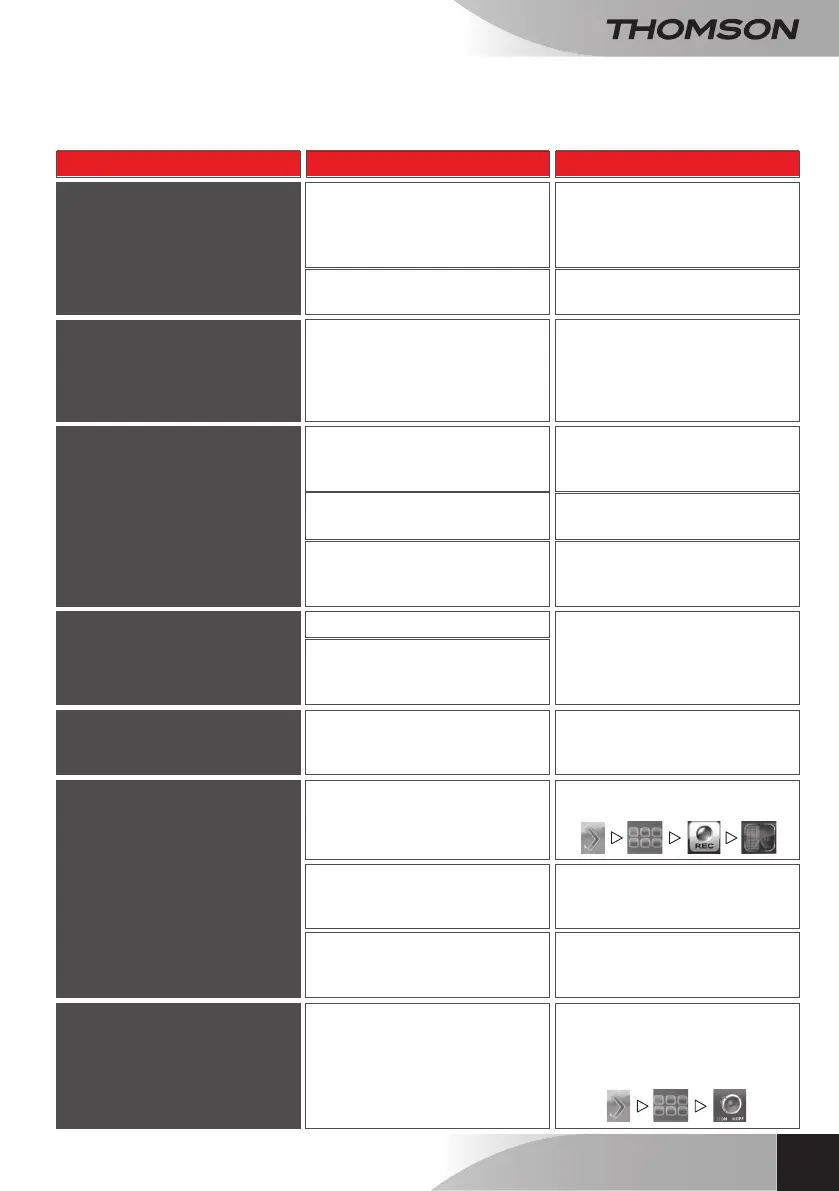
If your problem is not covered below, please contact our technical support service.
Symptoms Possible causes Solutions
The system does not turn on
The adapter is not connected to
the mains/to the monitor (DC IN
on the right side of the monitor).
Check that all power supply
cables are correctly connected.
The monitor's battery is not
charged.
Plug in the mains adaptor to the
monitor.
Memory card not detected
(message ‘SD ERR’)
Memory card not detected or
defective
• Verify that the card is properly
inserted and formatted
• Replace the card
• Verify that the memory card is
compatible
Cannot communicate with
audio/video
Date and hour incorrect on
recordings or live viewing
Power supply not connected
Date and time not set.
Date and time reset after
prolonged loss of power to the
monitor.
Check that the monitor and
exterior panel are properly
connected to their power supplies
Not paired
Pair the exterior panel with the
monitor.
Too far away, interference, or too
many obstacles between the
camera and the monitor.
Move and/or bring the monitor
closer to the exterior panel.
Set the time
No recording during a call from
the exterior panel
No memory card in the monitor. • Verify that the card is properly
inserted and formatted
• Replace the card
No recording during a call from
the exterior panel
No memory card in the monitor. • Verify that the card is properly
inserted and formatted
• Replace the card
No recording when movement
is detected by an additional
camera
(ref. 512167)
Recording deactivated.
Sensitivity improperly set.
Set recording to M and the right
time slot
Activate/correct the sensitivity
setting for movement detection
Unwanted alarm when
movement is detected
The alarm is activated on the
monitor.
Go to the main menu, access the
alarm settings using the following
buttons: This icon must be set
to OFF.


 To Next Page