Chapter 2
Local Network Setup
E-DOC-CTC-20050429-0100 v1.0
18
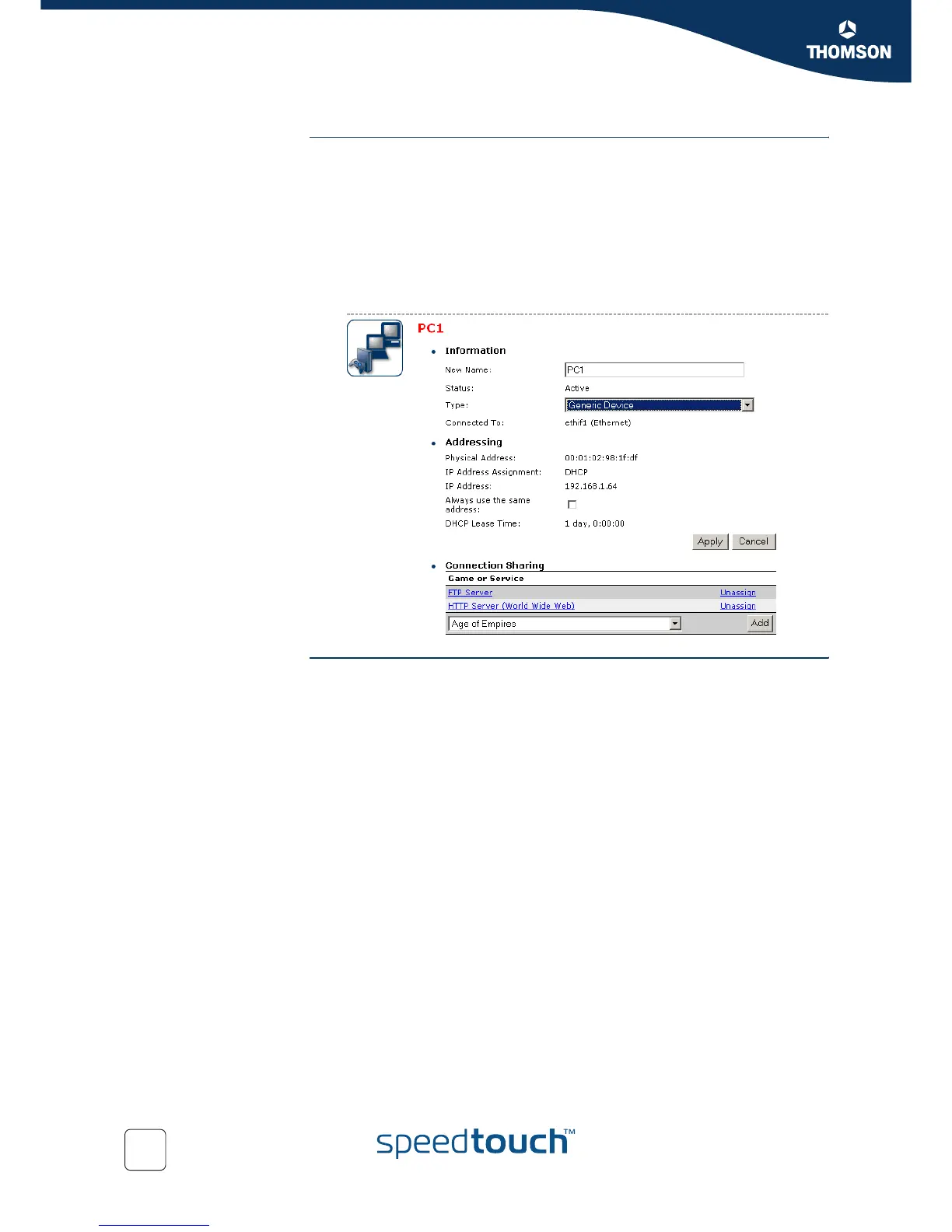
Device settings Once you’ve connected a device, you are able to personalise its settings:
1 Go to the SpeedTouch™ web pages.
2 In the menu select Home Network > Devices.
3 Click the name of your device, or if the device’s settings haven’t been
personalised yet, click the MAC address of the device.
4 On the top right, click Configure.
5 Now you can change the device’s name, lock its IP address and assign
applications and services to the device.
Ethernet link check Depending on the SpeedTouch™ model, LED indicators allow you to check your
Ethernet. See “1.2 SpeedTouch™ LED Behaviour” on page 8 for more information.














 To Next Page