Chapter 4
SpeedTouch™ Web Interface
E-DOC-CTC-20050429-0100 v1.0
73
4.6 Home Network
Home Network Menu This menu consists of following items:
Devices
Allows you the view/configure the devices detected on your local network.
Interfaces
Allows you to view/configure the interfaces that are available on the
SpeedTouch™.
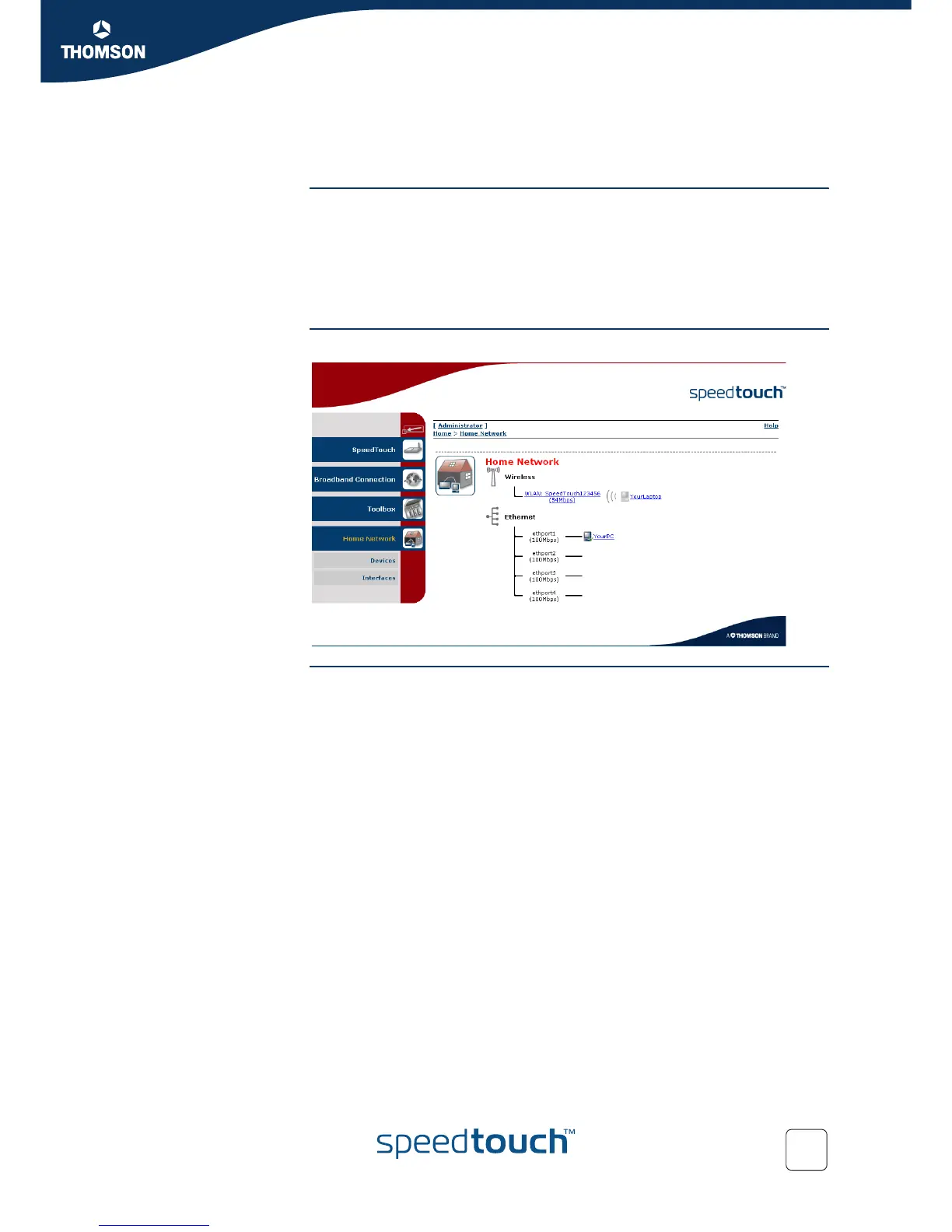
The Home Network
page
The Home Network gives you an overview of your SpeedTouch™ network.
Viewing client
information
If you click a on client you will be able to:
View the client’s network settings.
Configure the client’s network settings by clicking Configure.














 To Next Page