Chapter 4
SpeedTouch™ Web Interface
E-DOC-CTC-20050429-0100 v1.0
47
4.3.8 Update
Updating the
SpeedTouch™ system
software
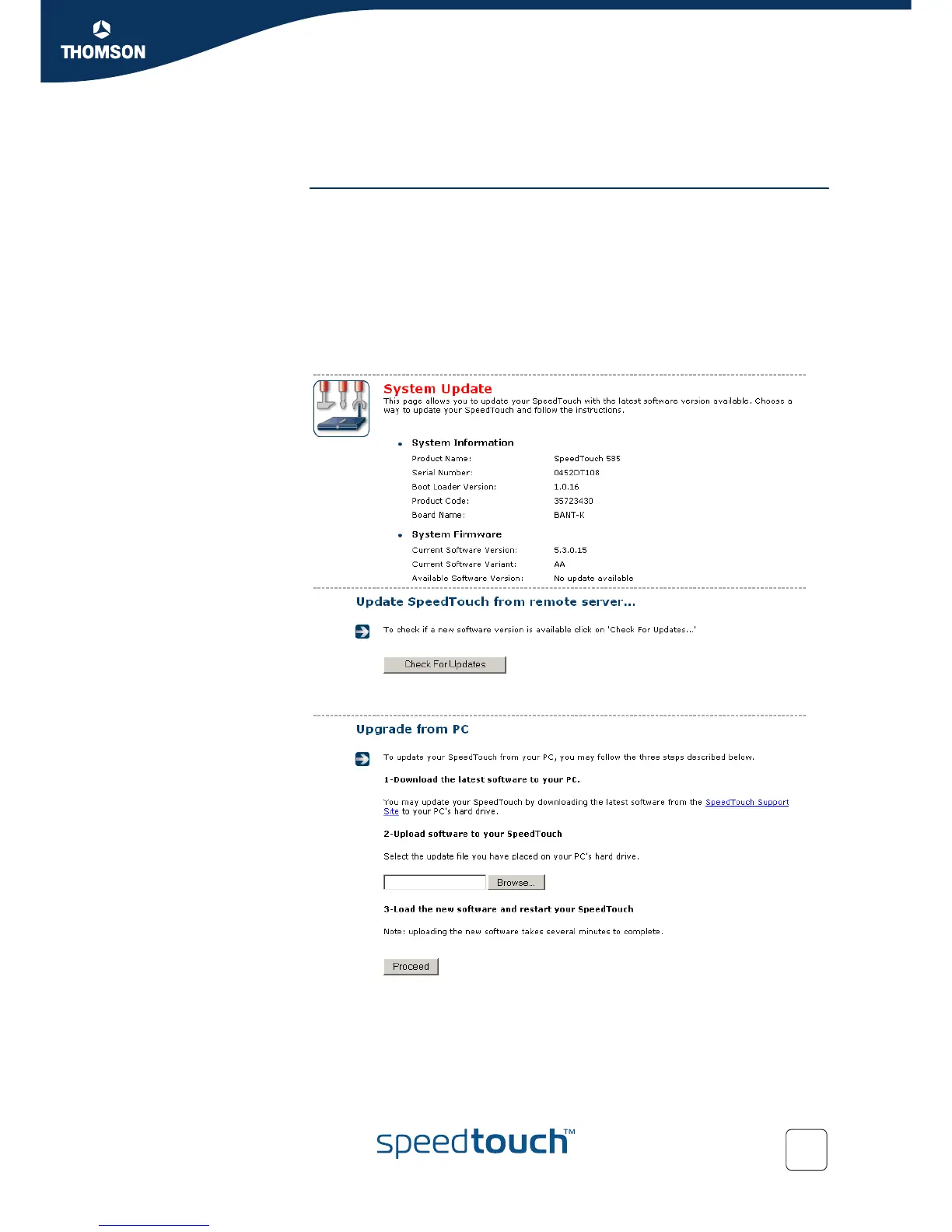
The Update page allows you to:
View System Information.
View information on the current System Firmware.
Update your SpeedTouch™ from a remote server.
Use this option if you want to have yourSpeedTouch™ check on the internet for
new firmware and update if it found one.
Update from a PC.
Use this option if you want to install on your SpeedTouch™ that is located on
the PC.














 To Next Page