Chapter 4
SpeedTouch™ Web Interface
E-DOC-CTC-20050429-0100 v1.0
70
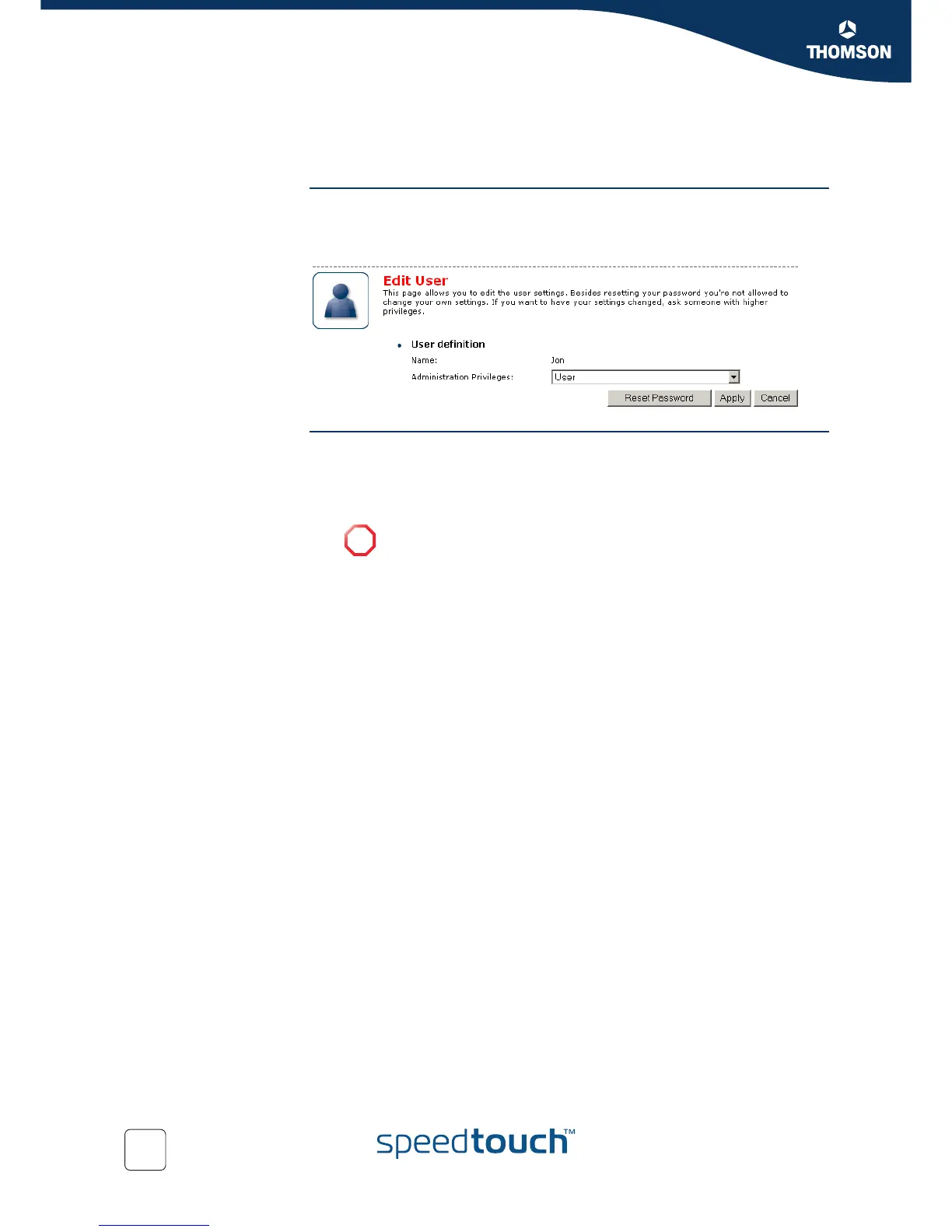
4.5.14 Edit User
Accessing the User Edit
page
Proceed as follows:
1 On the Toolbox menu, click User Management.
2 Under Local User Data, click on the name of the user you want to edit.
Editing a user account The Edit User page allows you to:
Click Reset Password to reset the password of the selected user to the user
name. So, if you reset the password of John his password will be “John”.
Change the administration privileges of the selected user.
!
You can not change the administration privileges of the account you
are logged on to.














 To Next Page