Chapter 4
SpeedTouch™ Web Interface
E-DOC-CTC-20050429-0100 v1.0
69
4.5.13 User Management
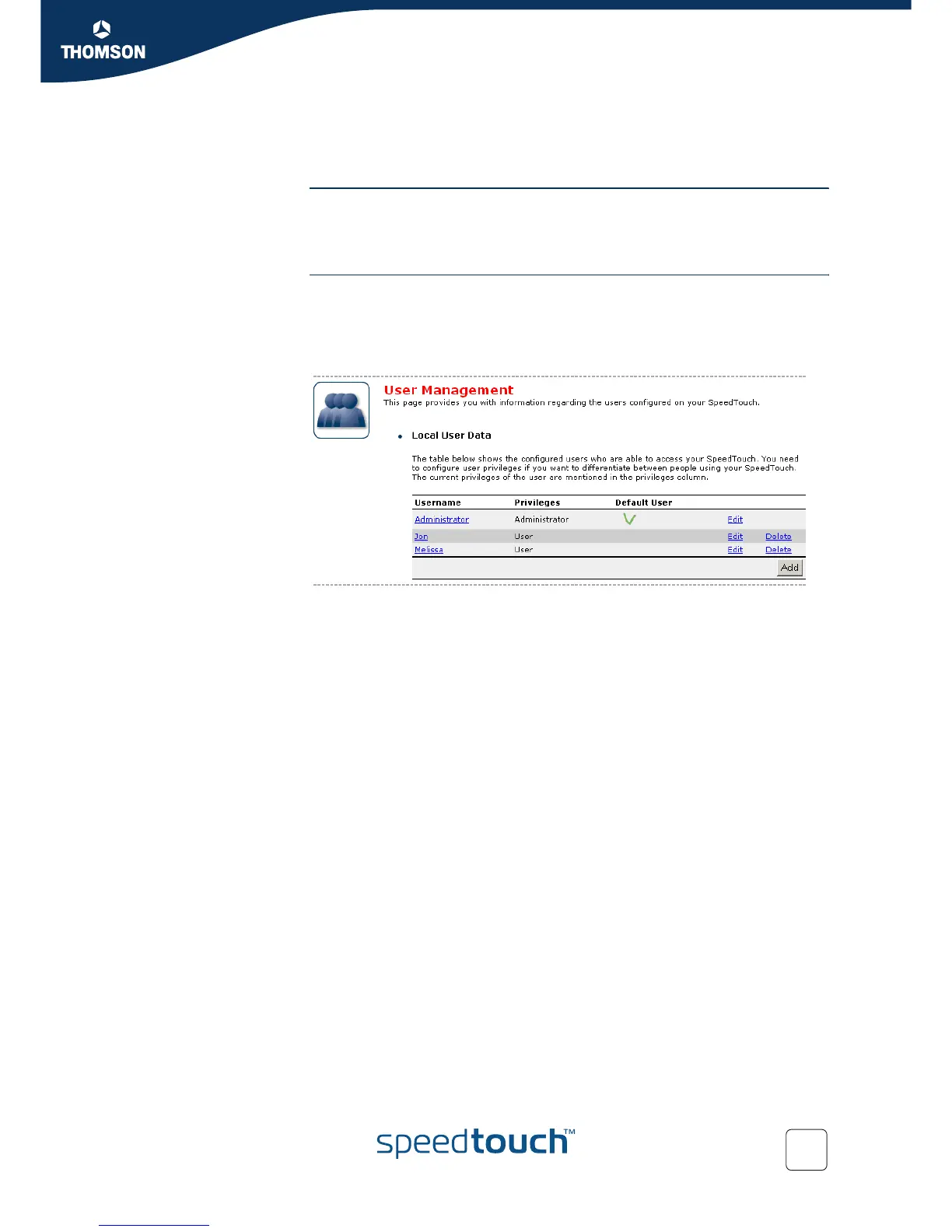
Overview The Overview page gives you an overview of the currently configured users and their
privileges.
Clicking the name of a user allows you to edit his user account.
Configure The Configure page allows you to:
Click Add to create a new user account.
Click Delete to remove a user.
Click Edit to change a user account.














 To Next Page