Chapter 4
SpeedTouch™ Web Interface
E-DOC-CTC-20050429-0100 v1.0
78
4.6.5 Interface Settings
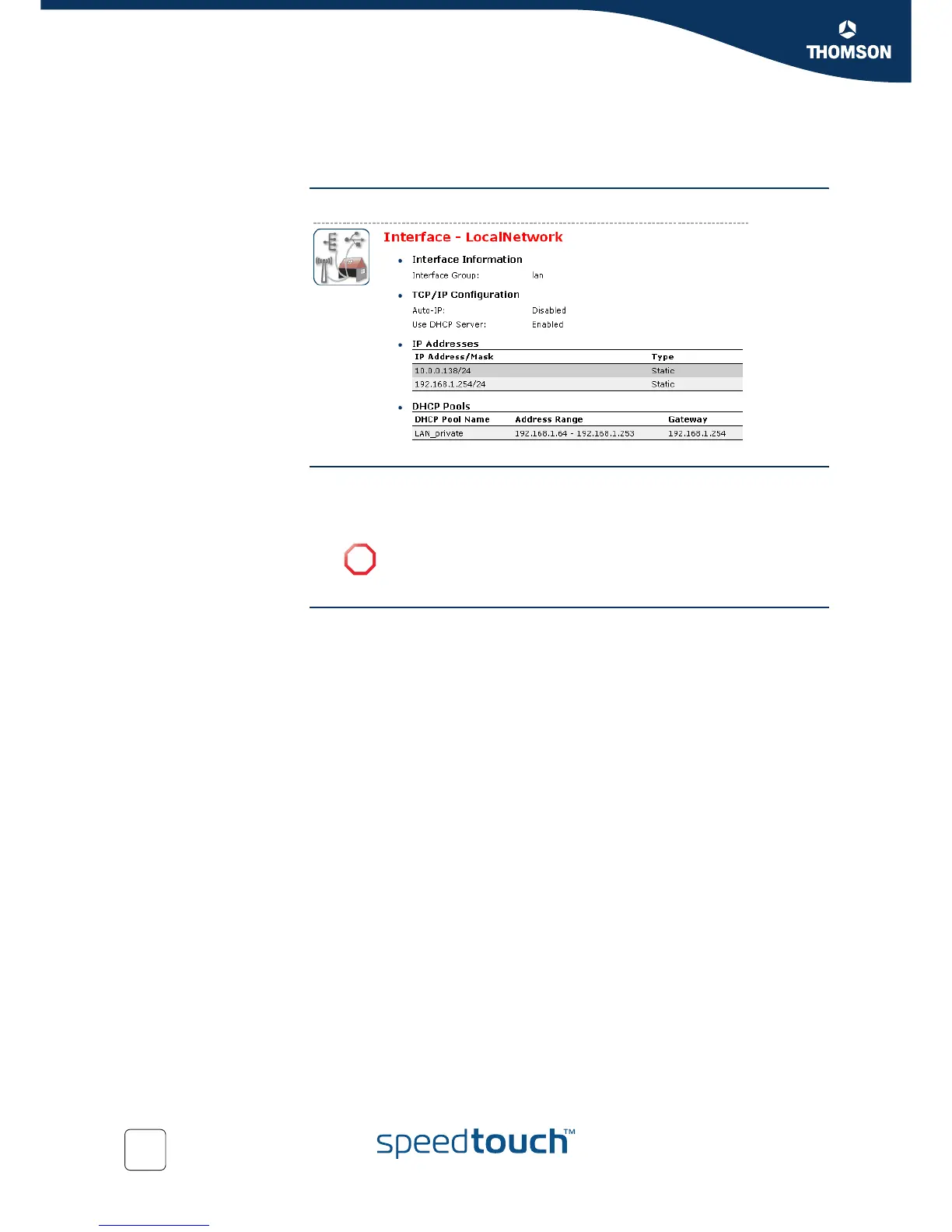
Overview The Overview page gives you an overview of the current interface settings.
Configure The Configure page allows you to:
Change the IP address settings of the SpeedTouch™.
Change the DHCP IP address pool settings.
Assigning a new IP
address to the
SpeedTouch™
Under IP Addresses:
1 Type the IP address of your choice (for example 192.168.1.1) in the left text
box.
2 Type subnet mask in the right text box (for example 255.255.255.0).
3 Click Add.
4 Network devices using the same subnet mask can now access the
SpeedTouch™ using this IP address.
!
Before changing the DHCP pools, make sure that at least one IP
address of the SpeedTouch™ uses the same subnet as the IP addresses
in the DHCP pools.














 To Next Page