Chapter 1: Connections and Setup
16
Note: If Windows 2000 does not recognize the Voice Over IP Cable Modem’s presence, your BIOS
settings may not permit USB and/or Plug-and-Play devices. Please contact your computer’s
customer service department.
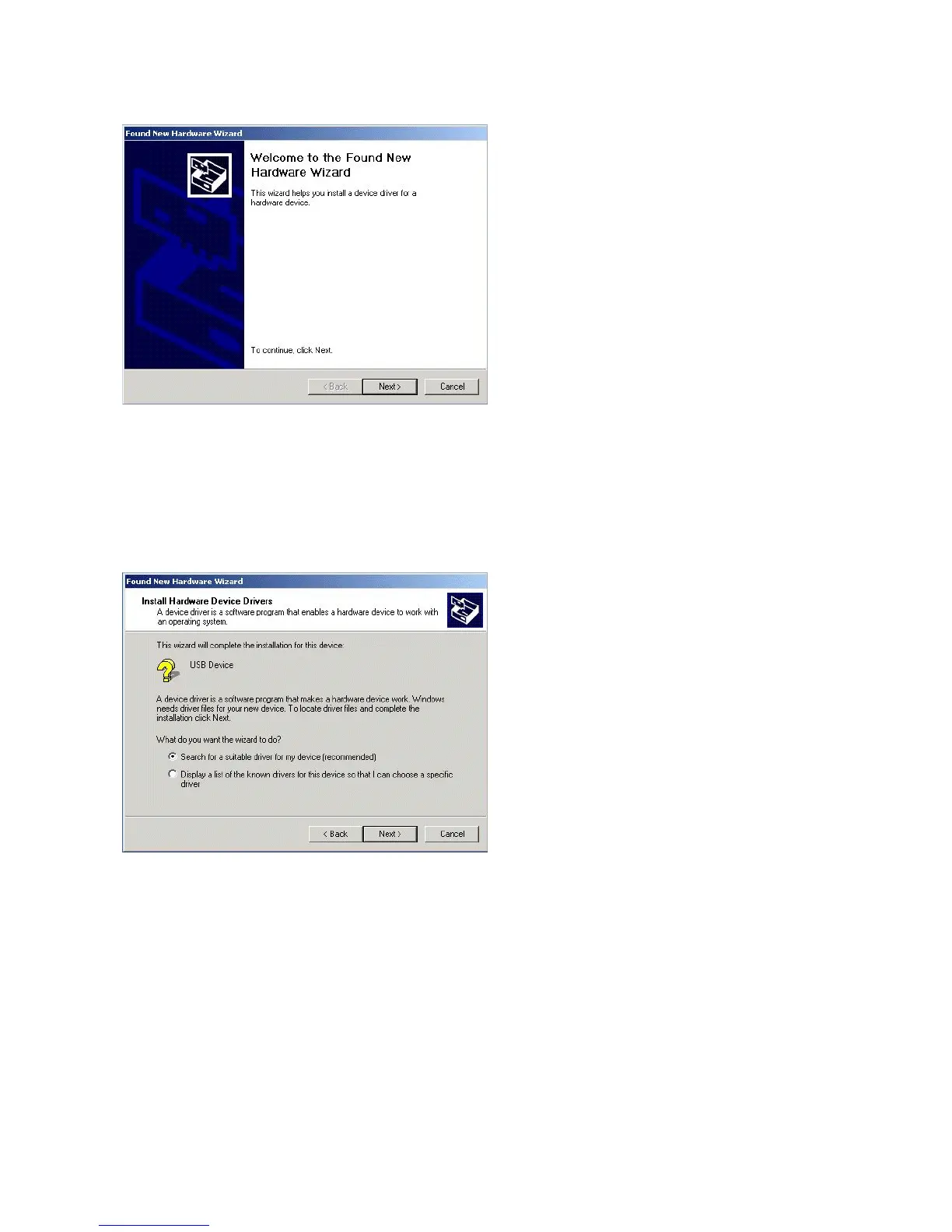
6. Choose the “Search for a suitable driver for my device (recommended)” option, and click
“Next”.
7. Choose ONLY the “CD-ROM” option and click “Next”.



 To Next Page