GB
GB
13
Use
Recording
J
You can record the pictures and the sound of the TV
programmes or the pictures and the sound of a unit
connected to one of the available AV sockets.
You can't mark or retrieve any index? Check whether the protection tab of the tape is not
broken. Should this be the case, cover the opening with a piece of thick adhesive tape.
Is recording impossible? Check whether the video recorder is switched to Record Pause
(indicated on its display) or to Play.
L
J
key INDEX MARK (20) of the remote control allows you to mark a scene by setting an invisible
electronic index while recording or playing a tape.
1 Start playing with key PLAY (25) or recording (as above).
2 Press the INDEX MARK (20) key to add an index.
J To erase the indices refer to page 16.
Mark a scene with an index
1 Load a tape and position it to the desired section with keys REW., FWD., STOP, PLAY
(24, 26, 27, 25).
2 Select the programme to be recorded (Pr or SA) either with key PR+ / PR- (18) or keys
1, 2, …9 (19), or else select the AV socket to which the unit is connected with key AV
(23).
J
For 2-digit channels, first press 0/-- (19) (0, 1, 2 for PR 12).
3 Select standard play (SP) or long play (LP) with key SP/LP (22).
J
LP doubles the length of your tape (240 minutes in SP become 480 minutes, i.e. 8 hours in LP).
4a Simple recording
Press key REC (29).
ð the video recorder switches on Record Pause.
Press key PLAY (25).
ð the video recorder starts the recording.
4b Recording with automatic stop
Press key REC (29) twice.
ð the video recorder starts recording for a 30-minute period.
Press key REC (29) again to increase the recording by another 30-minute period: press
once for 30 minutes, press twice for 60 minutes, and so on.
5 Interrupt recording with key PAUSE (28) ; resume recording with PLAY (25) or end
with STOP (27).
"S.O.S. record (Snap On-Screen)"
J
You may record at any time the TV programme you are watching, provided that your television set is
fitted with the function NexTView Link (or similar) and that you have a tape loaded in the video
recorder.
1 Press key REC (29).
ð The video recorder goes on, automatically changes over to the same channel as the
television set and switches to Record Pause.
J To record another programme than the one currently chosen on the television set, change the
programme of the video recorder with its remote control.
2 Trigger the recording with keys PLAY (25) or
REC (29)
as explained in the sections 4a
or 4b above.
Recording with a NexTView Link television set
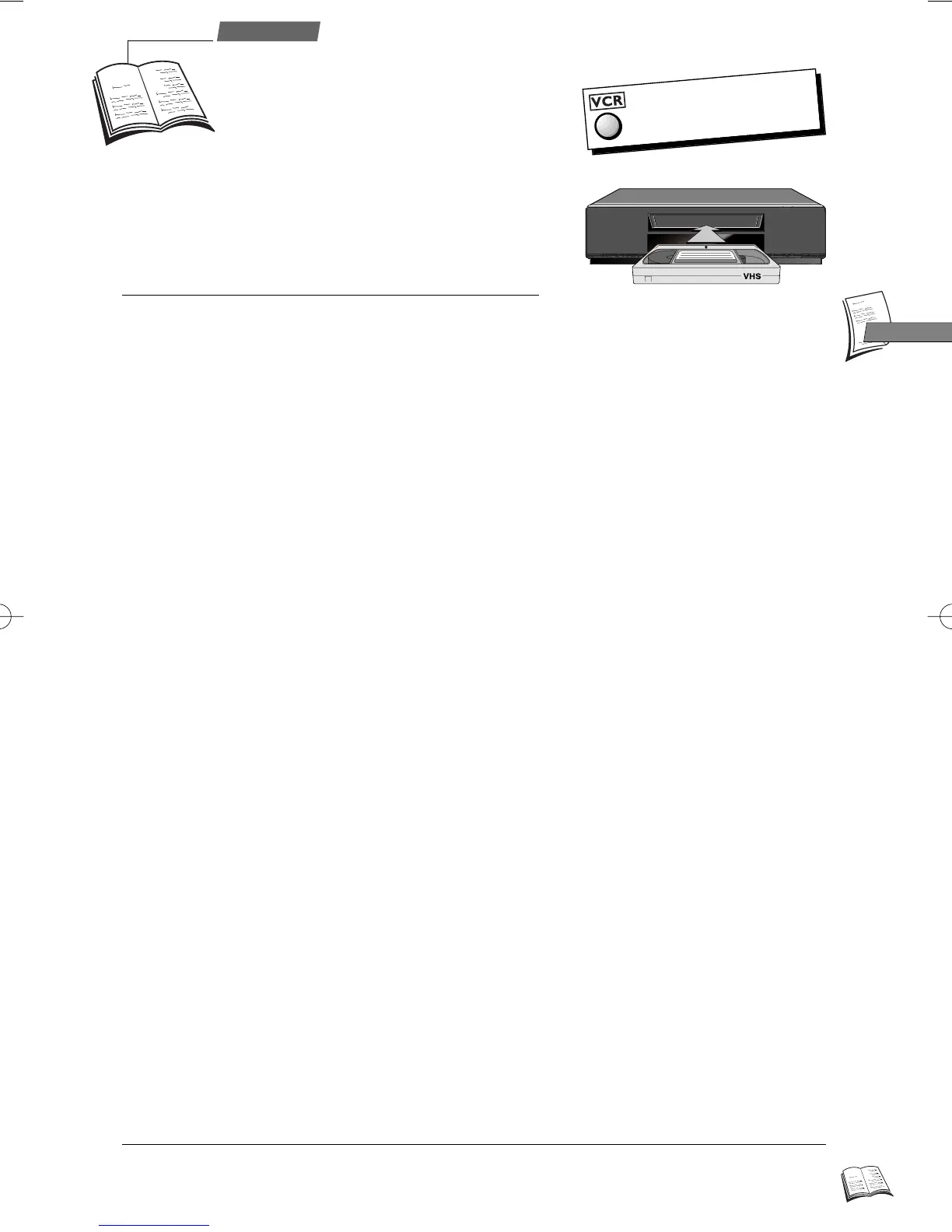
The remote control
doesn't work?
Press key VCR.
r9_2EN01 25/01/00 10:36 Page 13



 To Next Page