GB
GB
19
Use
Preferences
J
With the functions provided in the menu
PREFERENCES, you may customise your control of
the video recorder, automate some functions, complete
your programming or modify settings.
J
Your video recorder can save energy thanks to its ECO feature, that decreases power consumption
(down to approx. 3 W) when switched on standby, by only leaving a red indicator on (on some
models only). With this mode activated, time is no longer displayed.
Eco mode
J
Your video recorder comes with the Auto LongPlay feature: if you have programmed a recording the
length of which exceeds the recording time remaining on the tape, the video recorder automatically
switches over into long play mode (LP).
Auto LP
J
When the automatic daily clock setting feature does not match the time of your region or if it does
not work properly, deactivate this function and set your video recorder clock manually.
Auto clock
J
Select this option to add 10 minutes to the end time of your Showview recordings. Thus you will
avoid defective recordings due to programme time shifting or programmes exceeding the scheduled
time (within the 10-minute limit).
ShowView + 10
J
Select VPS / PDC to start recording at the exact beginning of the programme, provided that the
channel broadcasts VPS or PDC signals (this information is available on the video recorder control
screen). Some channels telecast their programmes with VPS (Video Programme System) or PDC
(Programme Delivery Control) signals. These signals allow accurate triggering and stop of a
recording, whatever the delay of the programmes. Your video recorder detects these signals.
VPS / PDC
1 Display the SUMMARY menu with key MENU (15), then
select
Preferences
with key
WW
(12). Confirm with OK (10).
2 Select a line with W (12).
3 With keys C (13) and B (11) tick off a box or remove the tick to activate or deactivate a
function (þ) or to choose an option.
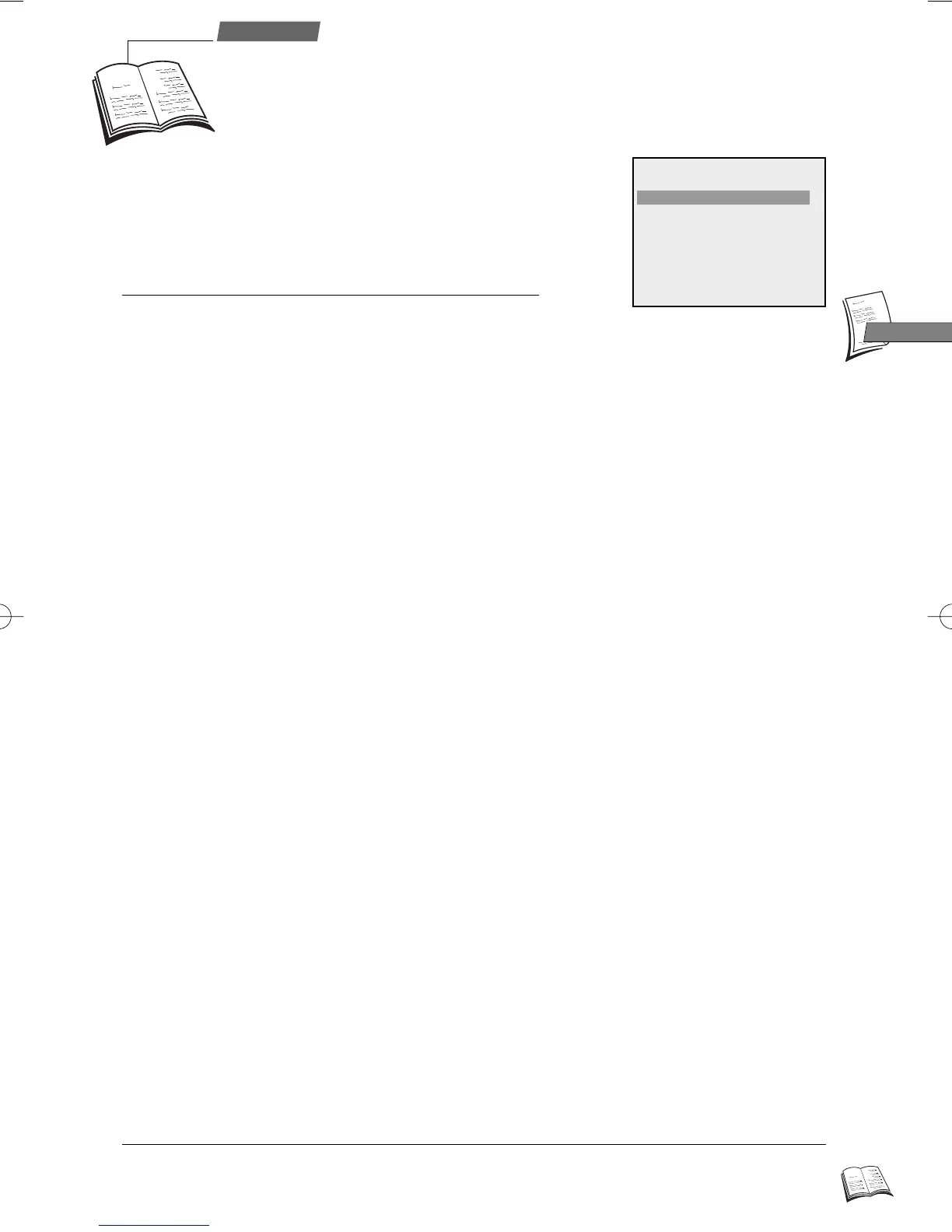
PREFERENCES
Eco mode C
I
B
þ
Auto LP
þ
Auto clock
þ
ShowView +10
o
VPS/PDC
o
External timer
o
Beep sound
þ
Language English
External timer
J
To change the language of the OSD menus (French, English, German, Italian... depending on the
model).
J
With this function activated, you may obtain a beep sound any time you press a key (of the remote
control or video recorder).
Language
Beep sound
J
Recording of a programme can be triggered by a satellite receiver (or another programmed unit).
Activate this function so that you only have to programme the unit connected to the socket AV1 of
the video recorder.
r9_2EN01 25/01/00 10:36 Page 19



 To Next Page