EasyManua.ls Logo

THORLABS EXULUS-HD1 - User Manual

THORLABS EXULUS-HD1
46 pages
Print Icon
To Next Page IconTo Next Page
Loading...
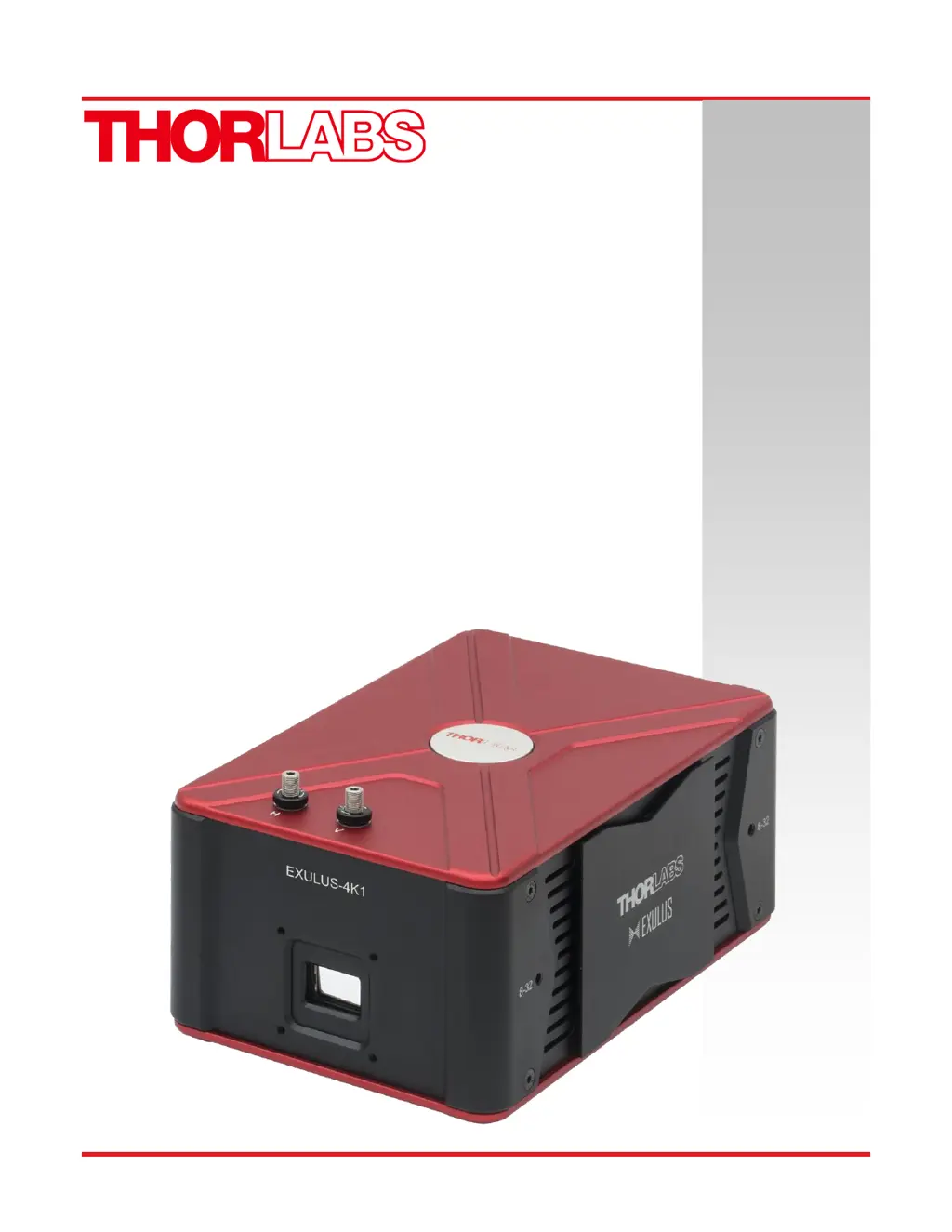
EXULUS-HD1 &
EXULUS-4K1
Spatial Light Modulators
User Guide

Other manuals for THORLABS EXULUS-HD1

Questions and Answers

  • C
    Catherine KellyAug 11, 2025
    What to do if my THORLABS Modulator system does not start?
    • K
      Kelly HodgeAug 11, 2025
      If your THORLABS Modulator system fails to start, several issues could be the cause: * Check if the device is properly connected to a power supply. * Ensure that the power switch is turned on. * Inspect the power cord for any damage and replace if necessary. * If the adaptor is broken, contact Thorlabs Technical Support.
  • F
    fbishopAug 20, 2025
    Why does my THORLABS Modulator system not output the correct pattern?
    • D
      Douglas FerrellAug 20, 2025
      If your THORLABS Modulator system is not outputting the correct pattern, consider the following potential causes: * Verify that the HDMI-compatible connector is properly connected. * Check the HDMI-compatible cable for any damage and replace if needed. * If the SLM panel failed, contact Thorlabs Technical Support.
  • C
    Cheryl HoffmanAug 31, 2025
    How to fix THORLABS EXULUS-HD1 Modulator GUI if it does not start?
    • B
      Brandon HernandezAug 31, 2025
      If the GUI for your THORLABS Modulator does not start, it might be due to: * The USB port is not connected: Connect the USB cable. * The USB cable is broken: Change the USB cable.

THORLABS EXULUS-HD1 Specifications

General IconGeneral
Active Area15.36 mm x 8.64 mm
Pixel Pitch8.0 µm
Refresh Rate60 Hz
Grayscale Depth8-bit
InterfaceHDMI
Contrast Ratio> 1000:1
Input Voltage5 VDC
TypeSpatial Light Modulator
Wavelength Range420 - 1100 nm
Power Consumption5 W
Operating Temperature10°C to 35 °C

Related product manuals