EXULUS-HD1 & EXULUS-4K1 Spatial Light Modulators Chapter 5: Software Operation
Page 14 CTN008794-D02
Chapter 5 Software Operation
5.1. Hardware Requirements
To run the “Spatial Light Modulator” software, you need to have a computer that meets the following hardware
requirements:
• Operating System: Windows 7, 64 bit only
• One available high speed USB 2.0 port
• CPU: Intel Core i3 or above
• RAM: 2 GB or more
• One available HDMI-compatible Port or DisplayPort.
5.2. Installing the Software
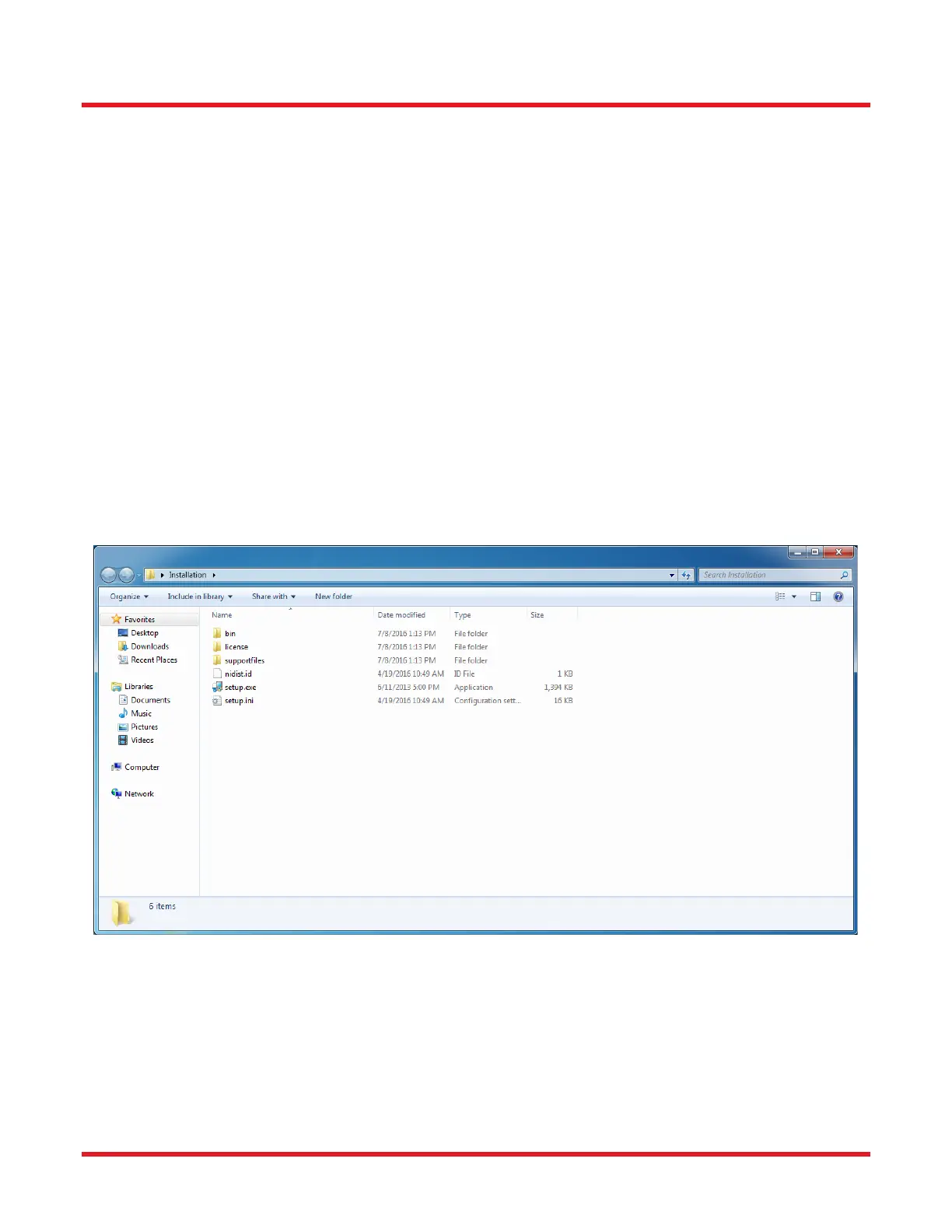
The “Spatial Light Modulator” software can be downloaded from the Thorlabs website or run from the bundled USB
drive. The installation contains three parts:
• Installation of Main UI
• Installation of Microsoft .NET framework 4.0
• Installation of Tcl Driver
Start the Install Shield Wizards by double-clicking the “setup.exe”.



 To Next Page