71
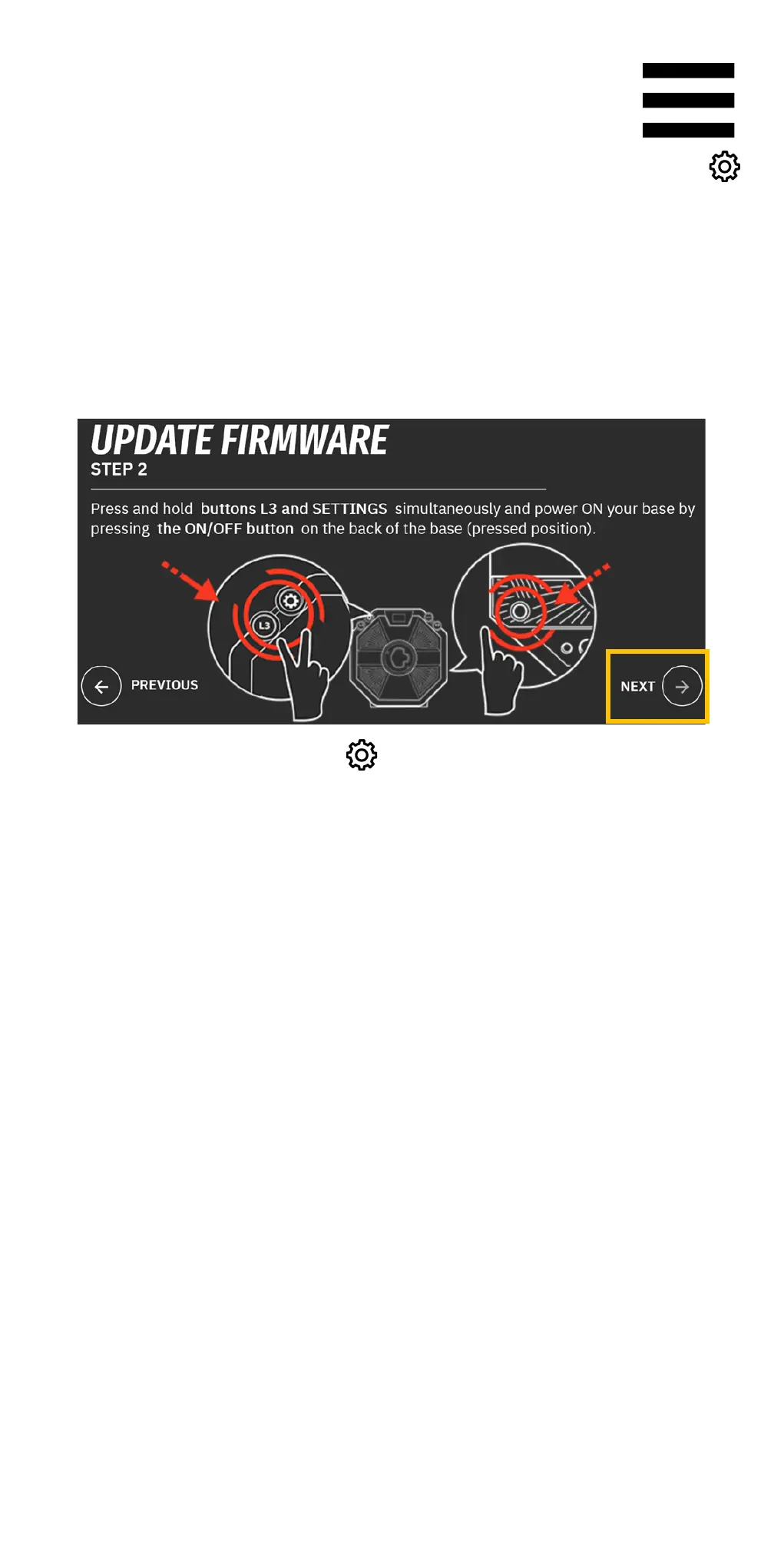
3. While pressing and holding down the L3 and
(Settings) buttons, power on the base by pressing the
On/Off button located on the back of the base
(pushed-in position).
In My Thrustmaster Panel, click NEXT.
4. Release the L3 and (Settings) buttons.
Boot mode is properly activated if the base’s screen
is off.















 To Next Page