72
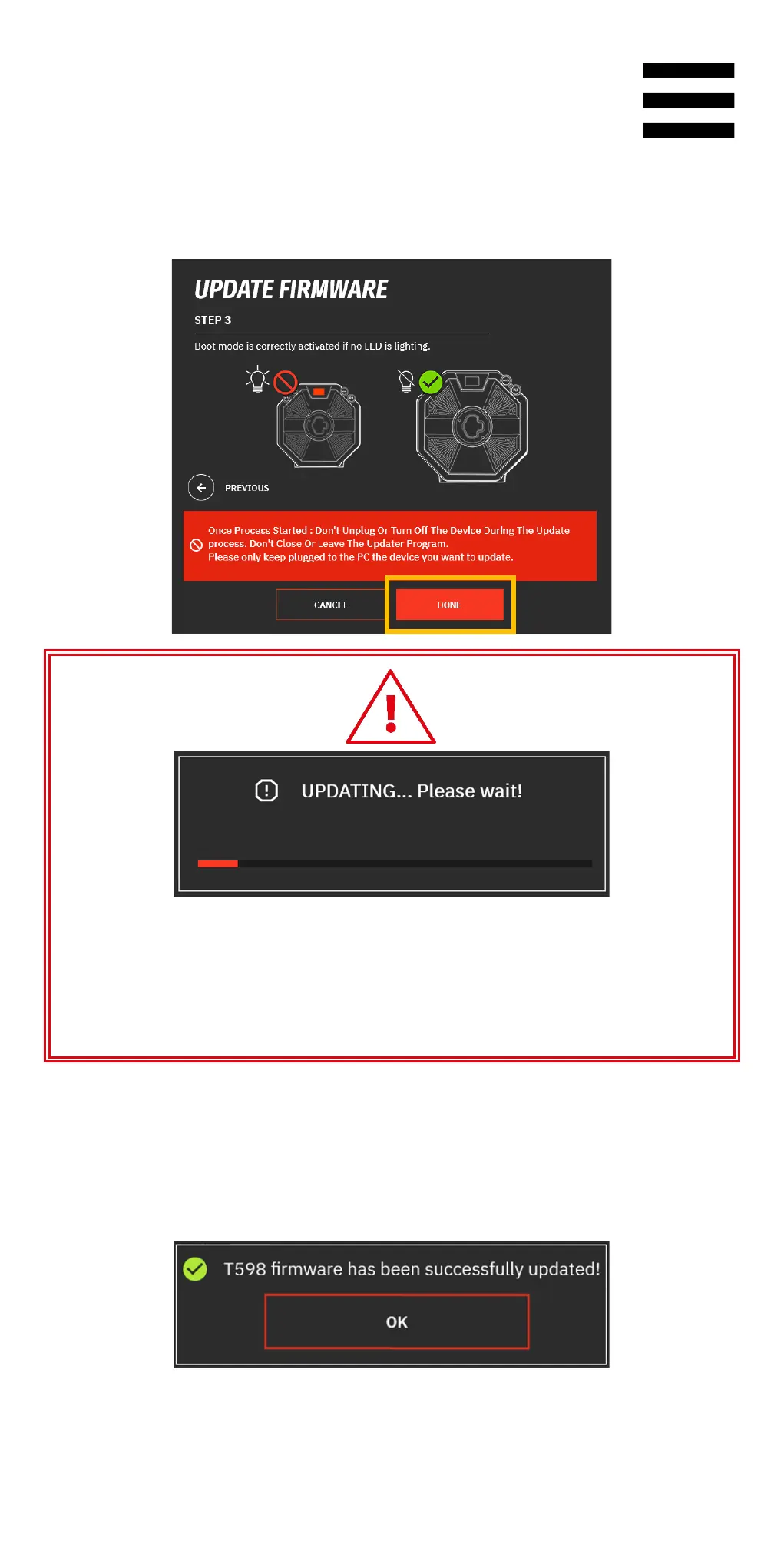
5. In My Thrustmaster Panel, click DONE to start the
firmware update.
Once the update has started, do not disconnect or
power off the base. Do not close or exit the
Thrustmaster Panel software.
6. Once the update is complete, power off the base by
pressing the On/Off button, and then power the base
back on.















 To Next Page