RESTRICTING OPERATIONS (LOCK)
The controller can be restricted to prevent unwanted use or changes.
There are two lock options.
Settings: Will lock out anyone from changing the Set Temperature and
other programming features all jet operations will work.
Panels: Prevent the topside from being used.
TOPSIDE CONTROL INSTRUCTIONS
Inverted: Display will be towards the outside of the spa.
When the display is inverted, the navigation buttons will also be inverted
to work with the display.
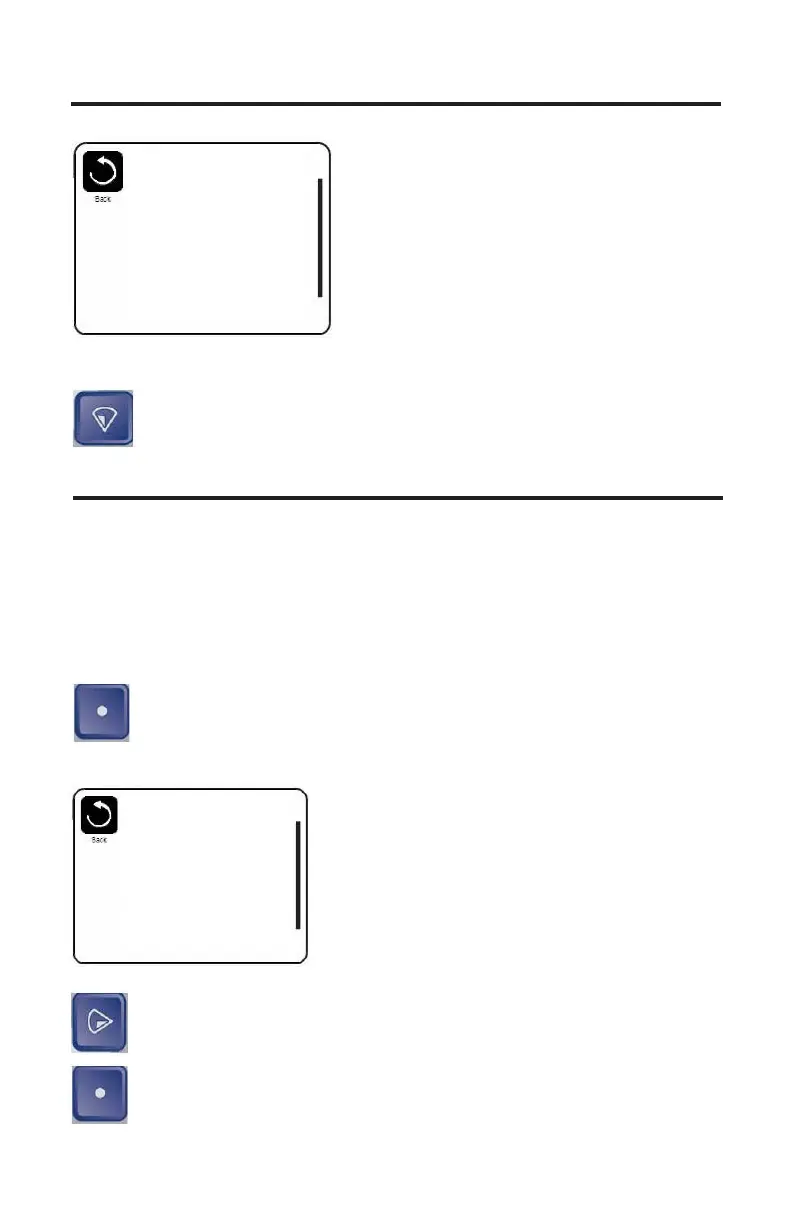
Down Button: Press the down button until Lock is highlighted.
Settings
Temp Range High
Heat Mode Ready
Time of Day
Filter Cycles
Light Cycle
Invert Panel Inverted
Lock
Select Button: Press the select button to enter the lock menu.
The screen will change to Lock Menu.
Right Button: Press the Right button to highlight Settings
OFF/ON.
Select Button: Press the select button to turn Setting lock on.
Lock
Settings OFF
Panel
OFF
38



 To Next Page