41
TOPSIDE CONTROL INSTRUCTIONS
PREFERENCE
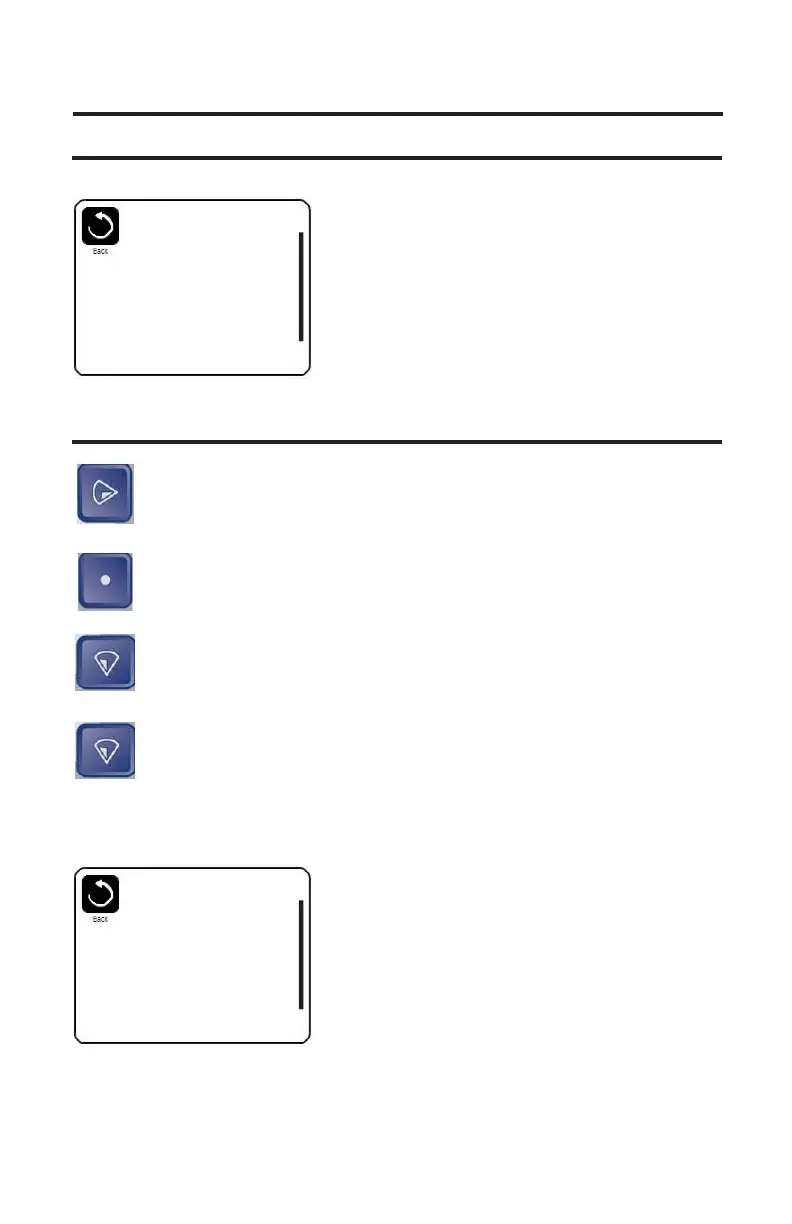
The screen will change to the Preferences Menu.
TIME DISPLAY
Right button: Press the right button to highlight temp Display.
Select button: Press the select button to change from
F° (Fahrenheit) to C° (Celsius) or from C° (Celsius) to
F° (Fahrenheit).
Down Button: Press the Down Button until Time Display is
highlighted.
Select Button: Press the select button to change from 12HR
to 24HR or 24Hr to 12HR time display.
NOTE: The Reminders are messages that will appear in the
bottom left hand corner of the main display, they are
maintenance reminders for clean lter, check PH etc.
Preferences
Temp Display
o
F
Time Display 12HR
Reminders On
Cleanup 0.5 HR
Dolphin 5
Color Blue
Language English
Preferences
Temp Display
o
F
Time Display 12HR
Reminders On
Cleanup 0.5 HR
Dolphin 5
Color Blue
Language English



 To Next Page