TOPSIDE CONTROL INSTRUCTIONS
HOLD
Hold mode is used to disable the pump during service functions, clean-
ing or replacing the lters. The hold will last for 1 hour unless the mode is
exited manually.
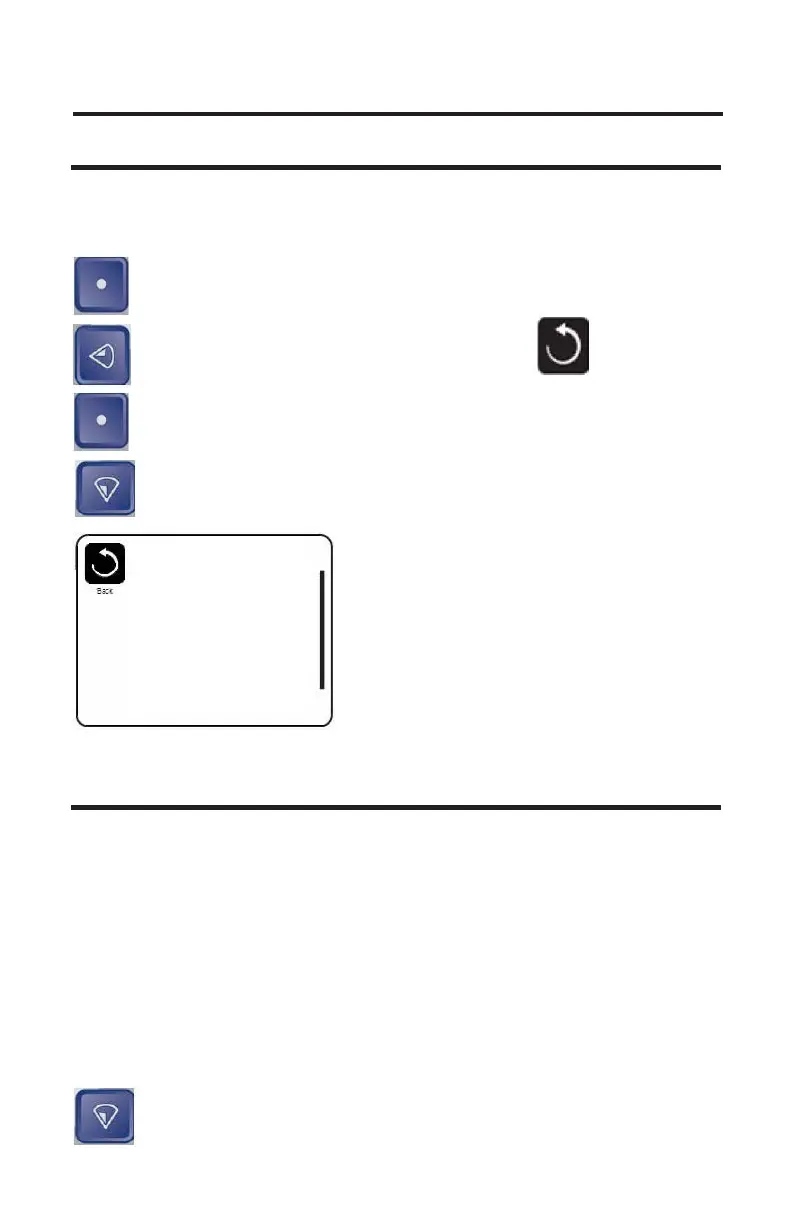
Select button: Press the select button to go back to activate the
hold mode.
Left Button: Press the left button to highlight Back Icon.
Select Button: Press the select button to activate the hold mode.
Down Button: Press the Down Button until Utilities is highlighted.
UTILITIES
The Utilities menu is used for trouble shooting and for technicians. As this
is for service personnel we will just explain what each subject is. We do
not recommend changing anything unless walked through the setting with
a technician.
A/B Temps:
This will display the temperature on sensor A and B on the main display.
Fault Log:
This is a log of the last 24 actions on the spa. It is not necessary errors.
GFCI Test: This will cause the GFCI to trip to verify that is working
correctly.
Down Button: Press the down button to go to the Preference
Menu.
Settings
Temp Range High
Heat Mode Ready
Time of Day
Filter Cycles
Light Cycle
Invert Panel Normal
Lock
Hold
40



 To Next Page