18
Pause of Print Job without using Software
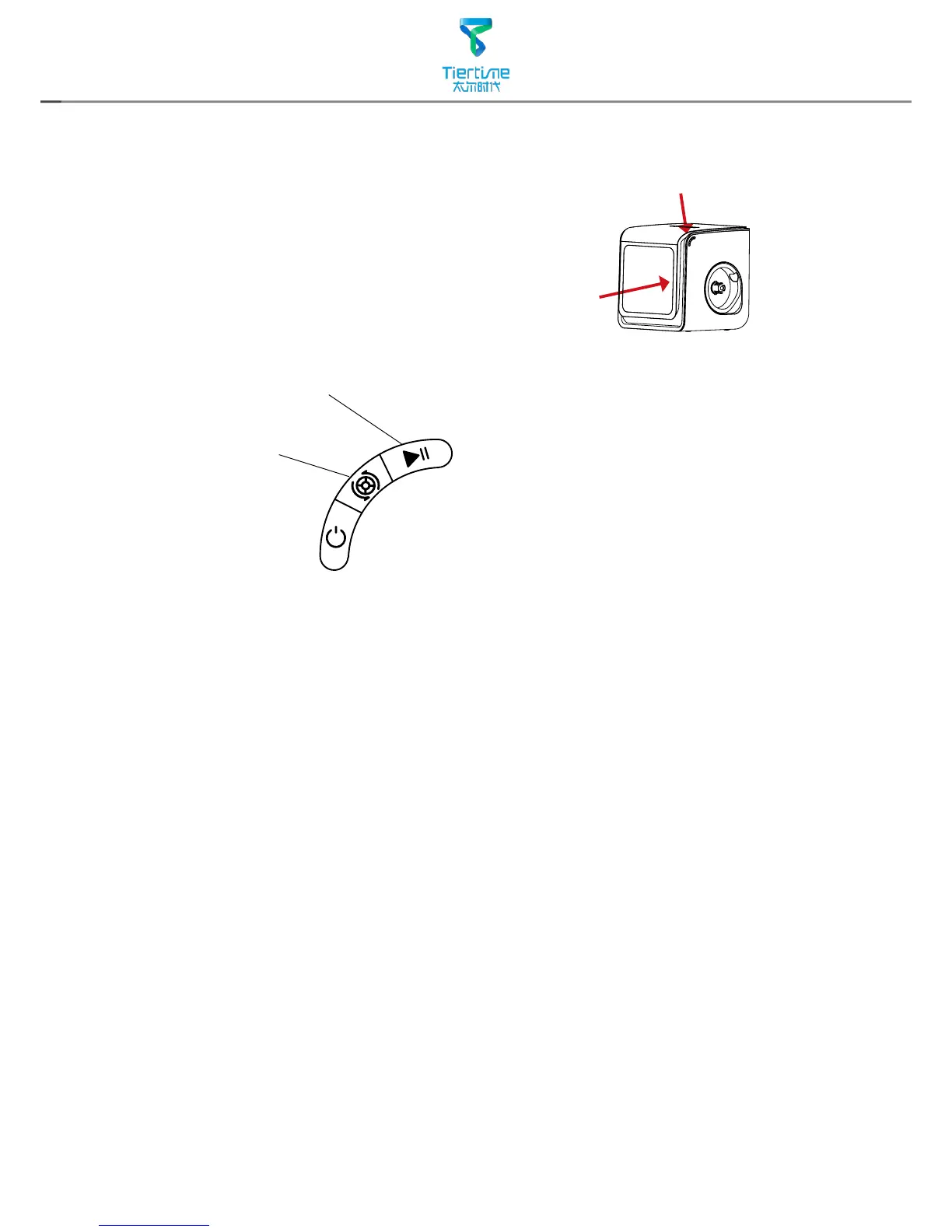
During printing when the front door is opened, printing
will be paused automatically. After closing the front door
the print job will not be resumed until the user double click
the pause button.
Alternatively, during Printing, double click the
Pause/Stop button, the print job will be paused. It
is possible to use the Extrude/Withdraw button to
change filament during pausing. Double click the
pause/stop button again to resume the print job.
Pause/Stop Button
Extrude/Withdraw Button



 To Next Page