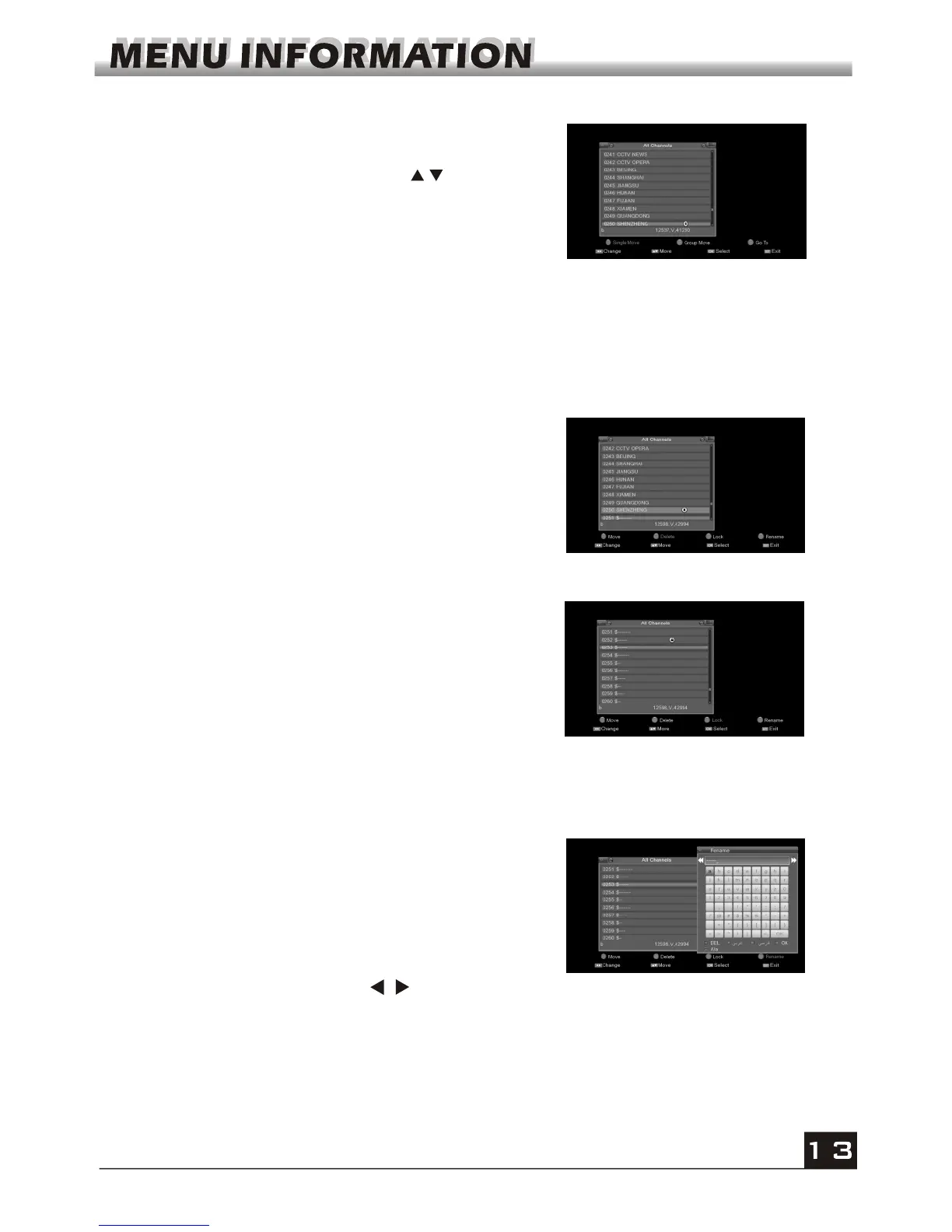
3. Press red colour key to enter move list. In move list
select the program and press red key to mark this
program with the move mark. Press keys to move
the cursor to the position where you want to locate and
press OK key to confirm.
In move list press green key to group move, press
green key to select several channels and move these
channels at one time.
In move list, select channel and press yellow colour
key to pop up go to list, press number key to input
channel number you want, then the channel will move
to that position.
4. Select the program and press green key to mark
this program with the deletion mark. You can
cancel this mark by pressing OK key again.
Press EXIT key to pop up the dialogue "Are you
sure to save?". Select Yes button and press OK
key to save, or select NO button and press OK key
to exit without saving.
5. Select the program and press yellow key to pop
up a window ask you to input password, the default
password is "0000". After input the right password
program will be marked with the deletion mark. You
can cancel this mark by pressing OK key again.
Press EXIT key to pop up the dialogue "Are you
sure to save?". Select Yes button and press OK
key to save, or select NO button and press OK key
to exit without saving.
6. Press blue colour key to pop up the Rename
window.
colour key to switch
between capital letter and lower letter; press green
colour key to switch between English characters
and arabic characters; press keys to move the
cursor left or right; press numeric keys (0-9) to
input the character, please refer to the down table.
Press yellow colour key to save and exit, or press
blue key to cancel and exit.
In Rename window, press red key to delete
characters, press yellow



 To Next Page